85
Start-Up
Key Action Description
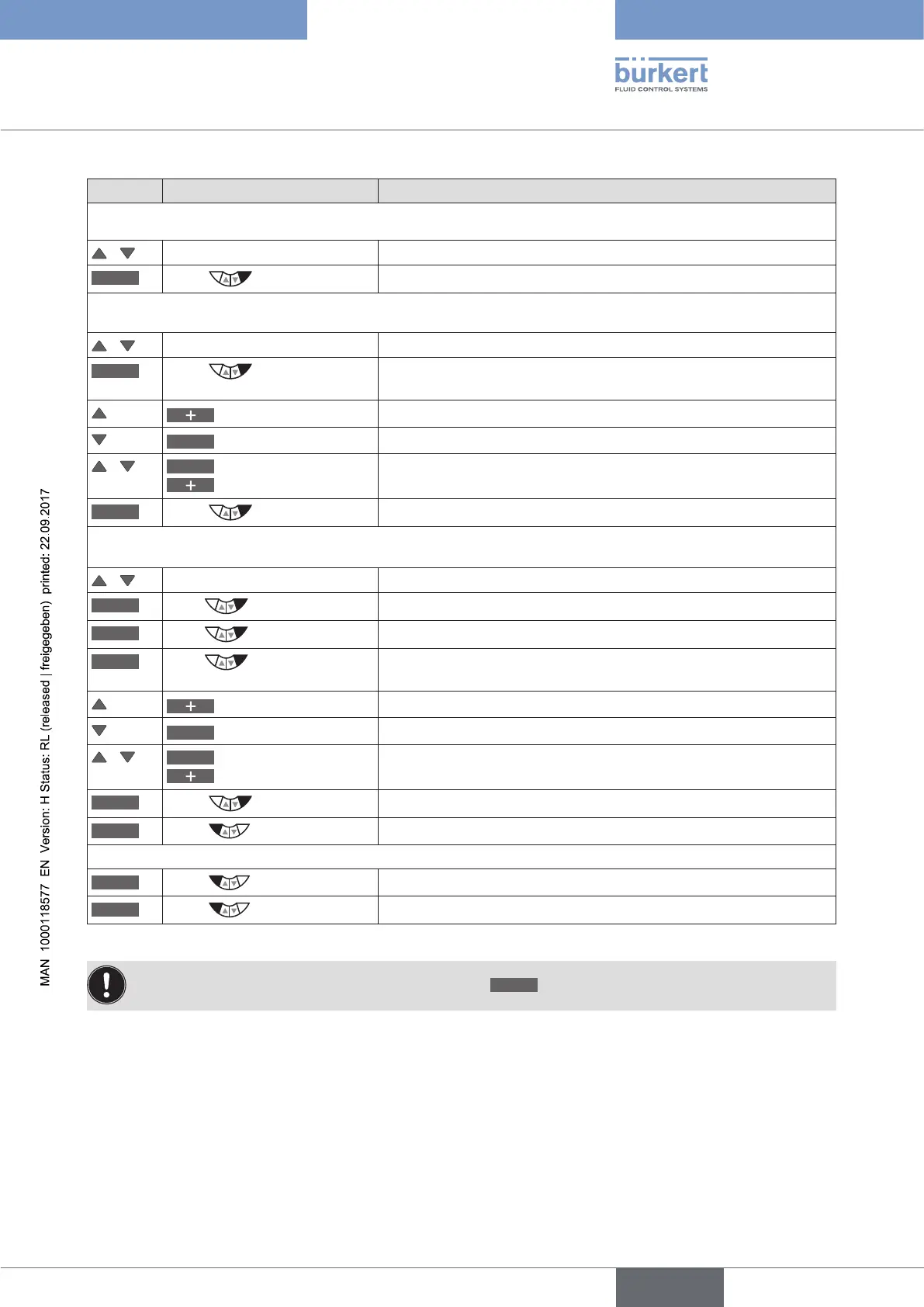
3. Setting K-factor (only available for frequency signal type)
/ Select K-factor
ENTER
Press
The submenu for the setting of the K-factor is displayed.
either
/
Select VALUE
Manual input of the K-factor.
INPUT
Press
The input screen is opened. The decimal point has a dark
background.
Select decimal point
Specify position of the decimal point.
<–
Select value
The last digit of the value has a dark background.
/
<–
Select decimal place
Increase value
Set K-factor.
OK
Press
Return to K-factor.
or
/ Select TEACH-IN
Calculating the K-factor by measuring a specific flow rate.
ENTER
Press for approx. 5 s
The valve is being closed.
START
Press
The container is being filled.
STOP
Press
The measured volume is displayed and the input screen is opened.
The decimal point has a dark background.
Select decimal point
Specify position of the decimal point.
<–
Select value
The last digit of the value has a dark background.
/
<–
Select decimal place
Increase value
Set the measured volume.
OK
Press
Return to TEACH-IN.
EXIT
Press
Return to K-factor.
EXIT
Press
Return to PV-SCALE.
EXIT
Press
Return to SETUP.
Table 41: PV-SCALE; scaling process actual value
If the submenu is left by pressing the left selection key
ESC
, the value remains unchanged.



 To Next Page