5
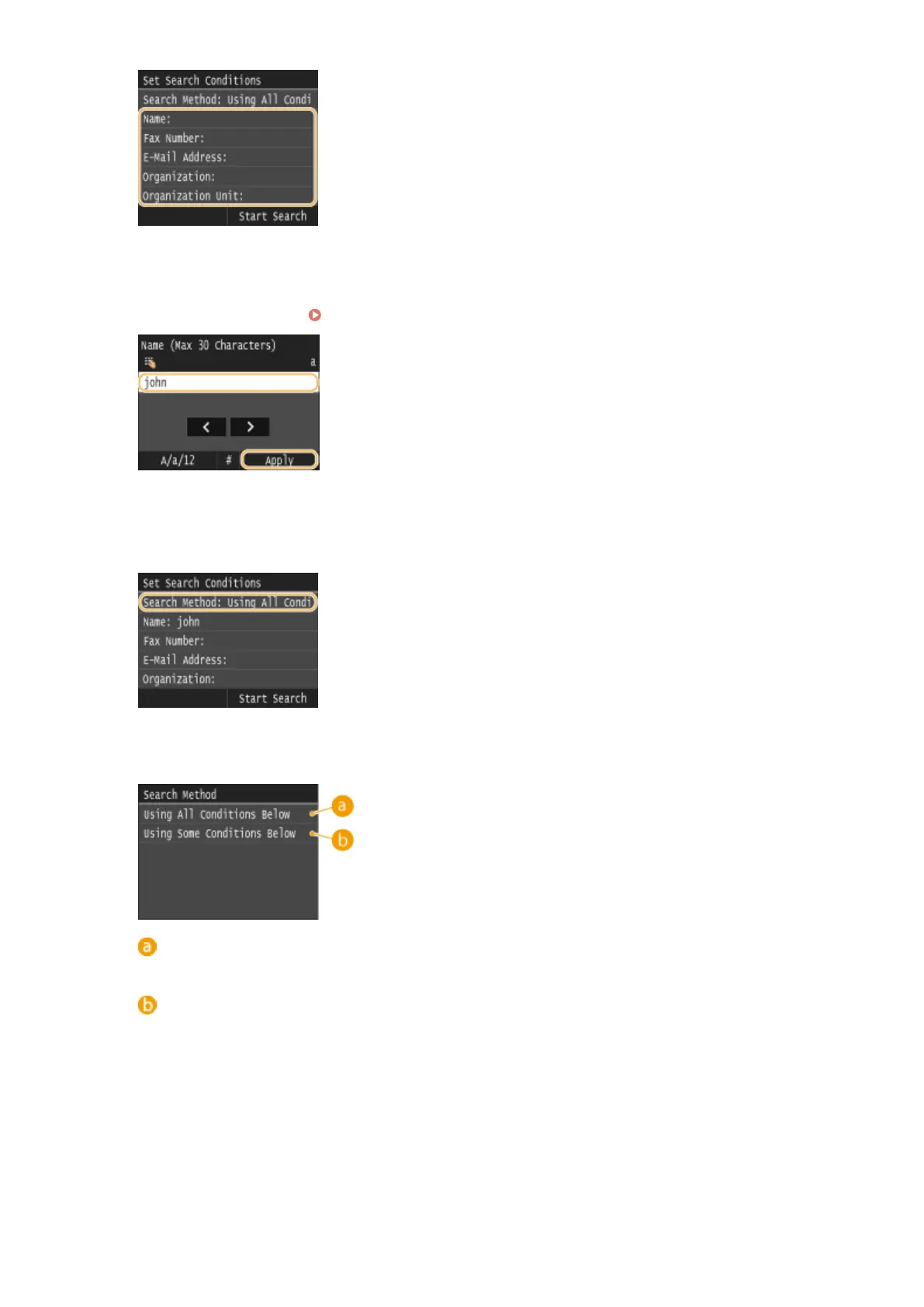
Enter the search target character string using the numeric keys, and tap <Apply>.
● On how to enter text, see Entering Text(P. 41) .
● To specify multiple search criteria, repeat steps 4 and 5.
6
Tap <Search Method>.
7
Select the search method.
<Using All Conditions Below>
Searches and displays the users that meet all the search criteria specied in steps 4 and 5.
<Using Some Conditions Below>
If users that meet even one of the criteria specied in steps 4 and 5 are found, displays all those users.
8
Tap <Start Search>.
Faxing
163











 To Next Page