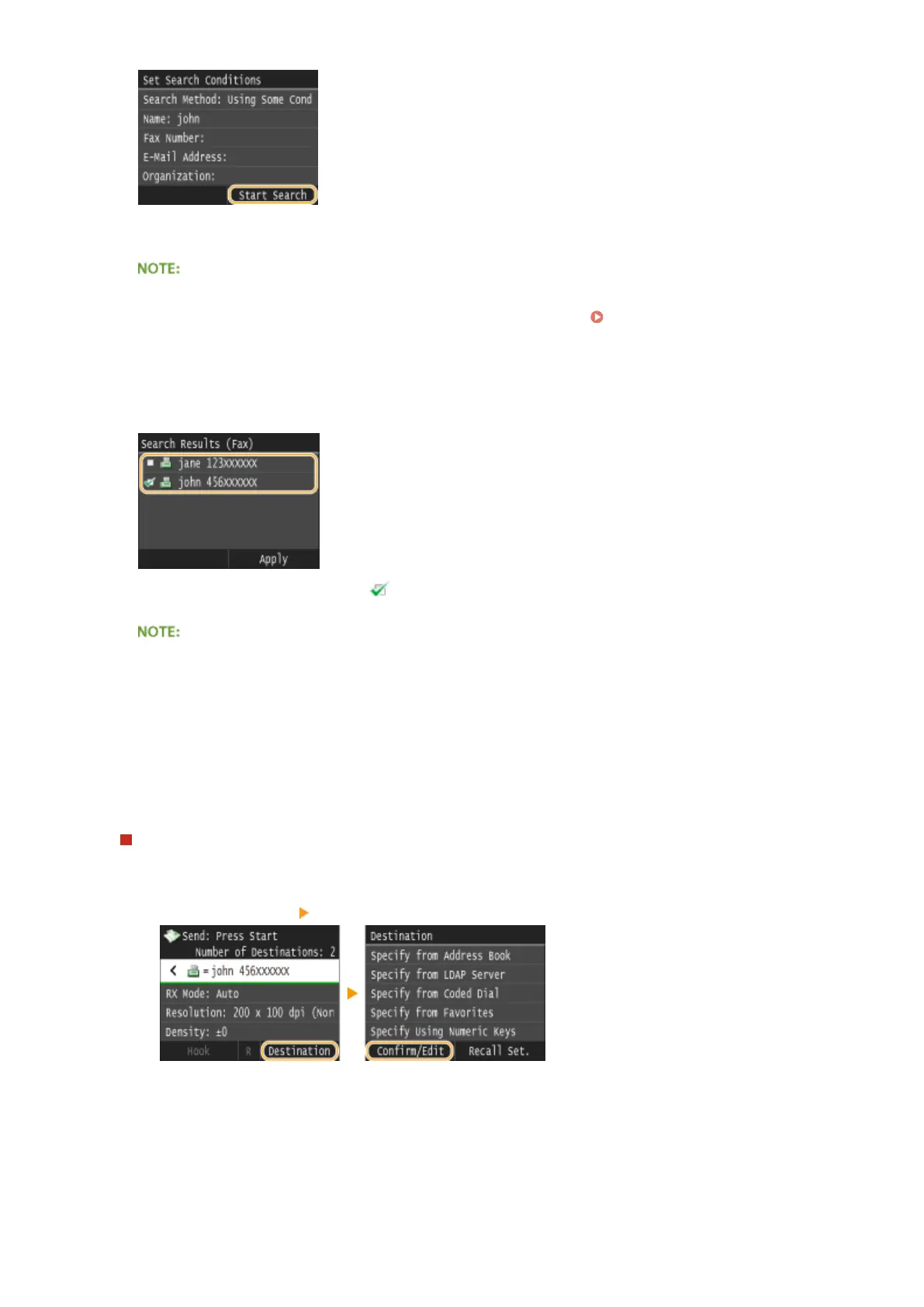
➠ The users meeting your search criteria are displayed.
● If the authentication screen appears when you tap <Start Search>, enter the user name of the machine
and the password registered in the LDAP server, and tap <Apply>. Registering LDAP Servers(P. 499)
9
Select the check box for the user that you want to specify as destination.
● Up to 10 destinations can be specied from an LDAP server.
● To cancel selection, tap a selected ( ) user.
● The maximum number of destinations that you can specify when using the numeric keys in combination
with an LDAP server is 10. For example, if three destinations have been specied using the numeric keys,
up to seven destinations can be specied using an LDAP server.
10
Tap <Apply>.
● When searching for destinations using a different set of search conditions, repeat steps 2 to 10.
To delete destinations
If you specied multiple destinations, you can delete destinations as necessary.
1
Select <Destination> <Conrm/Edit>.
2
Select a destination you want to delete.
Faxing
164











 To Next Page