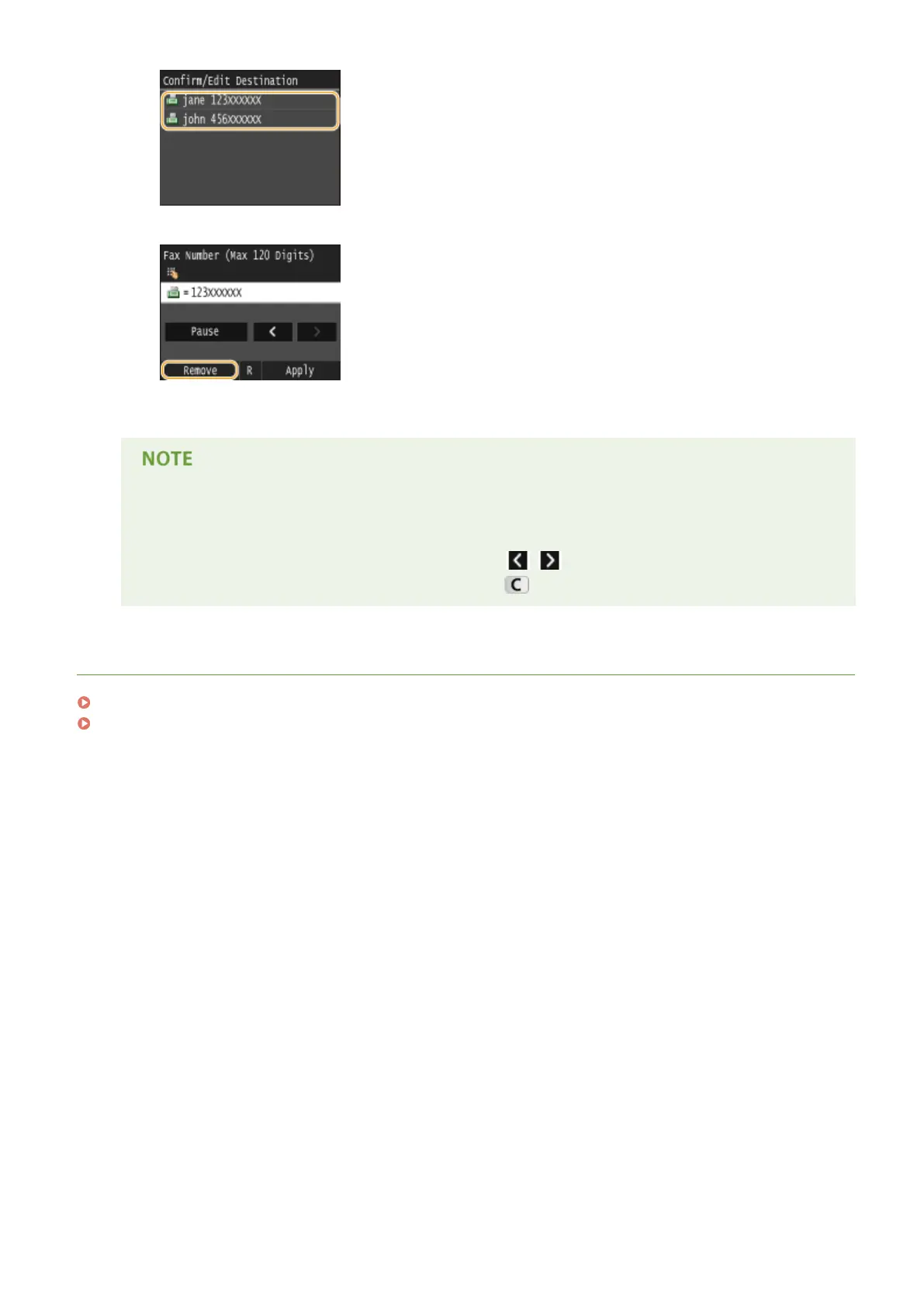
3
Tap <Remove>.
4
Tap <Yes>.
If you want to easily and quickly delete destinations without displaying a list of
destinations
● Before tapping <Destination> in step 1, you can tap / to toggle the destinations you specied.
Display a destination you want to delete, and press .
LINKS
Sending Faxes (MF419x / MF416dw)(P. 149)
Sending Faxes to Multiple Destinations Simultaneously (Sequential Broadcast)(P. 186)
Faxing
165











 To Next Page