5
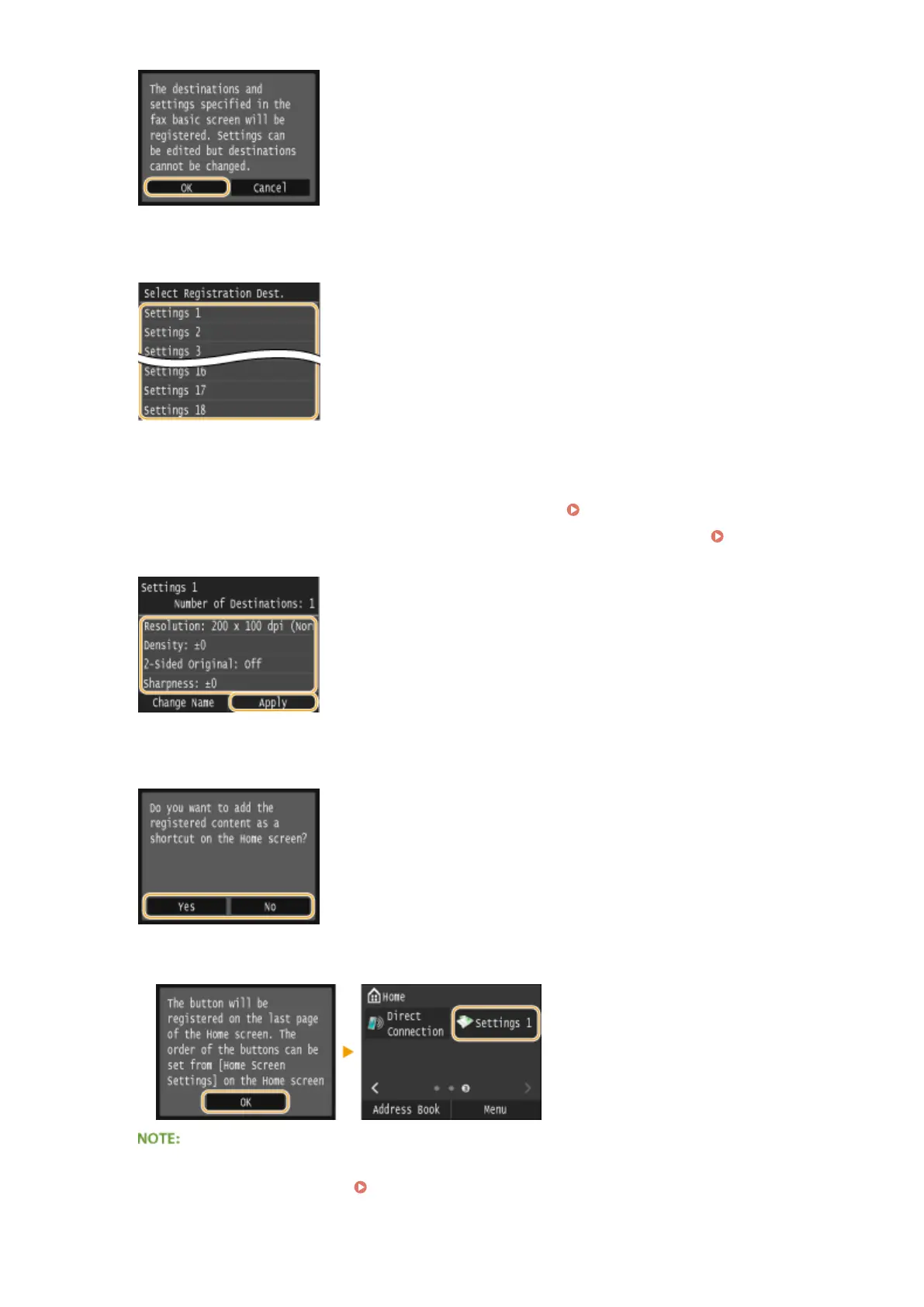
Select where to register the settings.
6
Check the details of the settings to be registered, and tap <Apply>.
● To change the value of a setting to be registered, tap the setting. Various Fax Settings(P. 166)
● To rename the registration destination, tap <Change Name>. On how to enter text, see Entering
Text(P. 41) .
7
Select whether to register the settings as a shortcut button.
● If you select <Yes>, a message appears. Check the message and then tap <OK>. The registered setting
combination is added to the Home screen as a shortcut button.
● If the Home screen is full and the button cannot be added, use <Home Screen Settings> to delete
registered buttons or blanks. Customizing the Home Screen(P. 34)
Faxing
175











 To Next Page