● Registered settings are saved even when the machine is turned OFF.
● To edit or delete registered settings, go to <Fax> <Favorite Settings> <Edit/Delete> <Edit> or <Delete>
and then follow the steps below.
To edit a setting:
Select the setting to be edited change the setting tap <Apply> <Yes>.
To delete a setting:
Select the setting to be deleted tap <Yes>.
● Destinations cannot be changed once the settings have been registered. To change a destination, delete the
settings and then register them again.
● If you registered a destination that was specied from the Address Book and then delete the destination
entry in the Address Book, the destination is also deleted from the favorite fax settings.
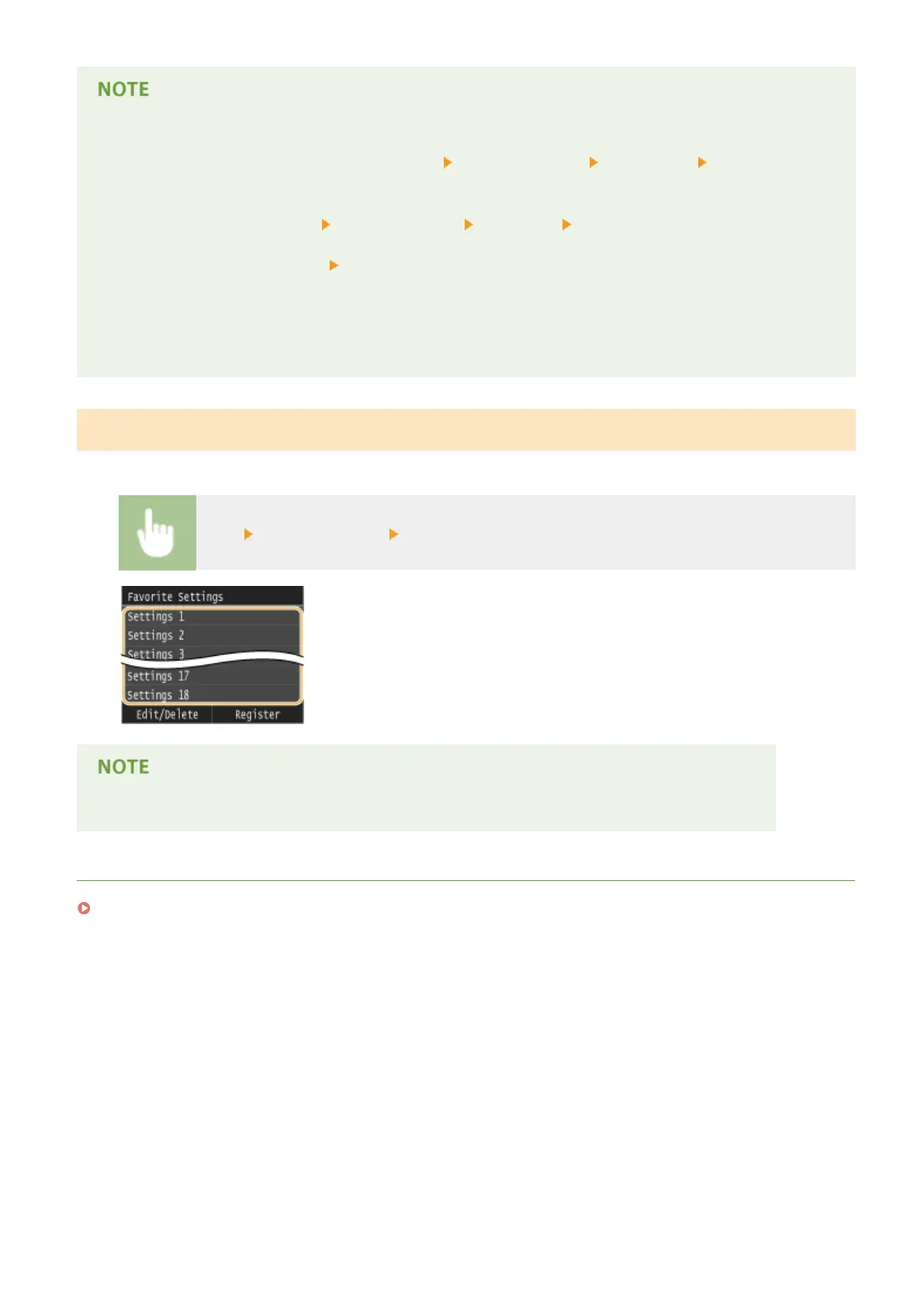
Recalling Favorite Settings
Simply select the setting combination that suits your purpose from the favorite settings.
<Fax> <Favorite Settings> Select the setting combination to be recalled
● Once you have recalled the setting combination, you can also change the fax settings as needed.
LINKS
Sending Faxes (MF419x / MF416dw)(P. 149)
Faxing
176











 To Next Page