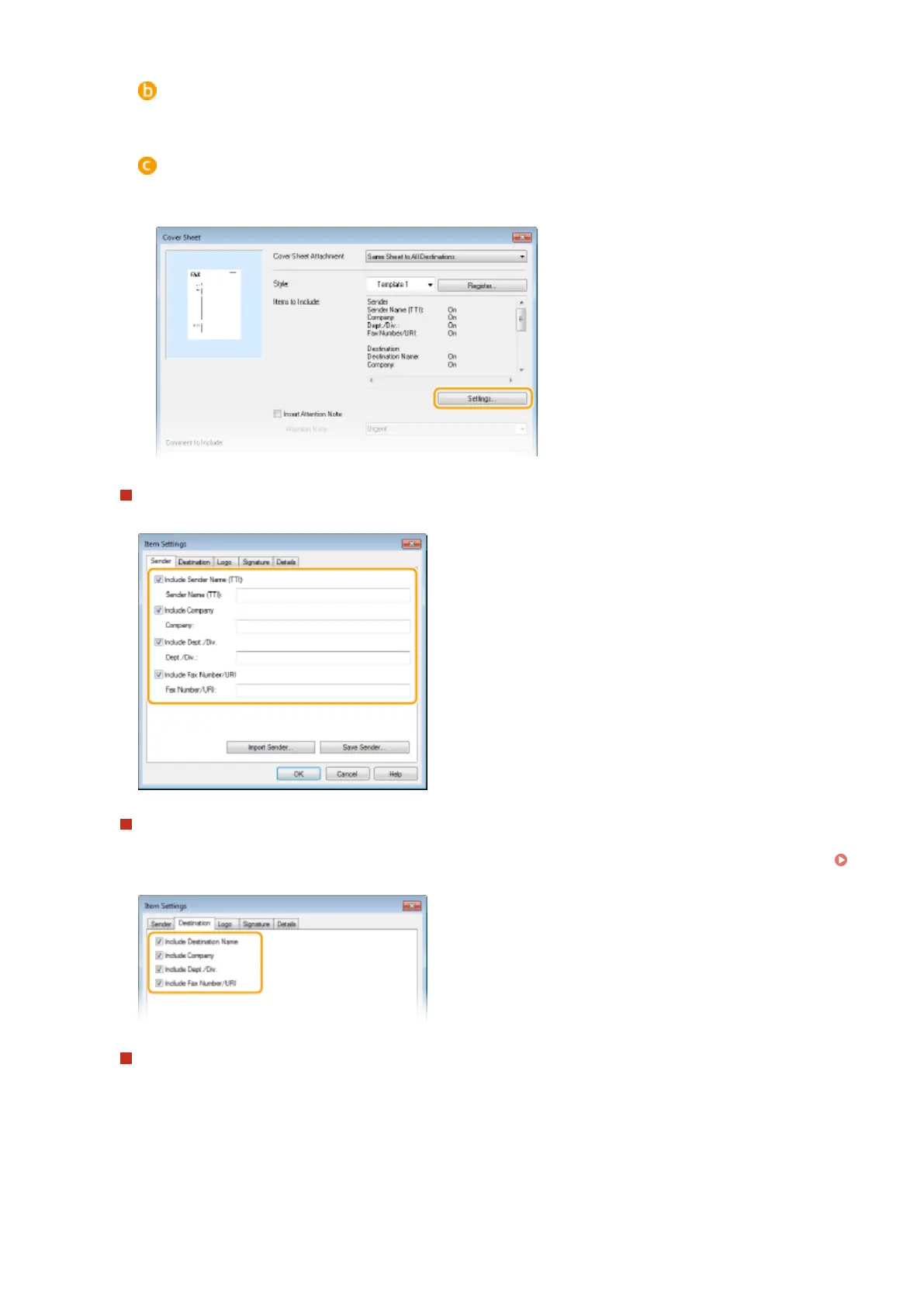
[Style]
Select a cover sheet from the three preset cover sheets ([Template 1] to [Template 3]). The layout of the
selected cover sheet is displayed in the image on the left.
[Items to Include]
Displays items that are to be included on a cover sheet. To change the items to be included, click
[Settings].
[Sender] tab
Select the sender items you want to include and enter the information.
[Destination] tab
Select the destination items you want to include and enter the information. Destination names, company
names, department names, and fax numbers specied in the [Select Destination]/[Enter Destination] tab (
Sending PC Faxes(P. 204) ) are included on the cover sheet.
[Logo] tab/[Signature] tab
Specify each setting. The following screen shows an example for when the [Logo] tab is selected.
Faxing
208











 To Next Page