Setting Value Paper Source
Drawer 2 Paper is fed from the optional paper feeder.
[Paper Type]
Specify the setting according to the type and basis weight of the paper to print on.
Loading Paper(P. 51)
5
Specify other print settings as necessary. Various Print Settings(P. 246)
● You can register the settings you specied in this step as a "prole" and use the prole whenever you
print. You can eliminate the need to specify the same settings every time you print. Registering
Combinations of Frequently Used Print Settings(P. 285)
6
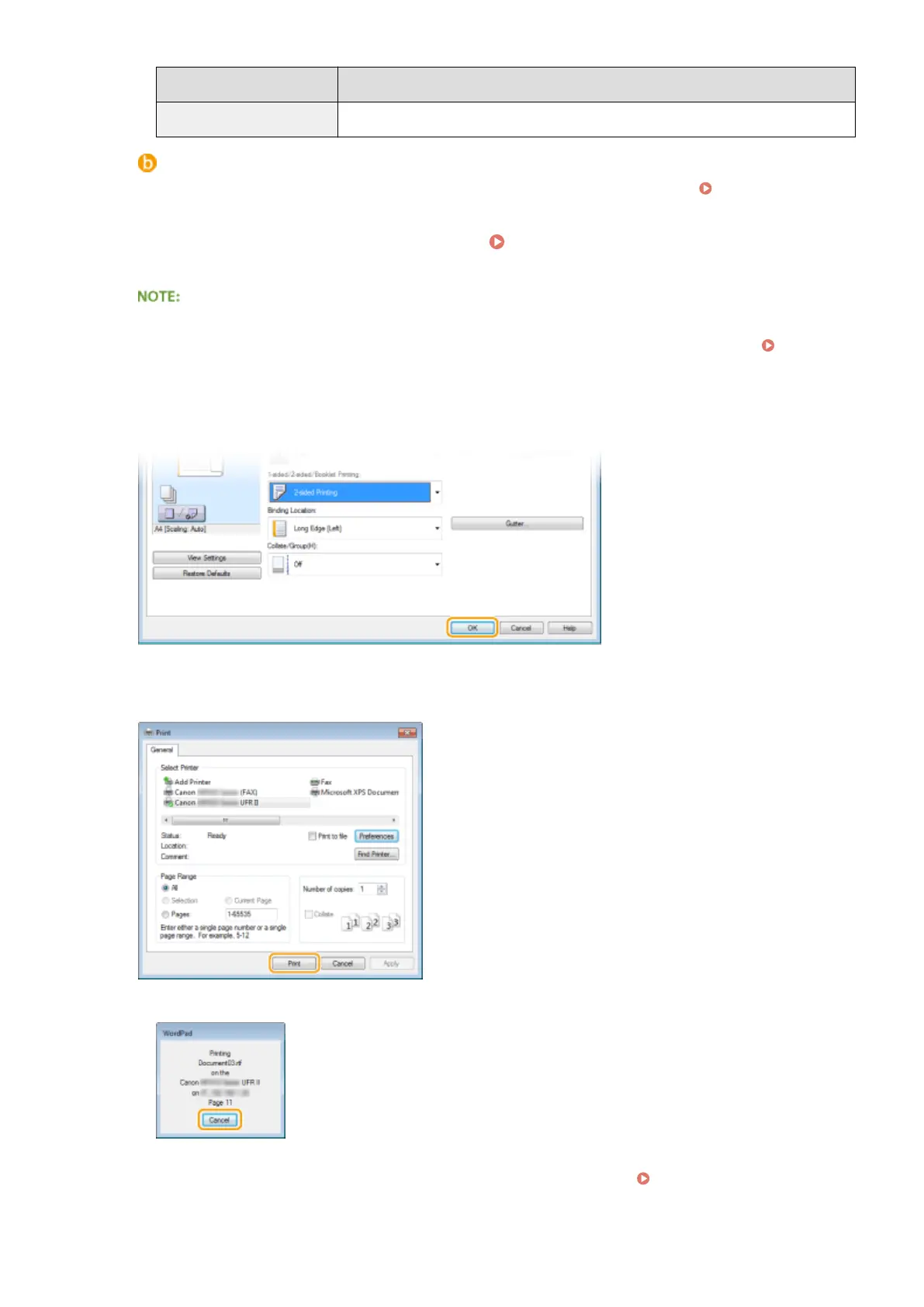
Click [OK].
7
Click [Print] or [OK].
➠ Printing starts. On some applications, a screen like shown below appears.
● To cancel printing, click [Cancel] when the screen shown above is displayed. After the screen disappears
or if the screen is not displayed, you can cancel printing in other ways. Canceling Prints(P. 241)
Using the Machine as a Printer
239











 To Next Page