2
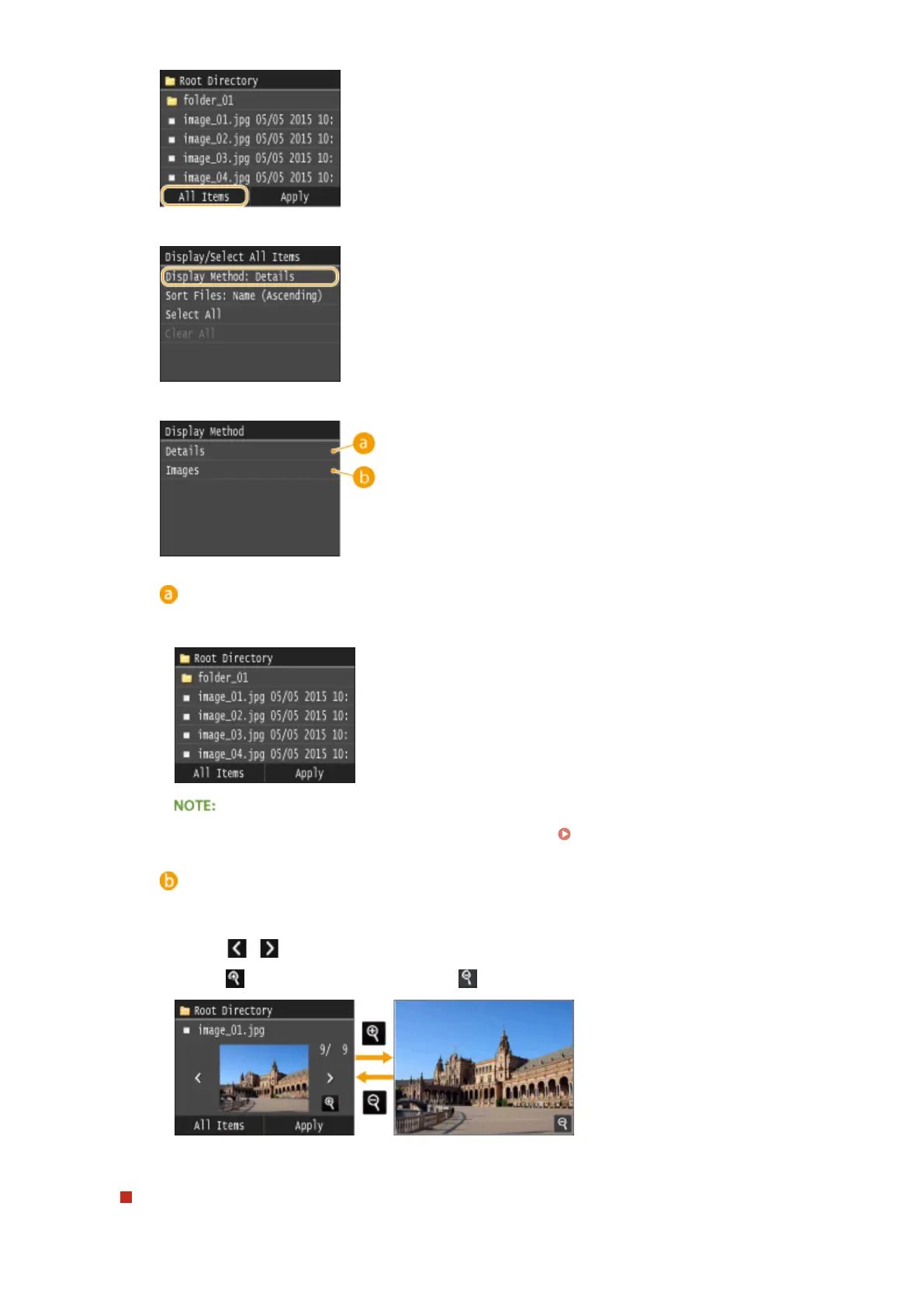
Tap <Display Method>.
3
Tap the display method.
<Details>
Displays le names and dates.
● You can set whether to display abbreviated le names. File Name Display Format(P. 676)
<Images>
Displays previews.
● Tap / or ick to switch the preview.
● Tap
to display a larger preview. Tap to return to the original preview size.
To change the le sort order
You can change the sort order of the les in a USB memory device.
Using the Machine as a Printer
292











 To Next Page