● You can specify a sort setting such as <Name (Ascending)> or <Date/Time (Ascending)> as the default
setting for the le sort order. File Sort Default Settings(P. 676)
1
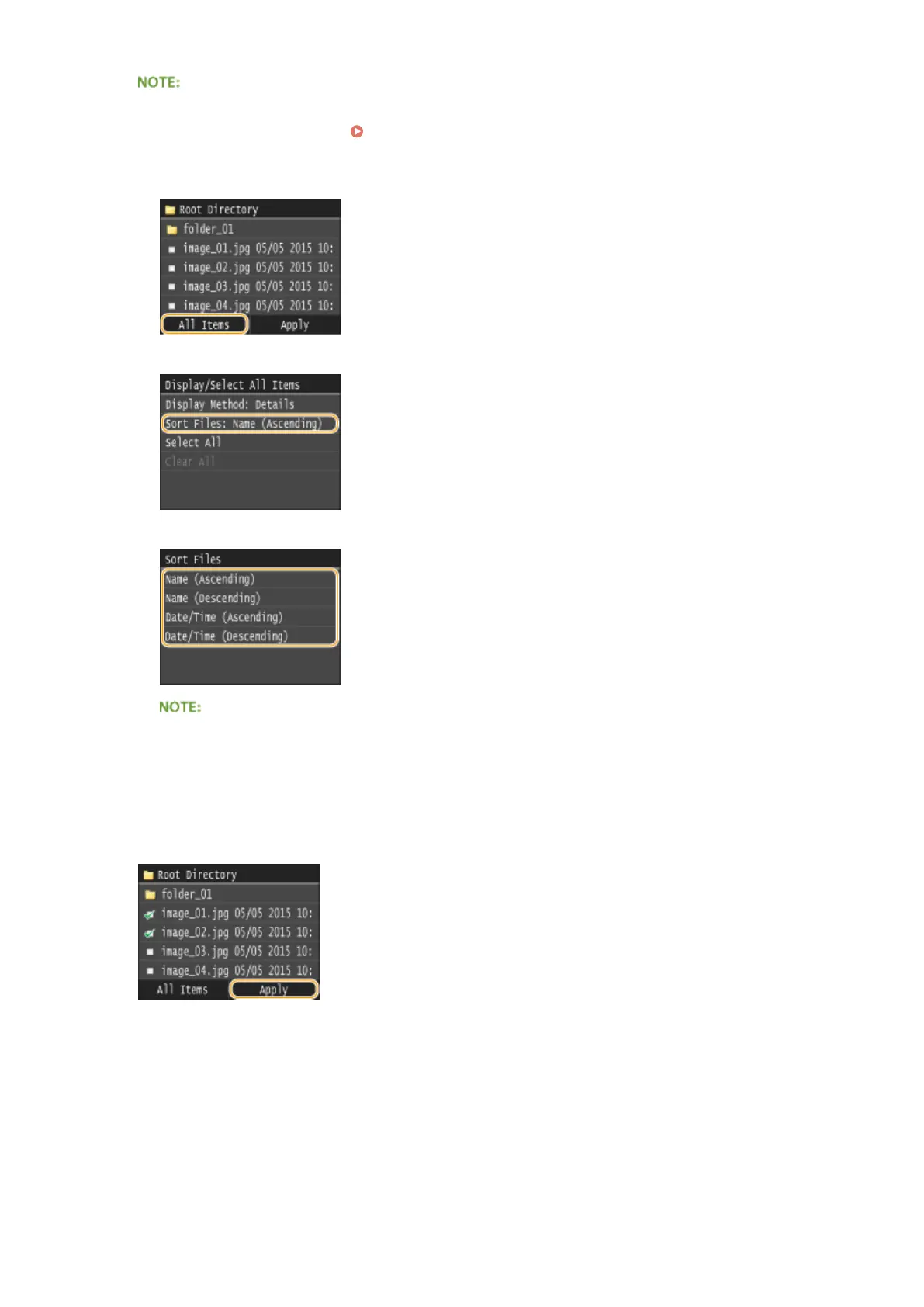
Tap <All Items>.
2
Tap <Sort Files>.
3
Tap the criteria for le sorting.
● When you select <Date/Time (Ascending)> or <Date/Time (Descending)>, les are sorted based on the
modication dates and time of the les.
5
Tap <Apply>.
6
Specify the print settings as necessary.
● Tap the item you want to set.
Using the Machine as a Printer
293











 To Next Page