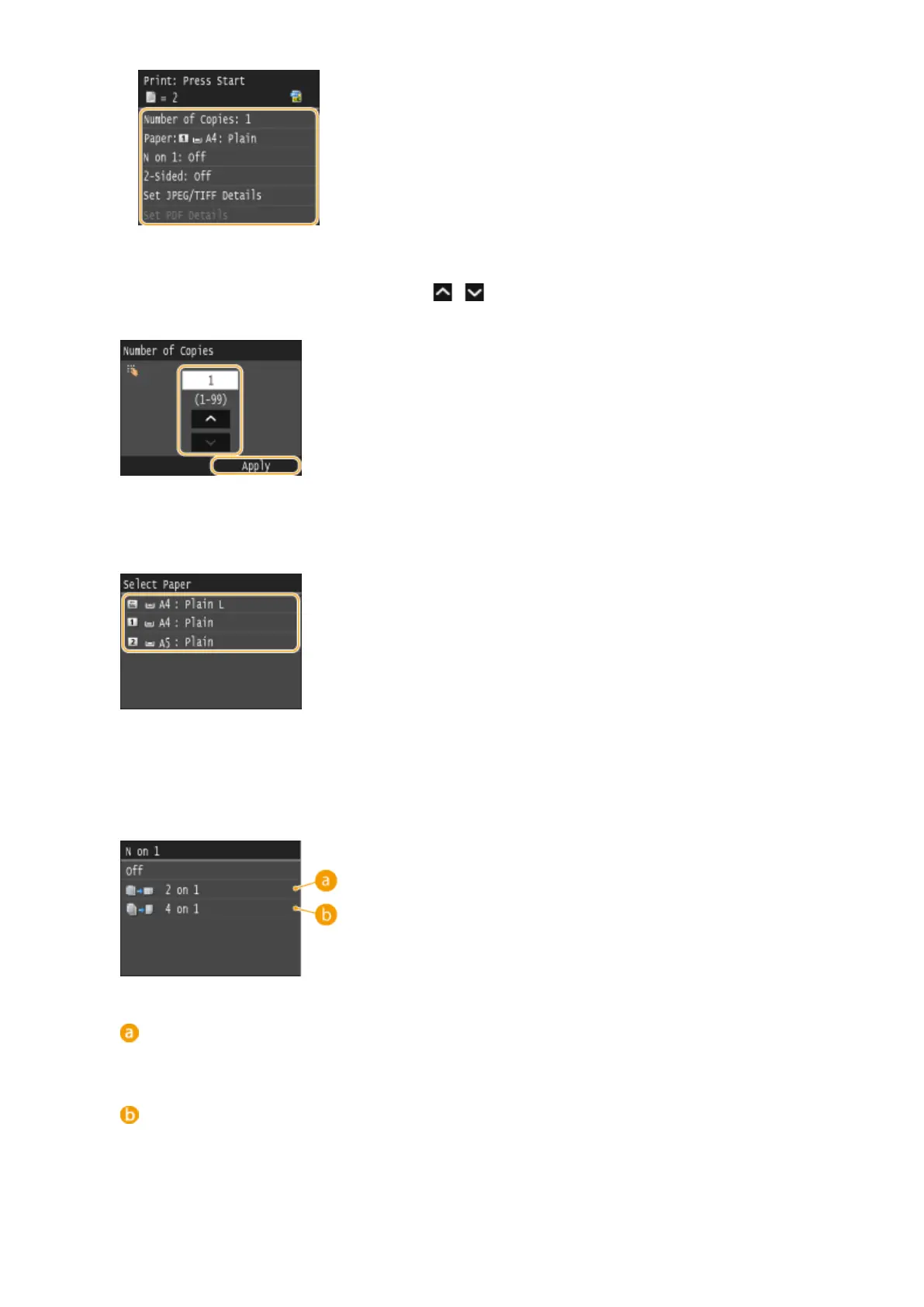
<Number of Copies>
Specify the number of copies from 1 to 99. Tap / or the numeric keys to enter a quantity, and tap
<Apply>.
<Paper>
Select the paper to print on.
<N on 1>
● <N on 1> is not available for printing TIFF les.
You can print two or four images onto a single sheet. Select <2 on 1> or <4 on 1>.
<2 on 1>
Prints two images onto a single sheet.
<4 on 1>
Prints four images onto a single sheet.
Using the Machine as a Printer
294











 To Next Page