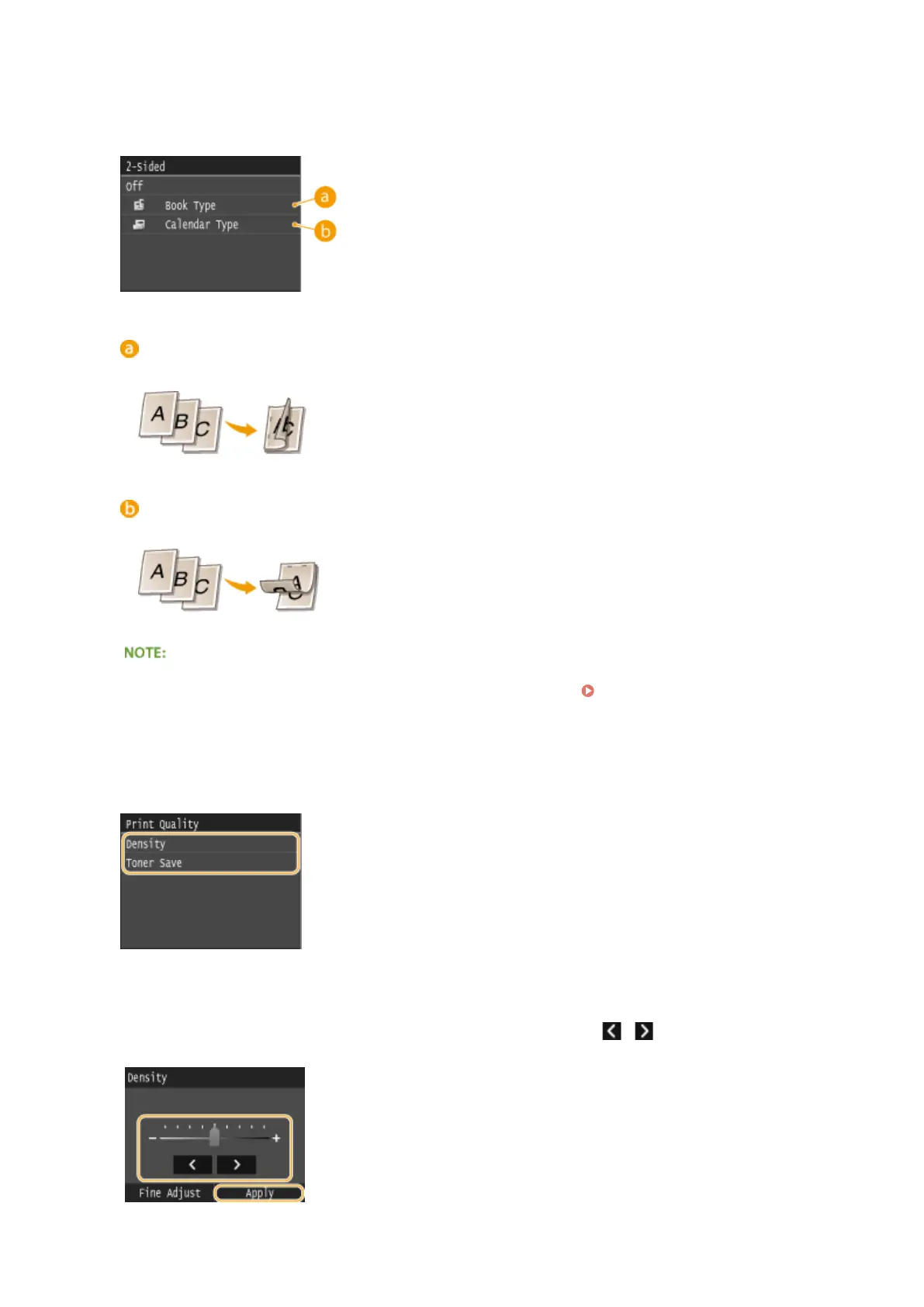
<2-Sided>
You can make 2-sided printouts. Select the binding position.
<Book Type>
Prints images in such a way that the printed pages are opened horizontally when bound.
<Calendar Type>
Prints images in such a way that the printed pages are opened vertically when bound.
●
<2-Sided> may not be available with some sizes or types of paper. Paper(P. 858)
<Print Quality>
You can change settings related to print quality.
<Density>
Adjust the toner density to be used for printing. Make adjustment using / , and then tap <Apply>. Note
that if <Toner Save> is set to <On>, you cannot set this item.
Using the Machine as a Printer
295











 To Next Page