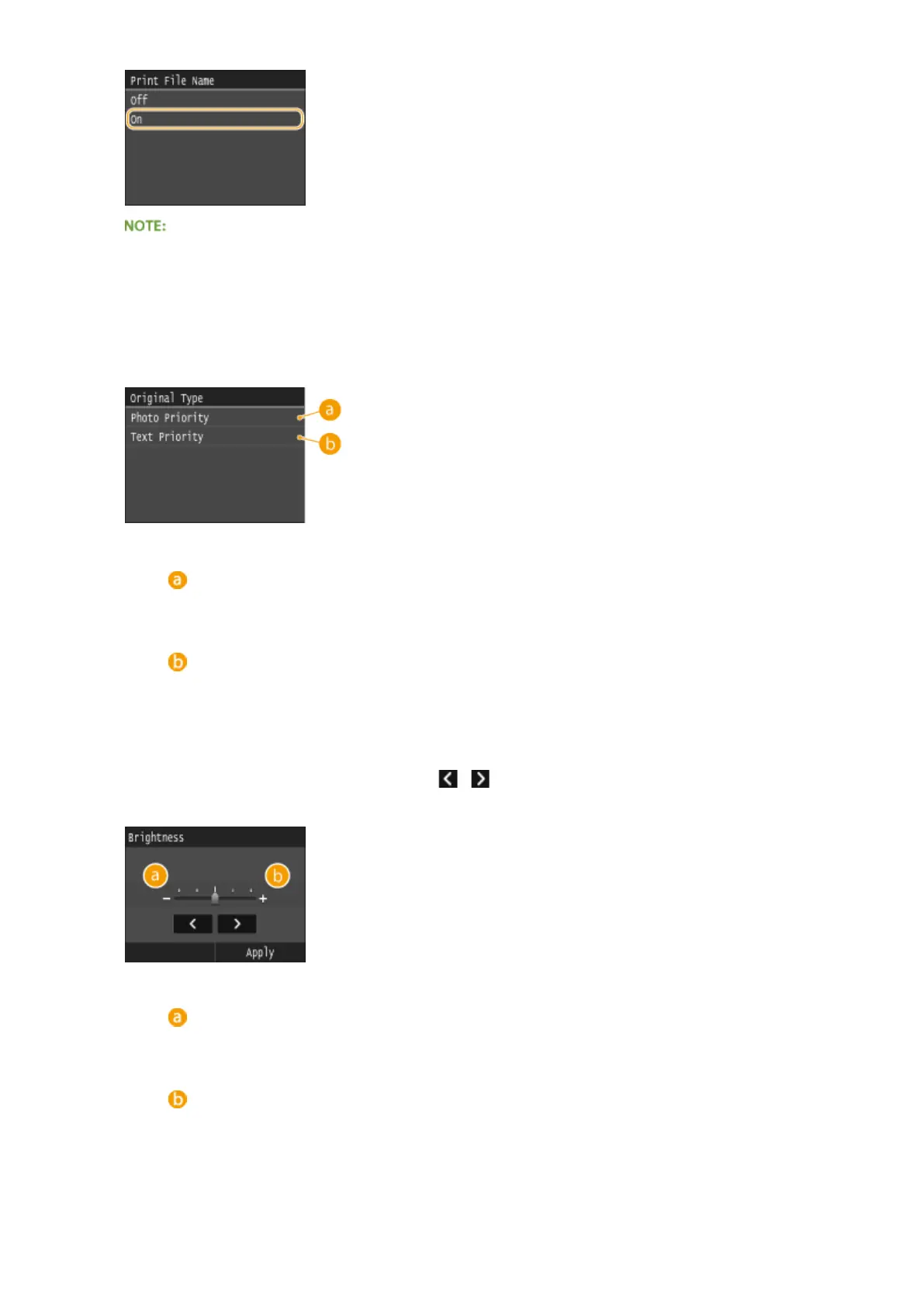
● Although <Print File Name> is not available for Index Print, the le name is automatically printed below
each image.
<Original Type>
You can select the type of original depending on the image to print. Select <Photo Priority> or <Text Priority>.
<Photo Priority>
Gives priority to printing photo images smoothly.
<Text Priority>
Gives priority to printing text clearly.
<Brightness>
You can adjust the brightness of printouts. Tap / to adjust the brightness, and tap <Apply>.
● <Brightness> is not available for printing those TIFF les that are not JPEG-compressed.
<->
Prints images darker.
<+>
Prints images brighter.
<Halftones>
Using the Machine as a Printer
297











 To Next Page