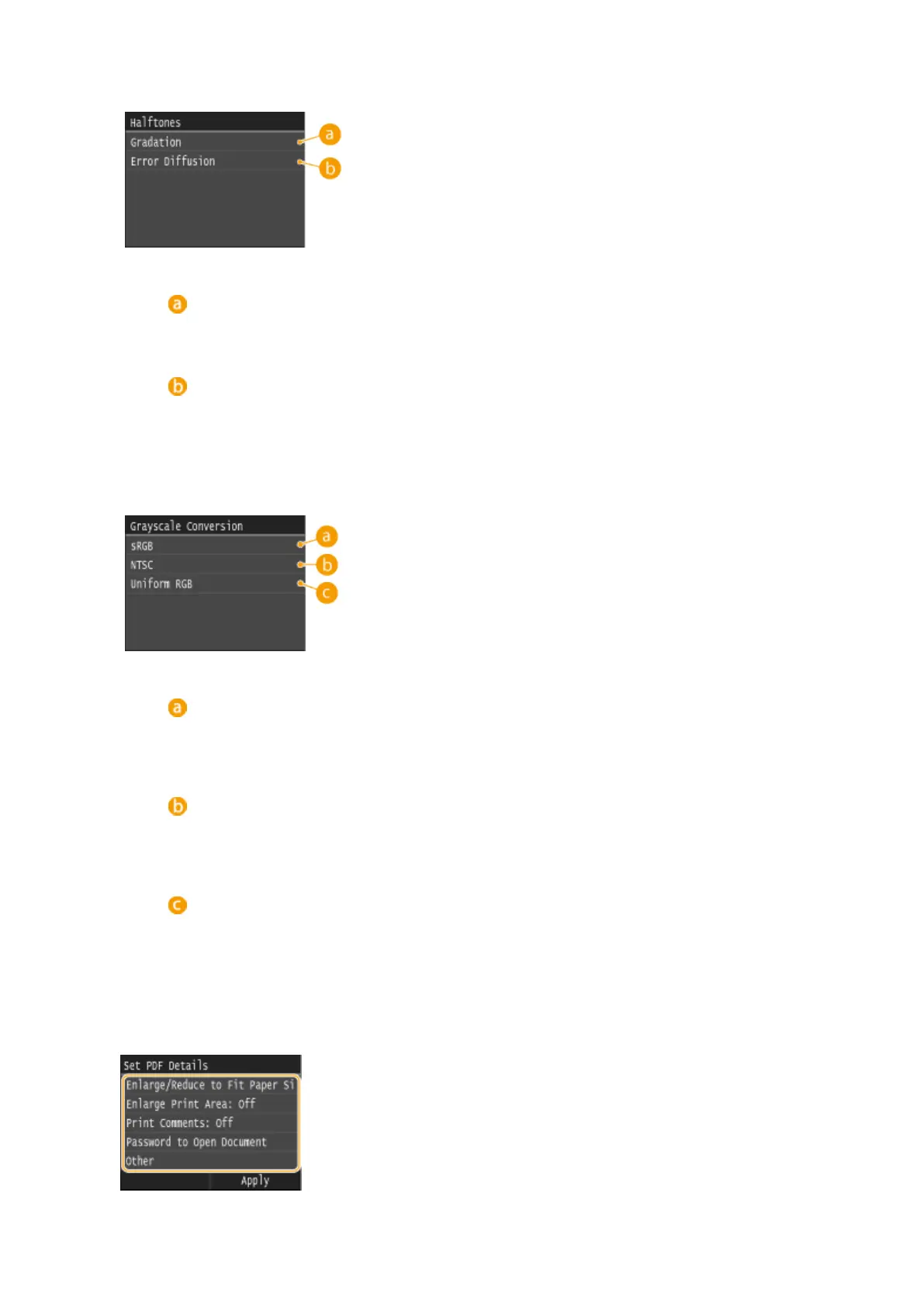
You can select the printing method to reproduce halftones (the intermediate range between the lighter and
darker areas of an image) for optimal image quality. Tap <Gradation> or <Error Diffusion>.
<Gradation>
Prints images with ne gradation, such as digital camera images, with a smooth nish.
<Error Diffusion>
Prints images with small text or ne lines with a clear nish.
<Grayscale Conversion>
You can select ways to convert color values to a grayscale value when you print color print data.
<sRGB>
Color data is converted to monochrome with emphasis on color differences so that a smooth gradation is
achieved.
<NTSC>
Color data is converted to monochrome so that the resulting image looks like a television picture (of the
NTSC system).
<Uniform RGB>
Color data is converted to monochrome so that R, G, and B are uniformly converted to the same gray level.
<Set PDF Details>
Specify the default settings of the memory media print function only for PDF les.
Using the Machine as a Printer
298











 To Next Page