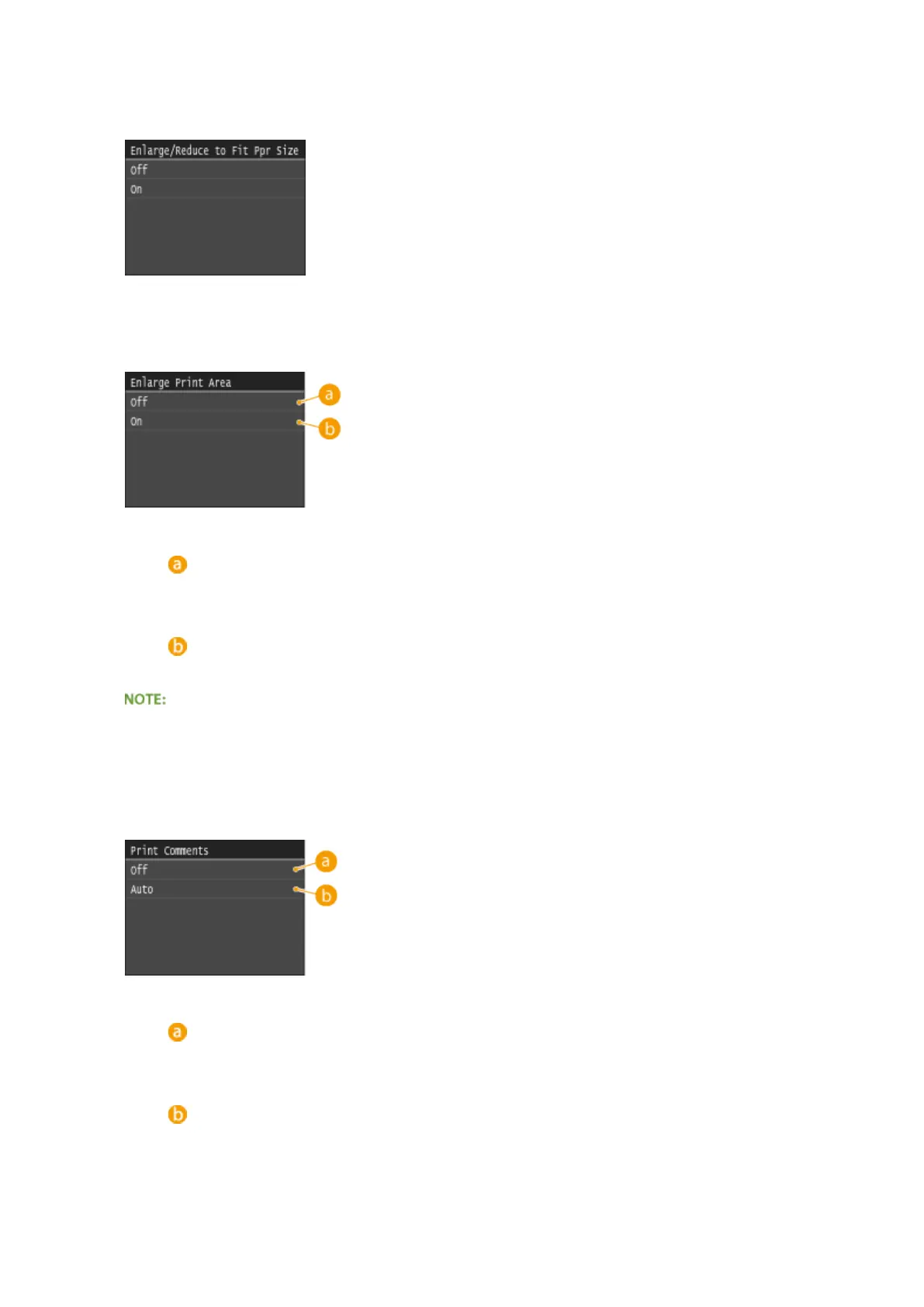
<Enlarge/Reduce to Fit Paper Size>
This setting enlarges or reduces the original document to match the printable area of the paper size.
<Enlarge Print Area>
This setting species whether to enlarge the printable area on the paper.
<Off>
The area 5 mm from the top, bottom, left and right edges of the paper is not printable.
<On>
The printable area is enlarged to the top, bottom, left, and right edges of the paper.
● If you select <On>, images on the edge of the paper may not print properly.
<Print Comments>
This setting species whether to print annotations in the PDF le.
<Off>
Prints no annotations.
<Auto>
Prints only those annotations that are specied to be printed in the PDF le.
<Password to Open Document>
Using the Machine as a Printer
299











 To Next Page