● If [AutoPlay] is displayed, click [Run MInst.exe].
3
Click [Start] for [Send Function Setting Tool].
4
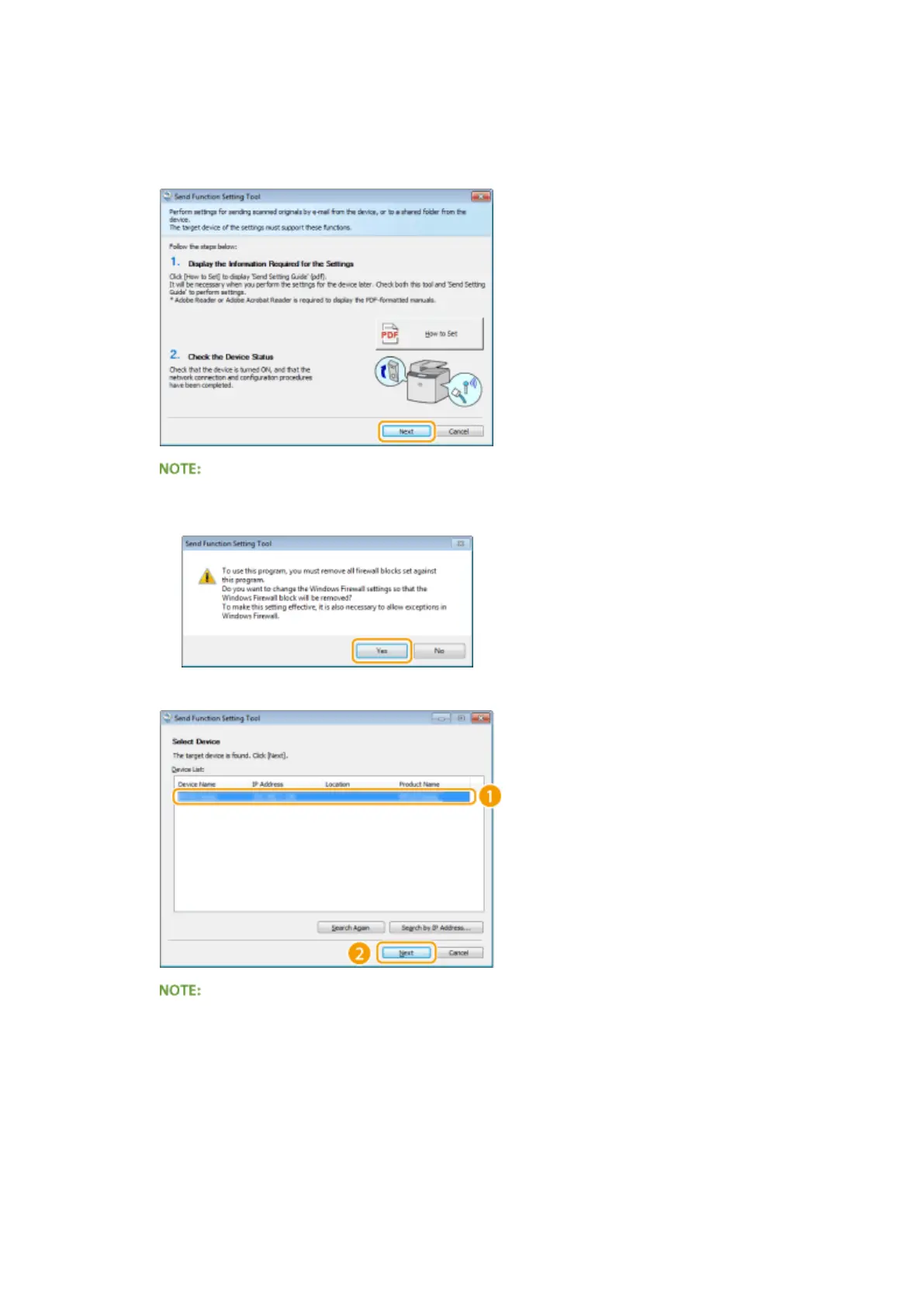
Click [Next].
● If you want to view "Send Setting Guide," click [How to Set].
If the screen below appears
● Click [Yes].
5
Select the machine from [Device List] and click [Next].
If the machine is not displayed in [Device List]
● Click [Search Again]. If the problem persists, click [Search by IP Address], enter the IP address of the
machine, and then click [OK].
6
Conrm the settings and click [OK].
2
Click [Start].
Network
476











 To Next Page