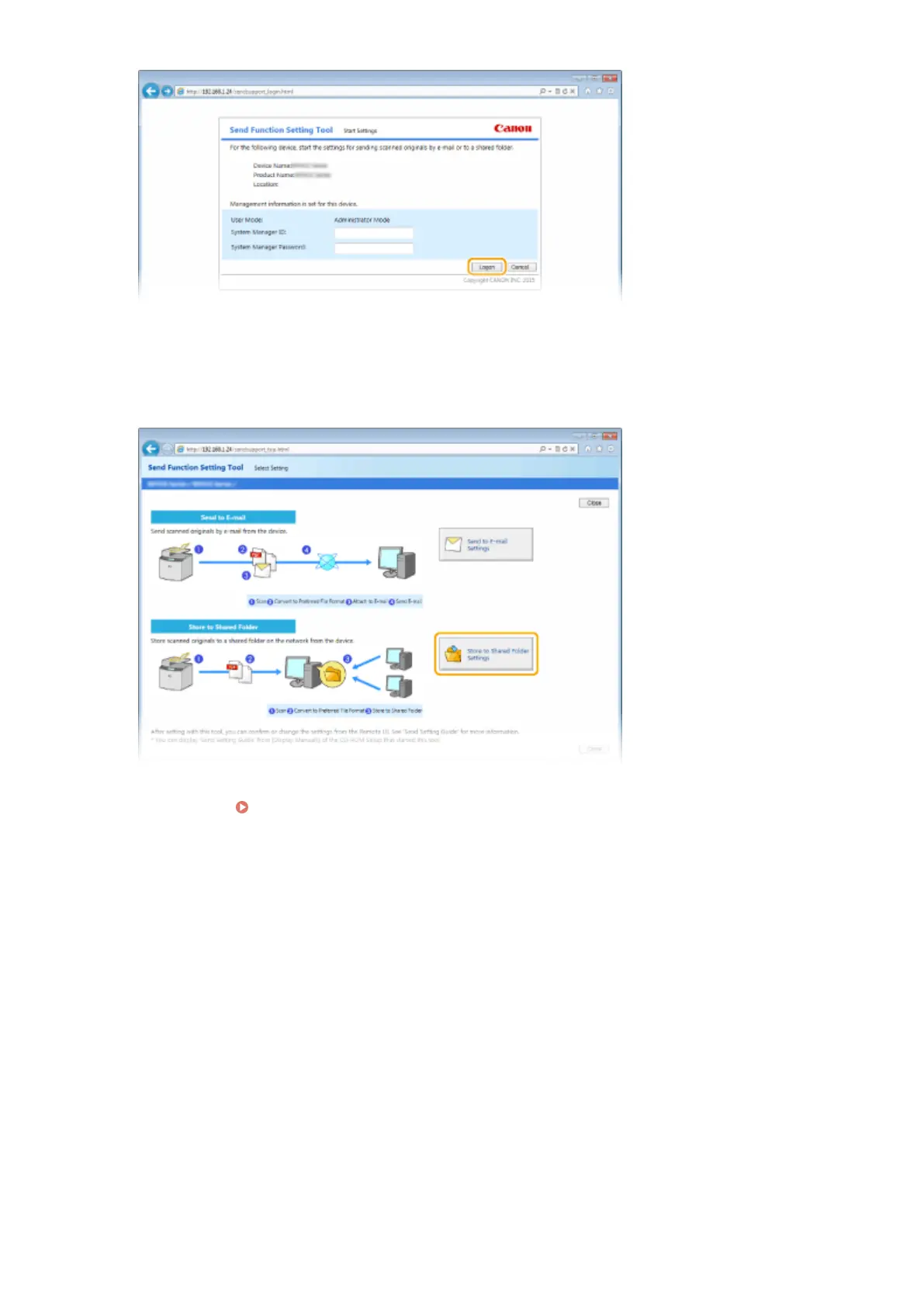
● If the logon screen is displayed, enter the appropriate ID and PIN in the corresponding text boxes, and then
click [Logon].
3
Click [Store to Shared Folder Settings].
● If the screen prompting you to enter the Address Book PIN is displayed, enter the PIN for the Address Book,
and click [OK]. Setting a PIN for Address Book(P. 556)
4
Specify the required settings.
Network
477











 To Next Page