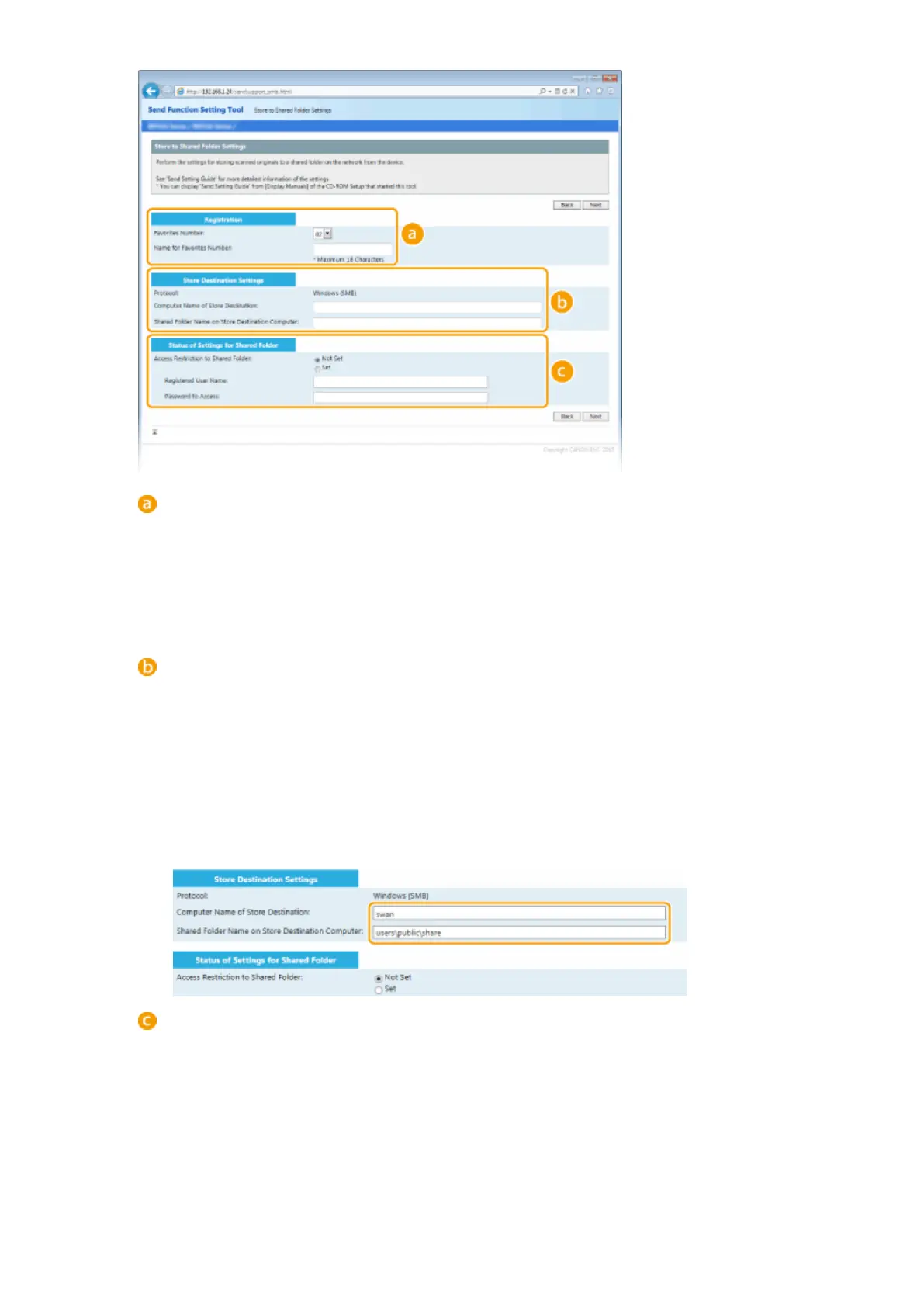
[Registration]
[Favorites Number]
With the Send Function Setting Tool, you can register a shared folder for saving scanned documents
into <Favorites> in the Address Book. Select a number from the drop-down list.
[Name for Favorites Number]
Enter the name for identifying the destination to be registered. Set a name that will be easy for you to
nd later in the Address Book.
[Store Destination Settings]
[Protocol]
The protocol that is used for sending scanned documents to a shared folder is displayed.
[Computer Name of Store Destination]
Enter the name or the IP address of the computer where the shared folder is located.
[Shared Folder Name on Store Destination Computer]
Enter the name of (or path to) the shared folder. For example, if the shared folder is a subfolder named
"share" and is contained in the [Public] folder in drive C (path: C:\users\public\share), enter
"users\public\share."
[Status of Settings for Shared Folder]
[Access Restriction to Shared Folder]
Click the [Not Set] or [Set] radio button to match the access restrictions set to the shared folder. When
[Set] is selected, enter the user name in the [Registered User Name] text box and password in the
[Password to Access] text box.
5
Click [Next].
Network
478











 To Next Page