Registering a Department ID
1
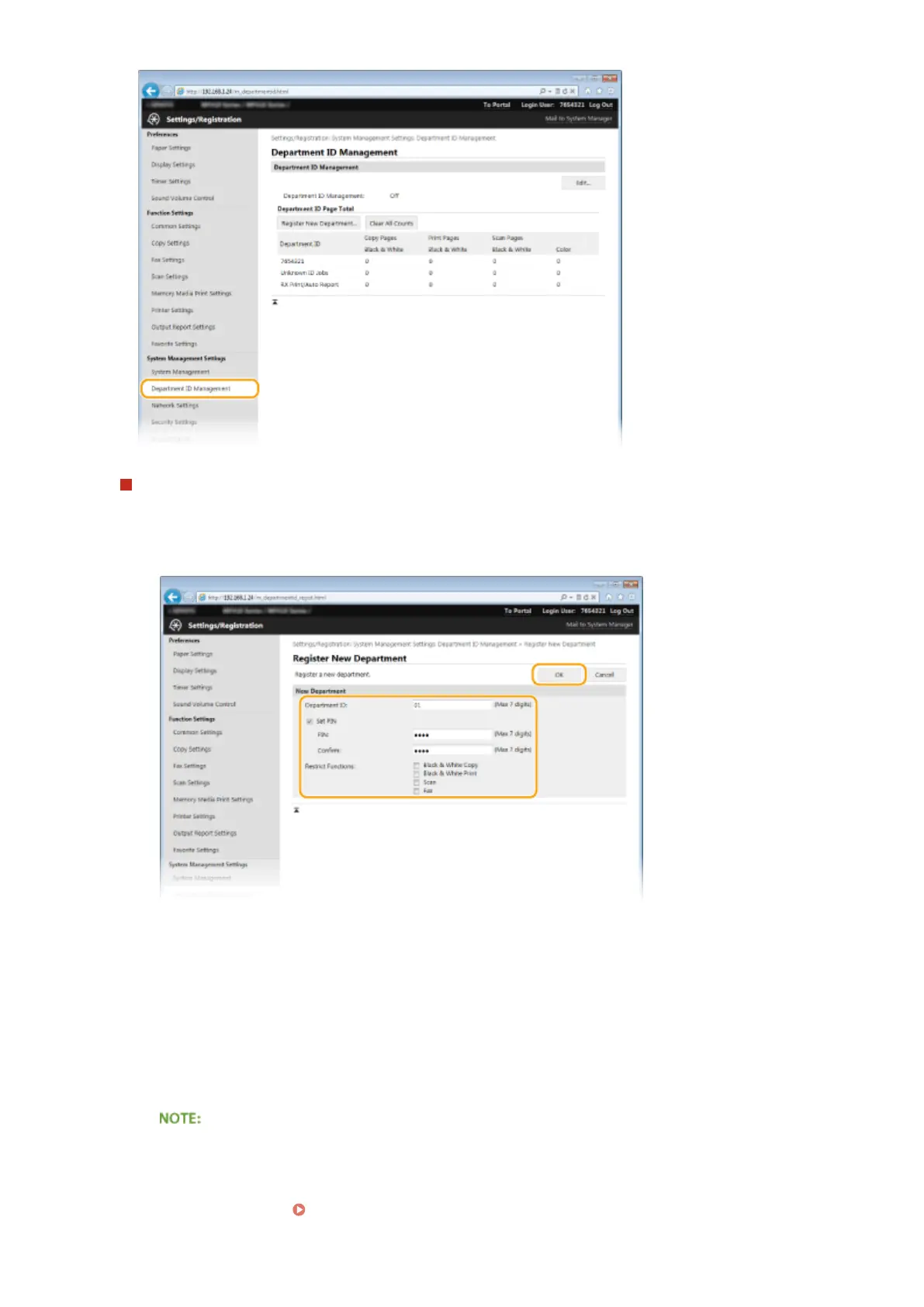
Click [Register New Department].
2
Specify the required settings and click [OK].
[Department ID]
Enter a number of up to seven digits for the Department ID.
[Set PIN]
To set a PIN, select the check box and enter a number of up to seven digits both in the [PIN] and
[Conrm] text boxes.
[Restrict Functions]
Select the check box for the function that you want to disable for the Department ID.
● If the [Scan] check box is selected, the Save to USB Memory Device, Send E-Mail, and Save to Shared
Folder or FTP Server functions are all restricted. You can also restrict other methods that scan
documents by importing them to a computer, but in that case you cannot block access for each
Department ID ( Blocking Jobs When Department ID Is Unknown(P. 532) ).
Security
527











 To Next Page