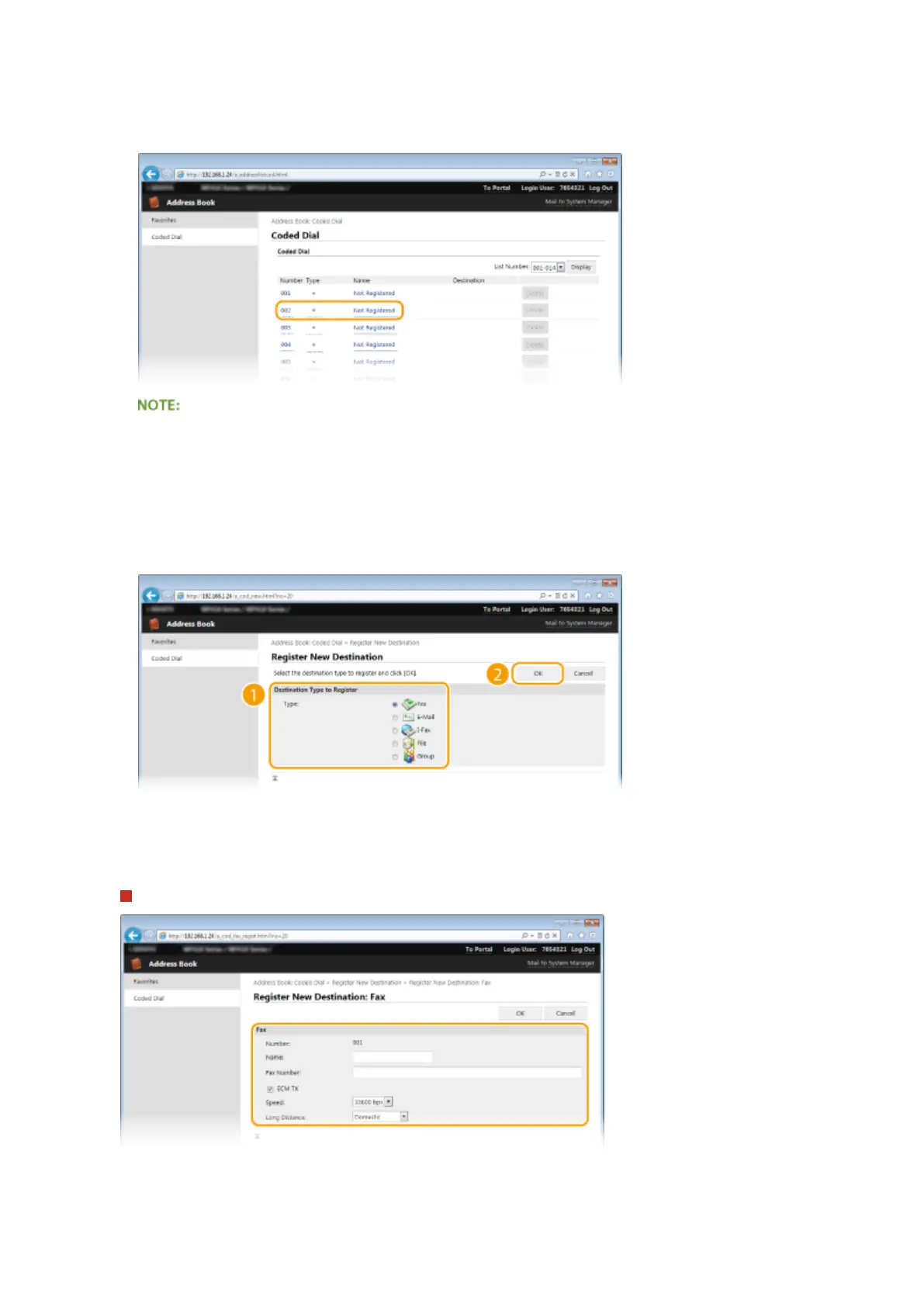
4
Click the text link under [Number], [Type], or [Name] for an item named "Not
Registered."
● You can edit a registered item by clicking the corresponding text link under [Number], [Type] or [Name].
● You can delete a registered destination by clicking the corresponding [Delete] button.
5
Select [Destination Type to Register] and click [OK].
● To register the shared folder or FTP server destination, select [File].
6
Specify the destination.
To register the fax destination
[Name]
Enter the name of the destination.
Using Remote UI
625











 To Next Page