Set Display Order
Insert and Delete Blank
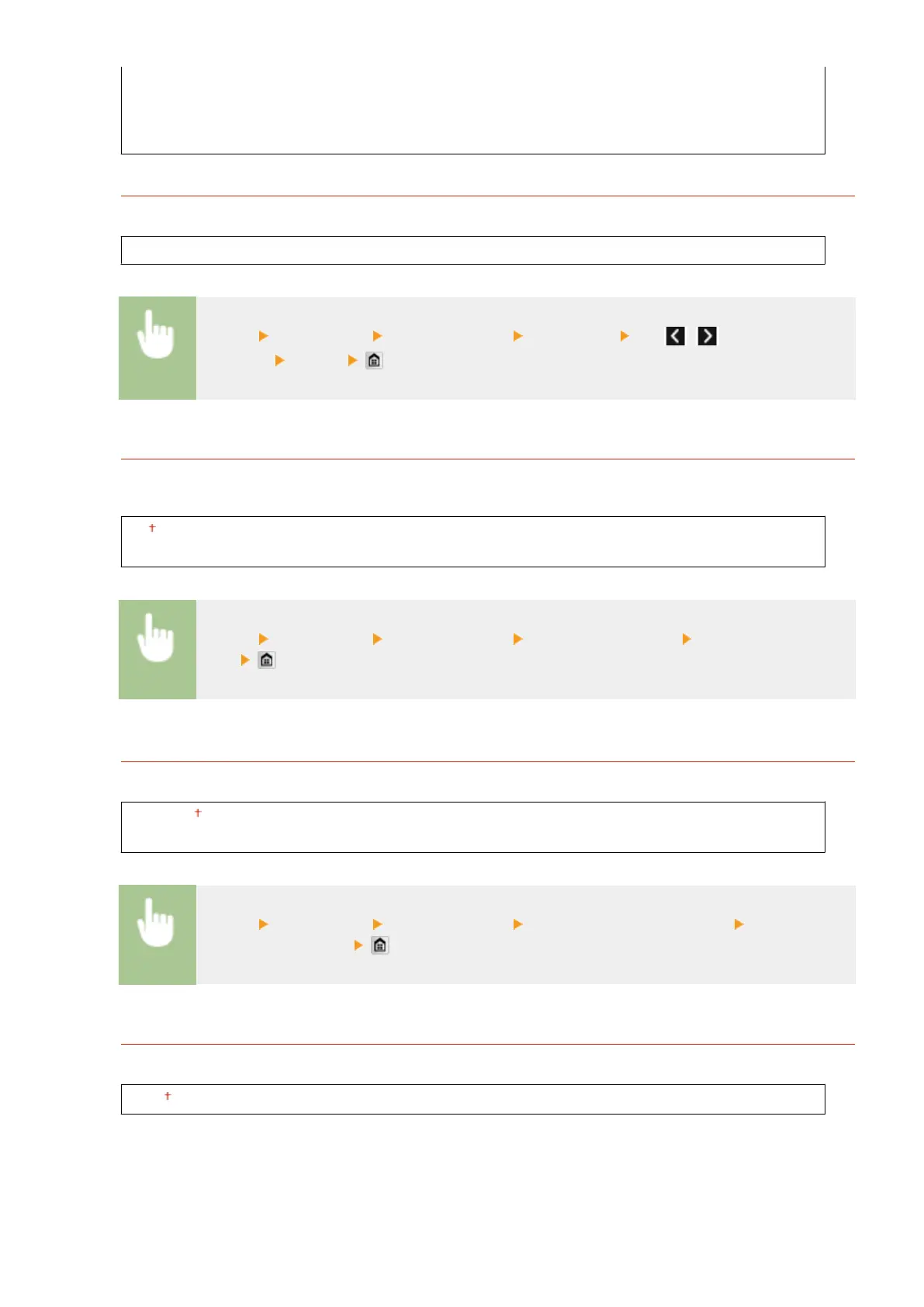
Brightness
Adjust the brightness of the display to suit the installation location of the machine.
Five Levels
<Menu> <Preferences> <Display Settings> <Brightness> Tap / to adjust the
brightness <Apply>
Invert Screen Colors
Select <On> to invert the display colors. Select <On> if the display is hard to view even after the brightness was
adjusted in <Brightness>.
Off
On
<Menu> <Preferences> <Display Settings> <Invert Screen Colors> Select <Off> or
<On>
Millimeter/Inch Entry Switch
Select the unit of measurement.
Millimeter
Inch
<Menu> <Preferences> <Display Settings> <Millimeter/Inch Entry Switch> Select
<Millimeter> or <Inch>
Message Display Time
Specify the interval in seconds at which two different messages are alternately displayed.
1 to 2 to 5 (sec.)
Setting Menu List
642



 To Next Page