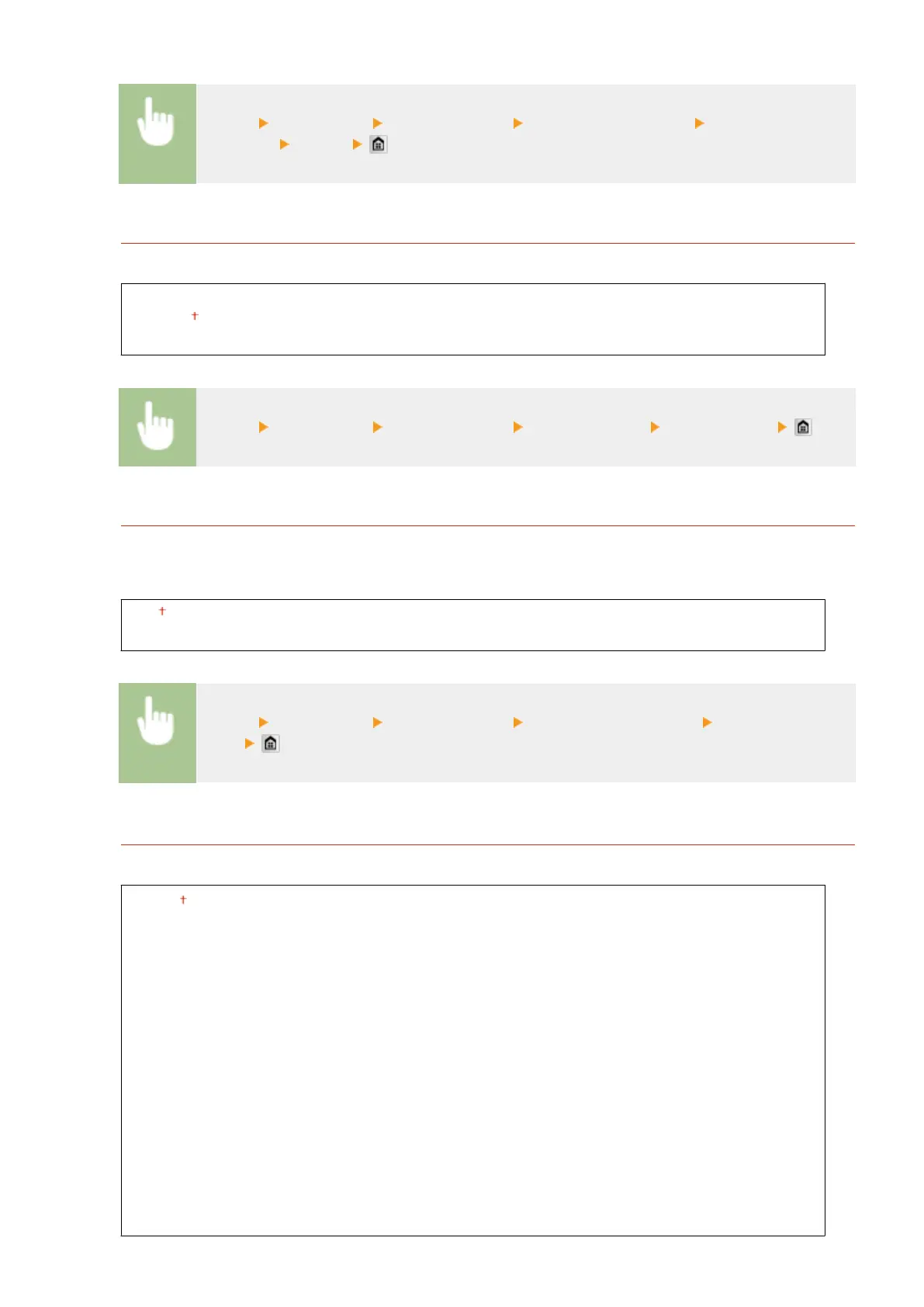
<Menu> <Preferences> <Display Settings> <Message Display Time> Enter a number for
the interval <Apply>
Scrolling Speed
Adjust the speed for scrolling the screen by selecting from three levels.
Slow
Standard
Fast
<Menu> <Preferences> <Display Settings> <Scrolling Speed> Select the speed
Cursor Movement Type
Congure how the cursor moves after a character is entered on the screen. Select <Auto> to automatically move
the cursor to the right of the entered character after approximately 1 second. Select <Manual> to manually
move the cursor to the right of the entered character.
Auto
Manual
<Menu> <Preferences> <Display Settings> <Cursor Movement Type> Select the
speed
Language
*3
Select the display language used for the display, reports, and lists.
English
Japanese
French
Spanish
German
Italian
Dutch
Finnish
Portuguese
Norwegian
Swedish
Danish
Slovene
Czech
Hungarian
Russian
Turkish
Greek
Estonian
Romanian
Slovak
Croatian
Bulgarian
Catalan
Polish
Chinese (Simplied)
Chinese (Traditional)
Korean
Latvian
Lithuanian
Arabic
Setting Menu List
643











 To Next Page