Switch of the settings
Select <On> to enable automatic drawer selection for the paper source you selected on the previous screen
( ).
● Make sure to select <On> for <Drawer 1> or <Drawer 2>. If <Off> is selected for both drawers, you cannot
nish the conguration.
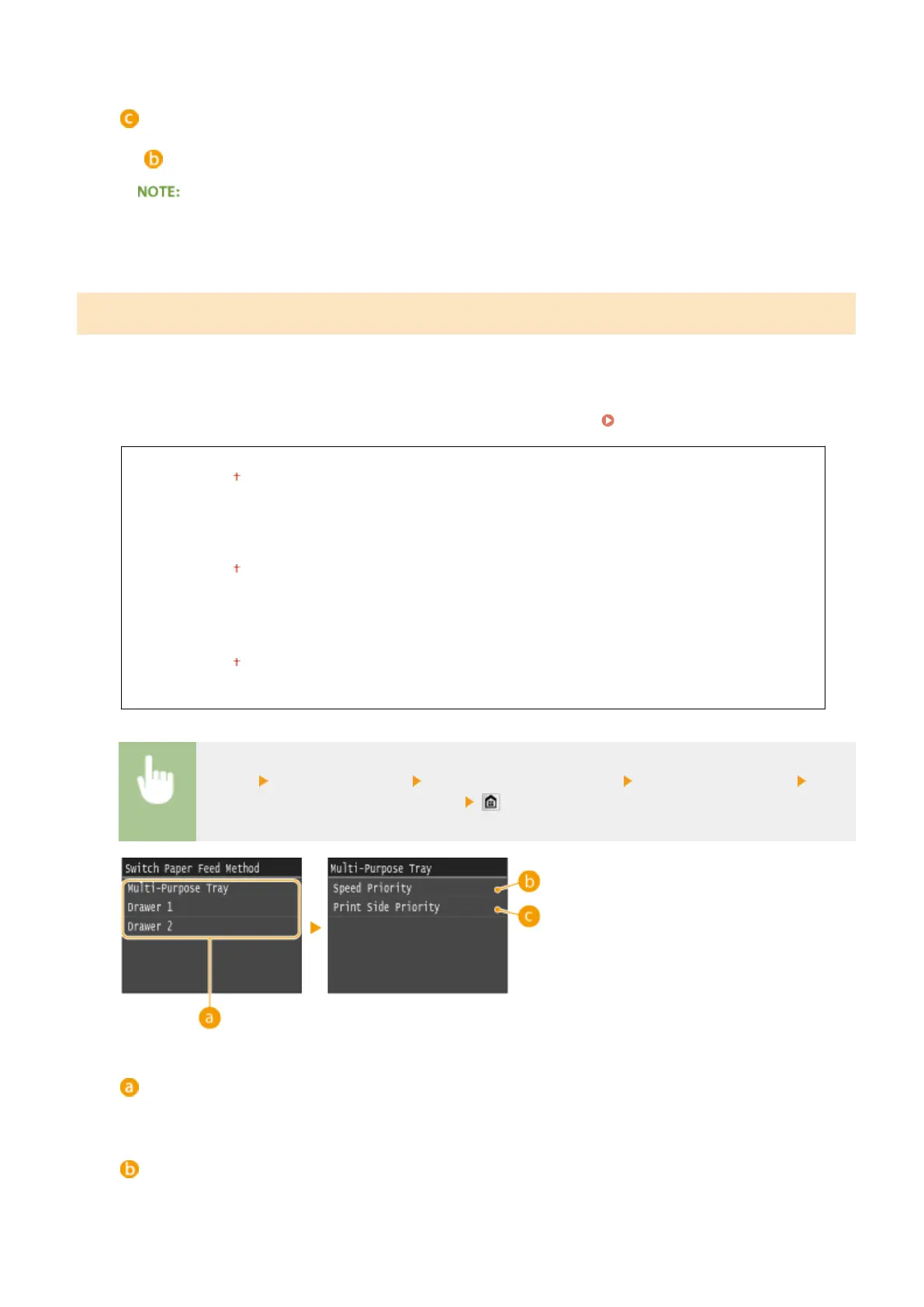
Switch Paper Feed Method
Specify this setting when you print a document on paper with logos. To print on paper with logos, you need to change
how the paper loaded in the paper source is facing depending on whether you are performing 1- or 2-sided printing.
However, if you specify <Print Side Priority>, you can use just the same way of paper loading (which side up or down)
both for 1- and 2-sided printing (namely, the side with logos face up when using the paper drawer, or the side with
logos face down when using the multi-purpose tray). For more information, see
Loading Preprinted Paper(P. 63) .
Multi-Purpose Tray
Speed Priority
Print Side Priority
Drawer 1
Speed Priority
Print Side Priority
Drawer 2
*
Speed Priority
Print Side Priority
<Menu> <Common Settings> <Switch Paper Feed Method> Select the paper source Select
<Speed Priority> or <Print Side Priority>
Paper Sources
Select the paper source that you want to change the setting for.
<Speed Priority>
When using paper that has been preprinted with a logo, you need to change how it is facing when you
perform 1-sided and 2-sided printing.
Setting Menu List
651











 To Next Page