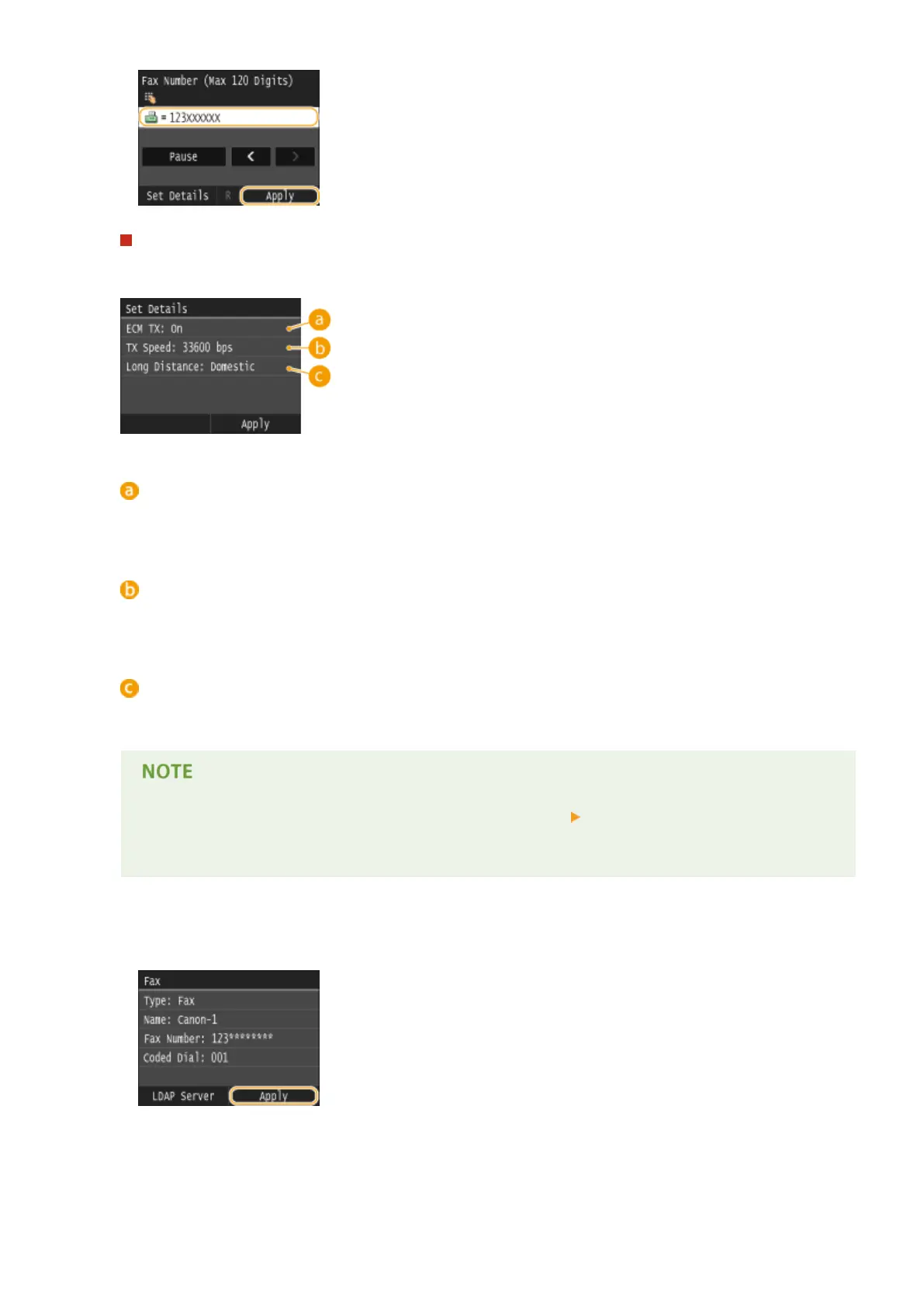
Making detailed settings (only when registered for fax)
After tapping <Details>, a screen similar to the following is displayed.
<ECM TX>
If an error occurs in an image that is being sent, the error is checked and corrected to prevent an improper
image from being sent when setting <On>.
<TX Speed>
If it takes time for transmissions to start, such as when there is a poor telephone connection, you can adjust
the transmission start speed downward incrementally starting from "33600 bps."
<Long Distance>
Specify <International (1)> to <International (3)> according to the transmission conditions when registering
overseas fax numbers.
● You can also specify <ECM TX> and <TX Speed> from <Menu> <Fax Settings>. However, settings
made from <Address Book> are enabled for the detailed settings of destinations registered in the
Address Book.
8
Tap <Apply>.
Basic Operations
83











 To Next Page