©2024 Comba Telecom. All Rights Reserved.
568 Gibraltar Drive, Milpitas, CA 95035 | +1 408 526 0180
3.21 EXTERNAL ANNUNCIATOR PANEL COMMISSIONING PROCEDURE
Perform the following procedures to commission any model AP. The process is the same for BDA, MU, or
RU.
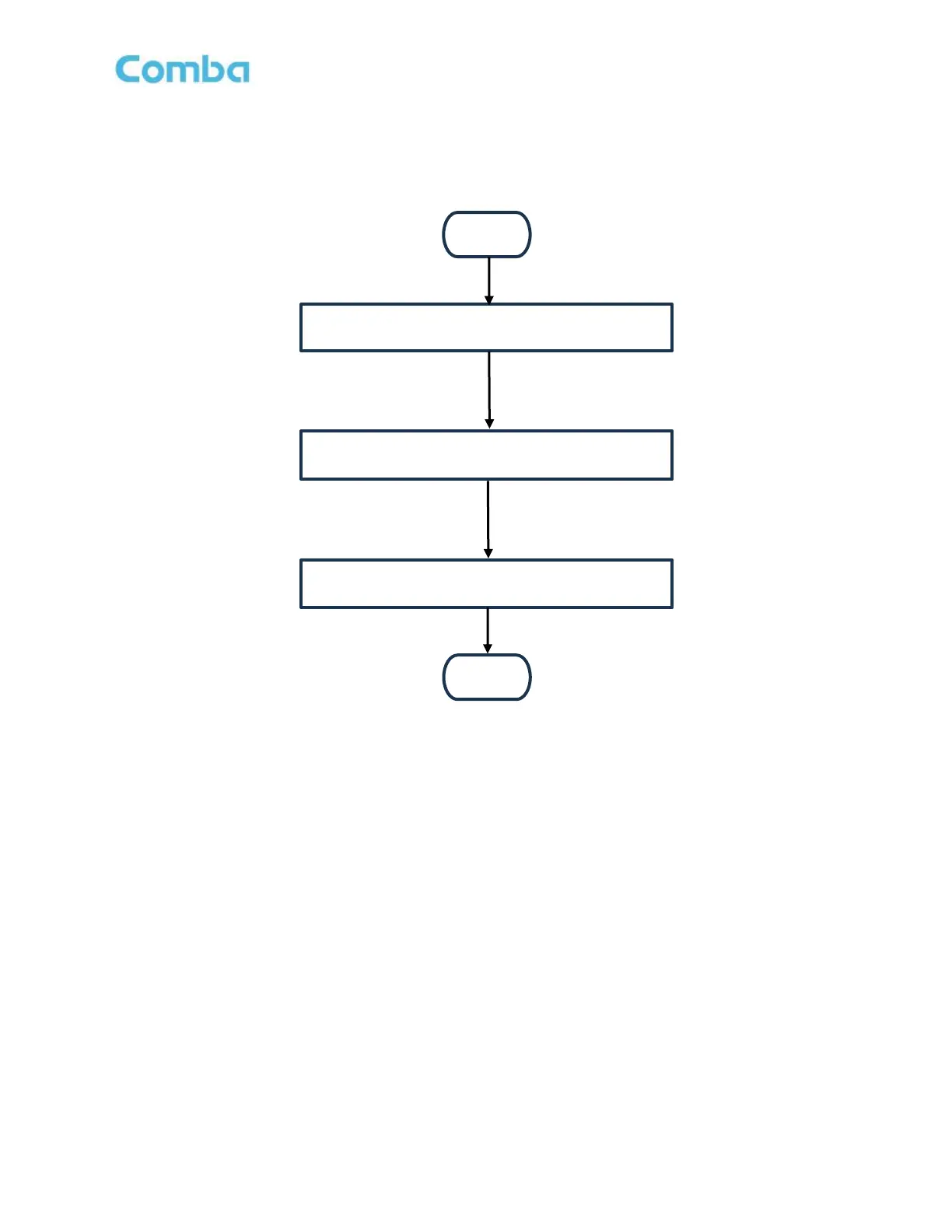
Start
Login to the BDA/MU/RU web GUI
Detect the Annunciator
Change/Modify Alarm Configuration
End
Figure 106: V3 AP Commissioning Procedure
Follow the instructions below to commission the V3 AP(s):
• Ensure all installation and wiring is complete.
• Ensure APs have been addressed accordingly. Refer to sections 2.24 and 2.25
• Login to the BDA/MU/RU web GUI.
• For BDA mode, navigate to Device -> Overview -> External Annunciator Panel. See Figure 107.
• For DAS mode, navigate to Home -> MU -> AP. For RU, Navigate through the MU to Home -> RU
-> AP. See Figure 108.
• Click “detect” to start the detection process. Wait a few minutes for the AP(s) to be detected. After
the AP(s) are detected, their system details will display in the GUI.
• If desired, modify alarm parameters in the “actions” column. Default settings are recommended.
• If required, change the alarm configuration to match the front panel alarm plate. See Section 3.19 for
more details.



 To Next Page