©2024 Comba Telecom. All Rights Reserved.
568 Gibraltar Drive, Milpitas, CA 95035 | +1 408 526 0180
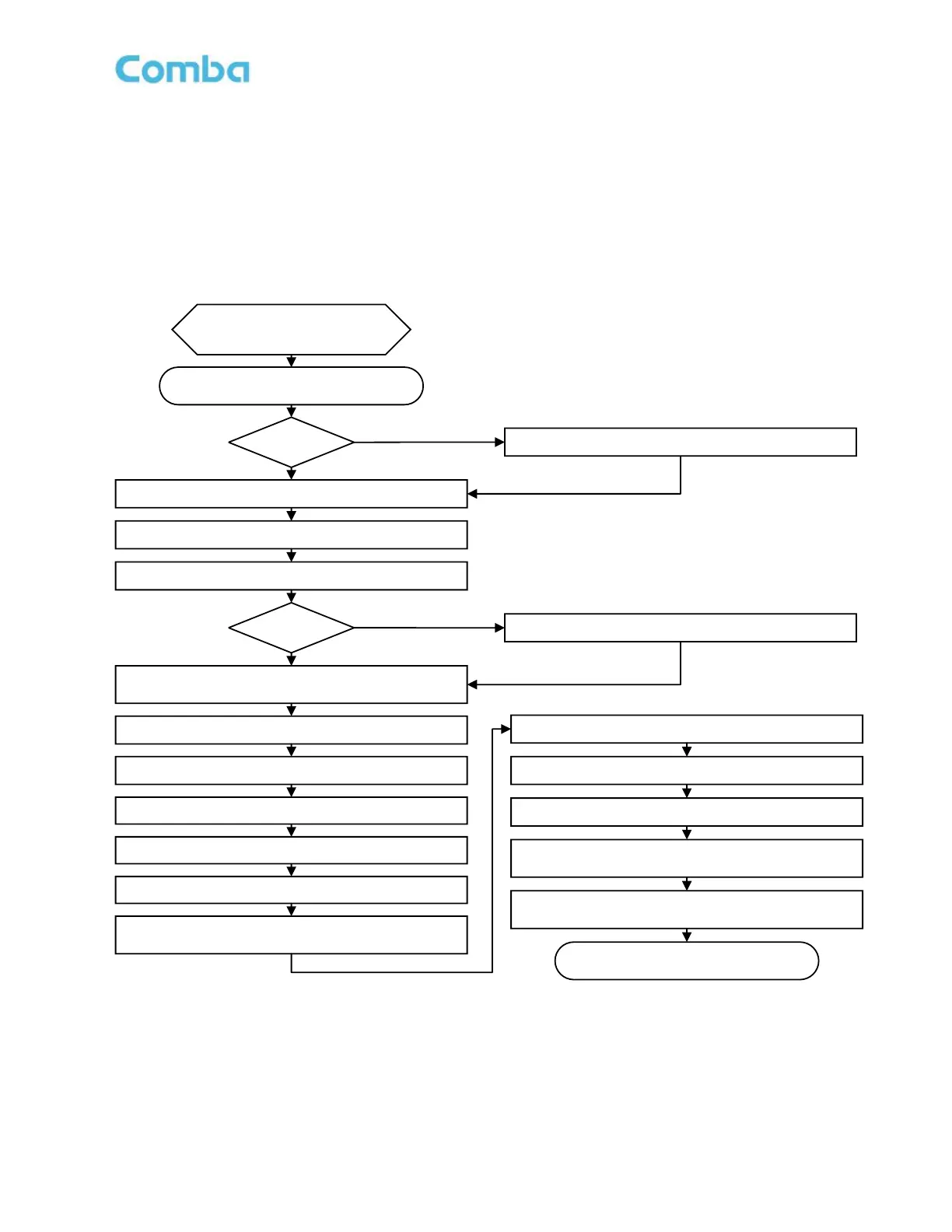
3.5 COMMISSIONING PROCEDURE – FIBER DAS OPTION 2
Perform the following procedures for Fiber DAS system commissioning. In this alternate procedure, the
BDA/MU is commissioned in BDA mode first, before converting the system to DAS mode. This allows the
user to maintain access to the DL Input Test and UL Input Test features in the BDA. Once the BDA has
been commissioned, the BDA/MU is converted to DAS mode and the remaining devices in the system are
commissioned. Refer to Figure 82 and Table 13 below.
Start
Wake Up All System BBU Batteries
Complete
Pre-Commissioning Tasks
Power ON All System Devices
Login to the BDA/MU web GUI
Set BDA/MU General Information and Alarms
Add Radio Tower Site(s) details in
<Device – Sites & Channels – Site Management>
Setup Channel Filters/Sub-bands for the Site(s)
Run BDA/MU Isolation Detection Process
Set BDA/MU Target Power, Gain, Squelch, and
Advanced Features
Turn ON the RF Switches
(AHJ/License Holder Permission Required!!)
End
Using BBUs?
YES
NO
Using AP?
YES
NO
Detect Annunciator Panel(s)
Scan to Identify Connected System Devices
Run DL Input Test
Run UL Input Test
Review GUI Recommendations vs. Design
Change the BDA/MU Device Type to DAS
Run System Isolation Detection Process
Set RU Target Power, Gain, Squelch, and
Advanced Features



 To Next Page