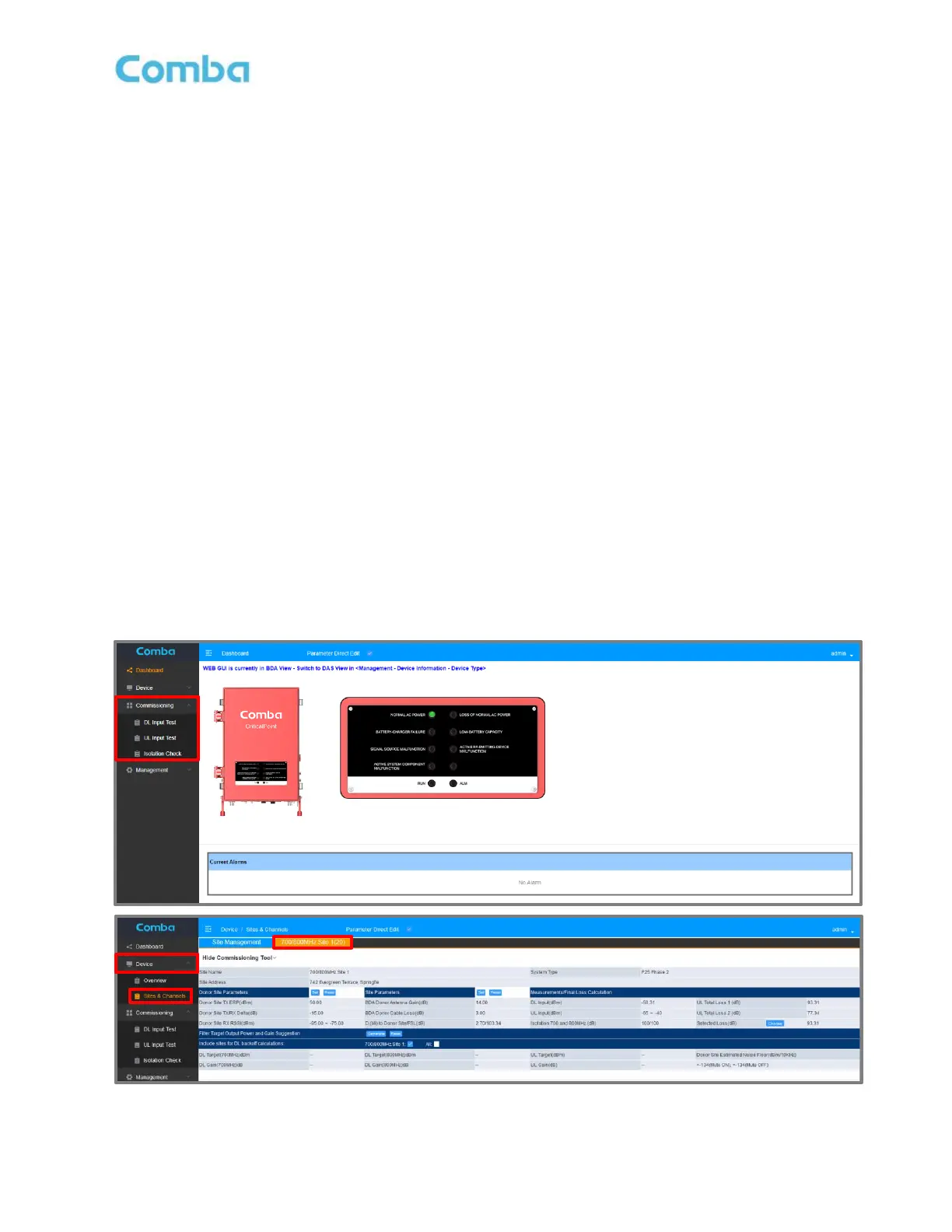
3.27 COMMISSIONING TOOL PARAMETER CALCULATIONS (CLASS A BDA)
The V3 BDA provides three commissioning tools which can help users to estimate RF commissioning
parameters. Once the three commissioning tests have been complete, the user can enter some additional
system details and generate the suggested values for DL Target Channel Power (DL_TAR), DL Gain
(DL_GAIN), UL Target Channel Power (UL_TAR), and UL Gain (UL_GAIN). The system will calculate the
minimum gain and power based on the user inputs and commissioning test results. The commissioning tool
which generates the suggested RF parameters is located within the <Sites and Channels> page. The user
can enter system details into the tool, and it will generate the suggested values for DL_TAR, DL_GAIN,
UL_TAR and UL_GAIN. All three commissioning tests must be completed, and all system details must be
entered for the tool to be able to formulate a link budget and generate suggested gain and power values.
The three commissioning tests included are:
• Isolation Check
Measures system Isolation and will restrict any gain to be set over <Isolation – 20>. The user can perform an
onboard measurement or select manual override and enter a manual measurement. See section 3.26
• DL Input Test
Measures the Control Channel Downlink Input Power. The user can perform an onboard measurement or
select manual override to enter a manual measurement. See section 3.24
• UL Input Test
Measures Uplink Max and Min Input to the BDA. The user can perform an onboard measurement or select
manual override to enter a manual measurement. See section 3.25
Note: Due to SW limitations, when the V3 system is in a class B configuration or in DAS mode/view,
only the <Isolation Check> tool is available.
Figure 129: V3 BDA Class A Commissioning Tools and Calculations



 To Next Page