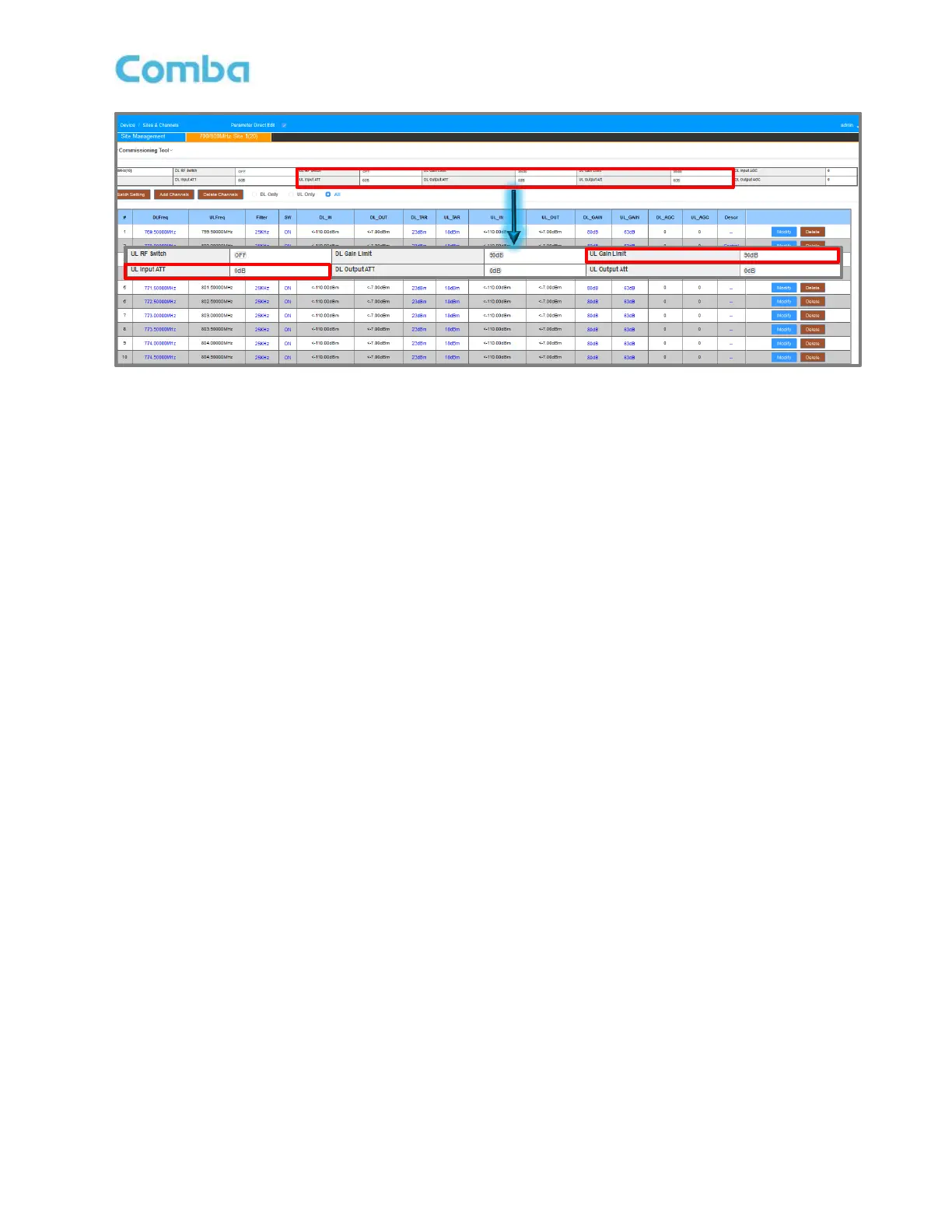
Figure 145: Optimizing BDA – UL Input ATT and UL Gain Limit
For UL Output: If the original UL Target Power (UL_TAR) and UL Gain (UL_GAIN) settings do not meet the
coverage requirement:
If UL RSSI at Donor Site is too Low:
Confirm power calculation, Donor Site RSSI requirement, and the total loss first. (In many cases a failed
Uplink test is NOT because of lack of UL Power!). If more UL Power is determined to be required, adjust to a
higher UL_TAR and UL_GAIN. This will reduce the headroom of power reserved when presuming all
channels will burst at same time. However, in the Uplink path, it is not expected to have many simultaneous
UL transmissions from radios compared to the Downlink path. In other words, less headroom is required in
the Uplink.
If less power or less broadband noise is desired, there are 3 options:
• Set a lower UL Target Power (UL_TAR) and UL Gain (UL_GAIN).
• Use UL Output ATT to attenuate the UL Output.
It will reduce the maximum BDA UL output and broadband noise output.
The broadband noise will drop linearly with output power in the first 10dB of attenuation. And non-linear (after
10dB of attenuation. (Noise is normally not a concern for DL)
UL_TAR range and UL_GAIN range will also be reduced after using UL Output ATT. However, in this case,
users most likely do not need to change the UL_TAR or UL_GAIN again. The UL_TAR shown in the WEB
will be the max output power per channel measured at DT Port.
• Apply a physical external attenuator. (It can reduce both the power and noise floor in an easy way.)
Note: if an attenuator is on DT port, it will also reduce the DL Input. (Downlink is intended to be attenuated in
many cases)
UL Mute
It is highly recommended to use UL mute feature, to squelch the uplink filter noise when there is no UL traffic.
Set UL Mute threshold to be 10dB less than MIN_UL_INPUT in <Device - Overview> Page.



 To Next Page