©2025 Copeland LP.
026-1803 R13 Supervisor I&O User Guide 9 - 41
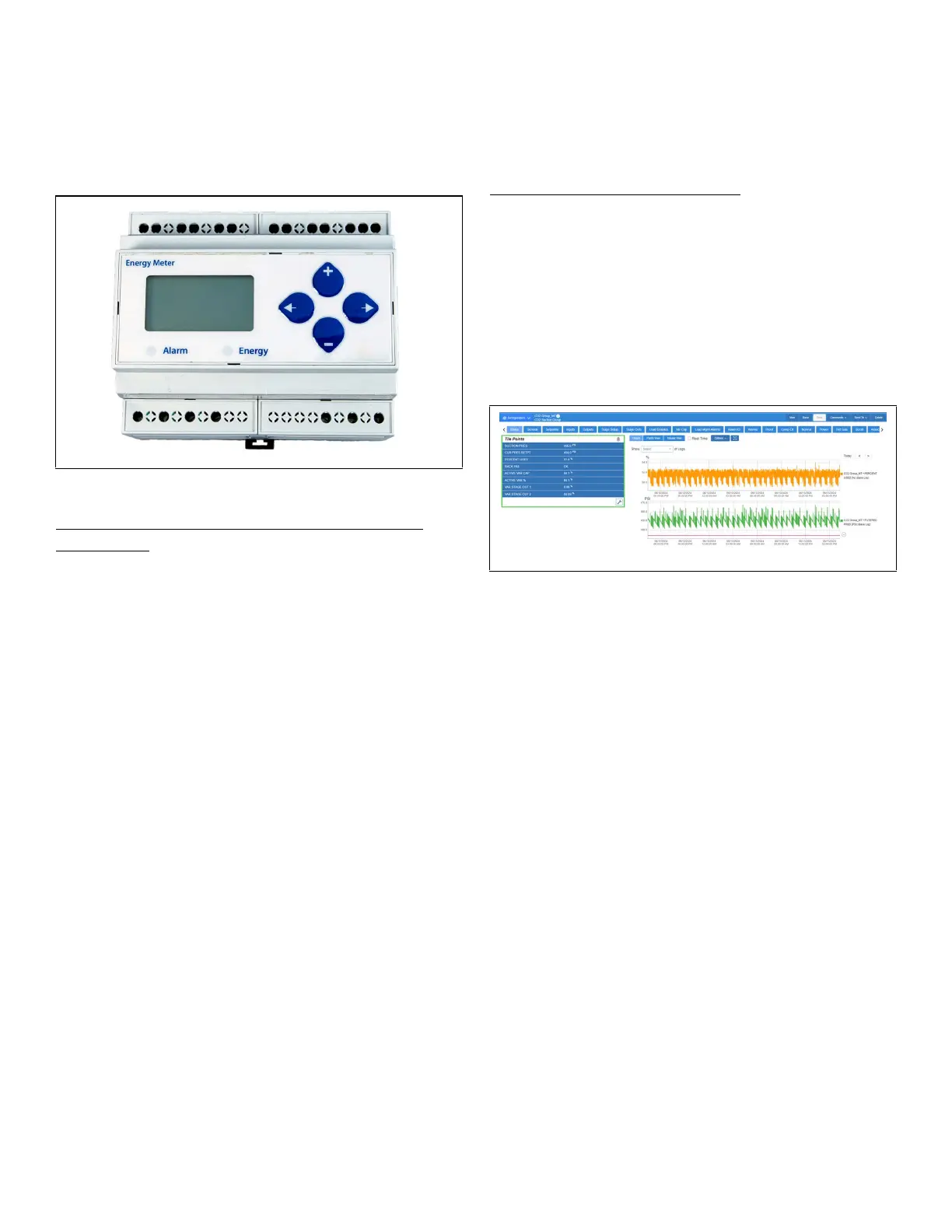
9.25 Energy Meter
Energy Meter provides a flexible energy monitoring solution.
The pulse output and the unique phase alarm feature allow
the device to support a wide variety of applications. The
device is also compatible with many types of current
transformers that allow easy retrofits.
How To Add an Energy Meter Device on the
Supervisor:
1. From the Home screen, click the Control Inventory icon
(box). Click the drop-down arrow for Add Control in the
appropriate category and select from the list.
2. Select the Control or Application Type - Energy Meter 0.2,
enter the Quantity, Control Name and Serial Type. Note
that Serial Type information can be entered later. Click
Save to add the application.
3. A Confirmation box will appear to notify that the
application is successfully added to the system, click
Close or Edit these controls.
4. The system will display the new application(s) on the Site
Summary screen.
5. Click the Energy Meter application panel box to view the
application.
6. The system will display the Energy Meter application
parameters.
7. The user can view and configure the properties of the
application by setting the Edit Mode to ON on the screen
drop-down arrow on the upper right of the screen.
9.26 Data Logging and Graph
The Data Logging and Graph Enhancement includes
navigation to Single Log, Multi-Point, or Real-Time graphing
screens. It also has download, email and print capabilities of
log data from Multi-Point and Real-Time logging group.
Dynamic Loading of Graph Data
• Graphs are automatically filtered to the past 24 hours.
• Use the Today < > icons to move through the days.
< will go to the previous 24 hours; > will go to the next 24
hours; and click on Today to go back to the last 24 hours
view from wherever in the graph you are.
• The range settings are still available as well as the zoom
functionality
Note: if zoomed into a range, the arrow keys move through
the points using the same range.
9.27 Flexible Combiner
The Flexible Combiner application is a highly advanced and
versatile I/O control program used to combine multiple
analog and digital input values using programmed equations
similar to those used in spreadsheets.
A Flexible Combiner application may have up to eight analog
outputs and four digital outputs, each of whose values are
determined by user-programmed equations that
mathematically combine up to eight analog inputs and eight
digital inputs. Four of the analog outputs have the ability to
remember their output state over an Site Supervisor power
cycle. Additionally, up to four alarms can be set up whose
trigger and alarm delays are equations. Alarm type, priority,
and the message for each alarm are user-configurable.
Equations used to calculate output values and time delays
may use mathematical combinations of any of the Flexible
Combiner's analog and digital inputs, as well as numeric and
named constants, operators, functions, and even
rudimentary if-then logic functions. For control of digital
outputs, the Flexible Combiner also supports separate
equations that determine ON and OFF delays.
The user can set up to four alarms whose trigger and alarm
delays are equations. The user may also choose the alarm
type, priority, and the message for each alarm.
Figure 9-14 - Energy Meter



 To Next Page