©2025 Copeland LP.
026-1803 R13 Supervisor I&O User Guide C - 7
Managing Users
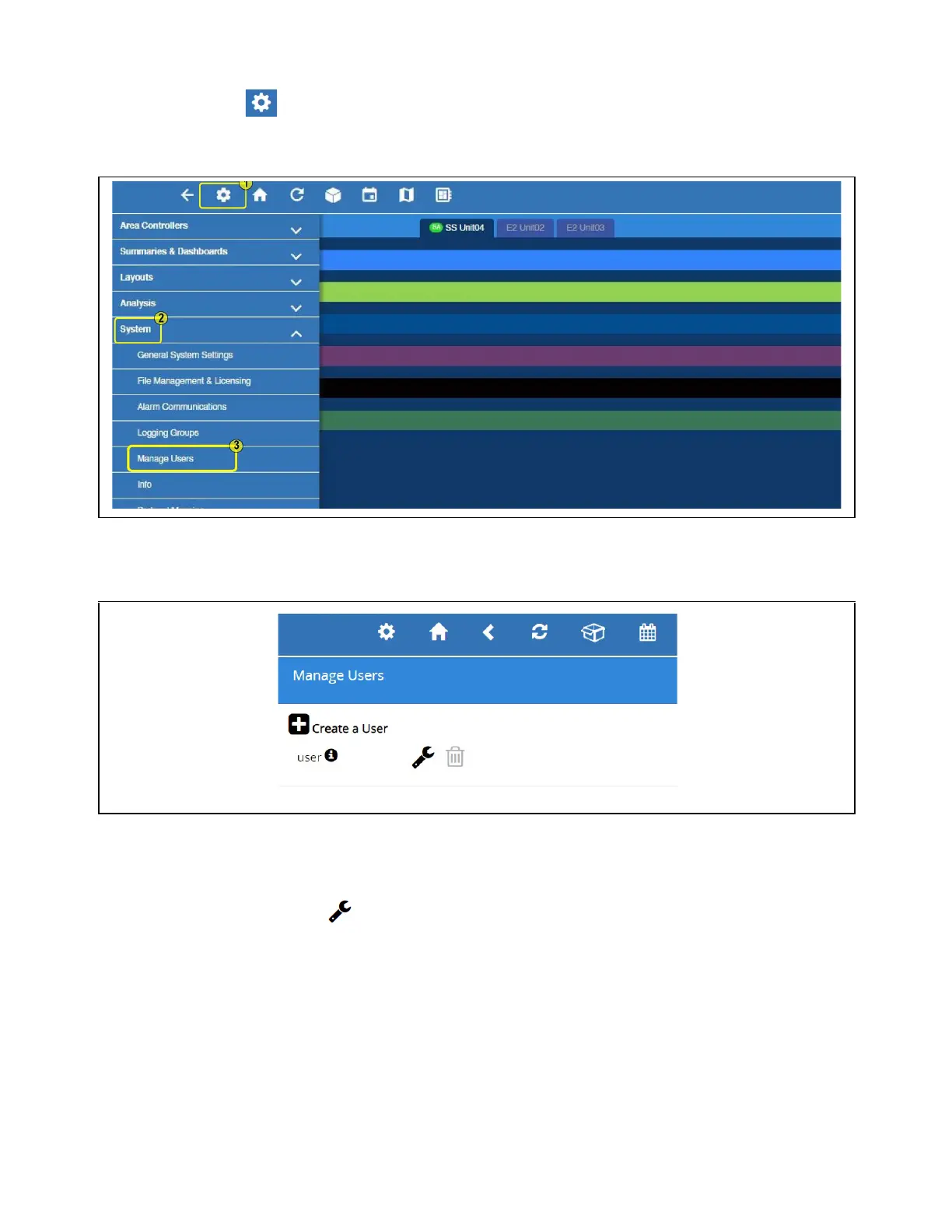
1. Click the Setup (gear) icon.
2. Click Configure System.
3. Click Manage Users.
View and Edit Users
• From here, you can view, edit, or delete users.
• To add a user, click the plus (+) sign and Create a User.
• To edit a user, click the wrench icon
• To delete a user, check the box on the left side of the user name and click the Delete button.
Managing Users
Default User Profile



 To Next Page