©2025 Copeland LP.
026-1803 R13 Supervisor I&O User Guide C - 5
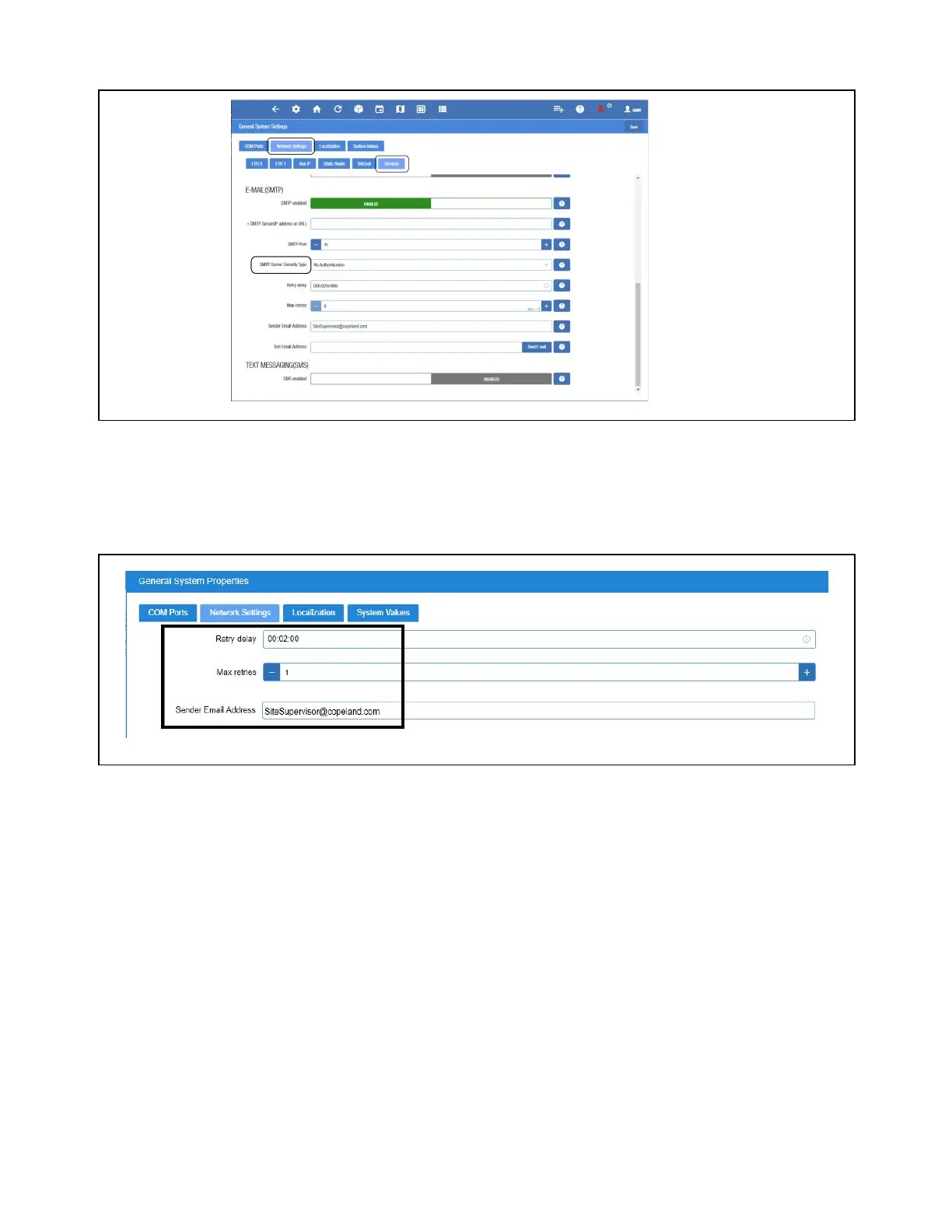
Authentication Type
• Check with the local IT server for the Authentication type to access the SMTP server.
• Set the Username (your email address such as Gmail or Yahoo) and Password (your password for that email account).
Complete SMTP Server - Set Max Retries
• Retry delay - Leave at default setting of 00:02:00
• Max retries - Set to 1
• Sender Email address - Set the email address the Supervisory Controller will use to send Alarm Communications.
Note: The email address used should be a valid user on the SMTP server.
Authentic Type
Max Retries



 To Next Page