©2025 Copeland LP.
026-1803 R13 Supervisor I&O User Guide B - 6
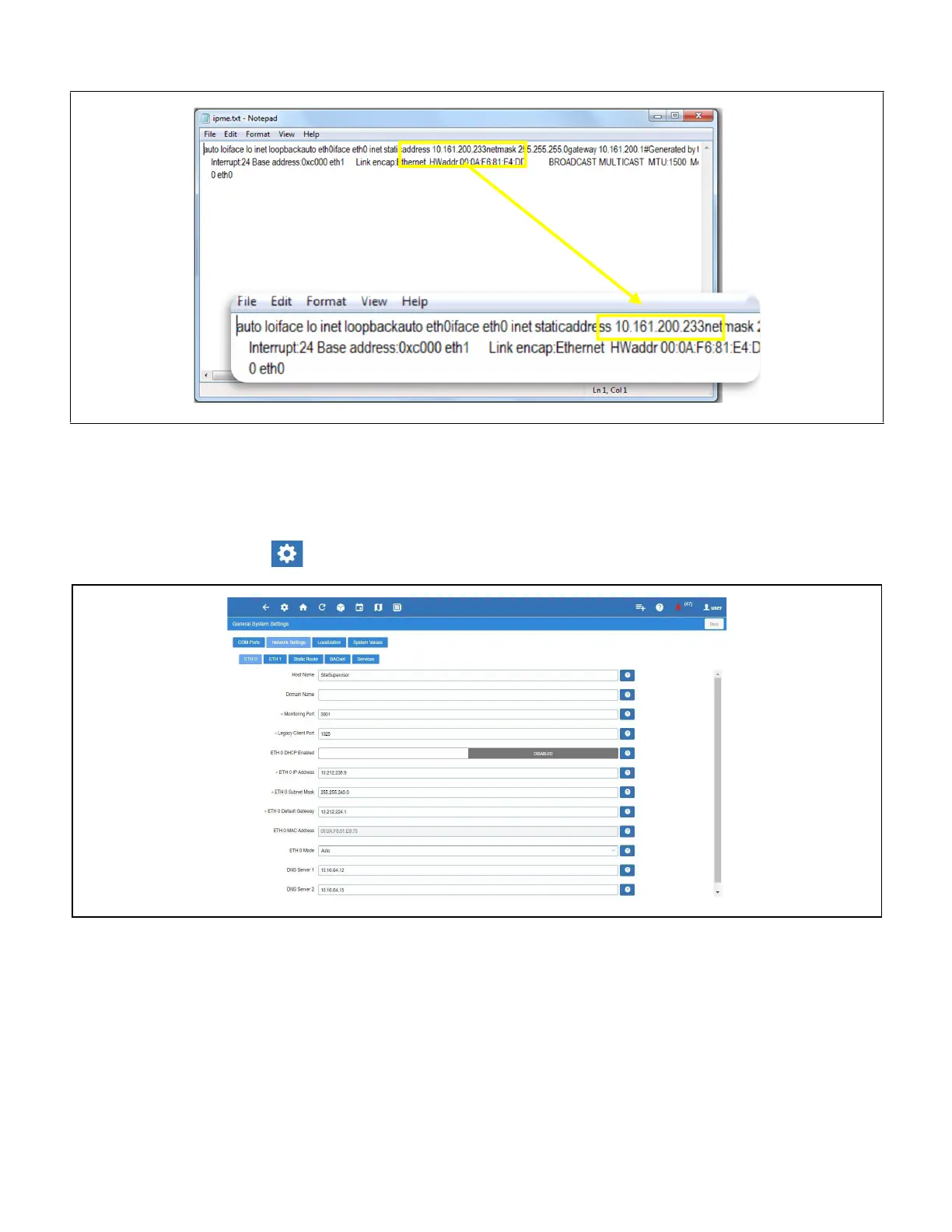
7. Open the text document and the IP address of the Supervisory Controller that is displayed.
How to Change the IP Address
Method 1: Direct Connect
8. Select the Main Menu icon > Configure System > General System Properties > Network Settings:
9. On the
INTERNET (TCP/IP) section on the screen, enter the IP Address in the ETH 0 IP Address field.
Supervisory Controller IP Address Display
Enter IP Address in the ETH 0 IP Address Field



 To Next Page