©2025 Copeland LP.
026-1803 R13 Supervisor I&O User Guide I - 2
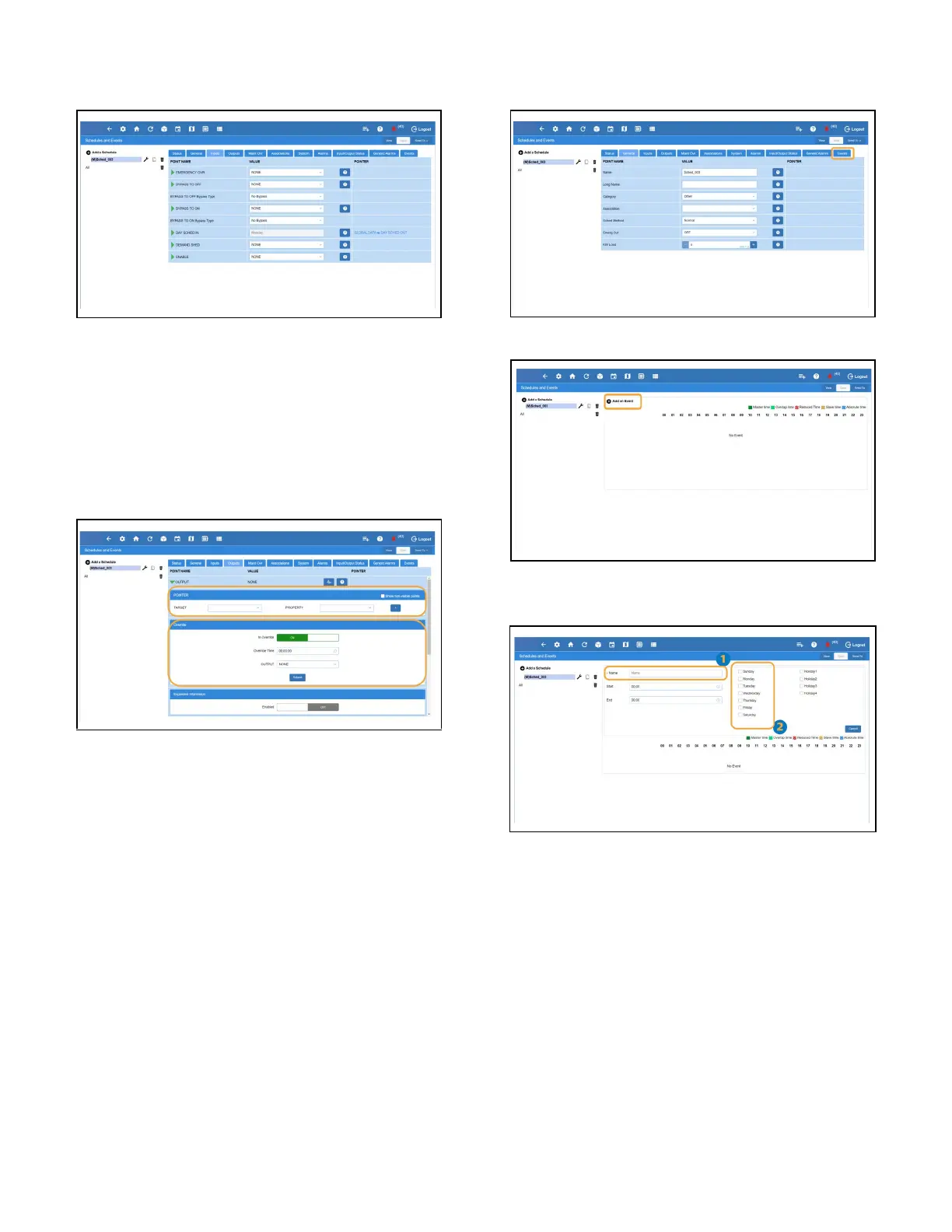
Schedules - Inputs Tab
1. Setup your inputs.
Schedules - Outputs Tab
1. Associate the output to a application/device point. To
add other additional association, click the + button.
2. To override any output command, toggle the ON/OFF
button and change the override parameters.
3. Click the Submit button to override the command.
4. Once completed, click Save.
Adding Events
1. To start adding events, click the Events tab.
2. Click the Add an Event text.
3. Enter the name for the event in the Name field.
4. Select the day(s) of the week that the event will occur.
5. Use the up and down buttons to set and increase and
decrease the Start and End Time values.
6. If this is a Slave (Child) event the times selected are
relative offsets to the Master (parent) schedule and the
available time ranges are from -11:55 to +11:55 (HH:MM)



 To Next Page