©2025 Copeland LP.
026-1803 R13 Supervisor I&O User Guide D - 1
Appendix D: Utility Monitoring
The Supervisory Controller is capable of configuring a Utility Monitoring application that is used primarily for monitoring,
recording, and to a lesser degree controlling power or KW usage in a building. Utility Monitoring applications are pre-
programmed with extensive logging capabilities that record the hourly, daily, and monthly power usage statistics. Several power
monitoring input types can be used, it can be KW Analog, Pulse KWH or Energy device. The following document will serve as a
guide for setting up Utility Monitoring in the Supervisor.
How to Create a Utility Monitoring Application
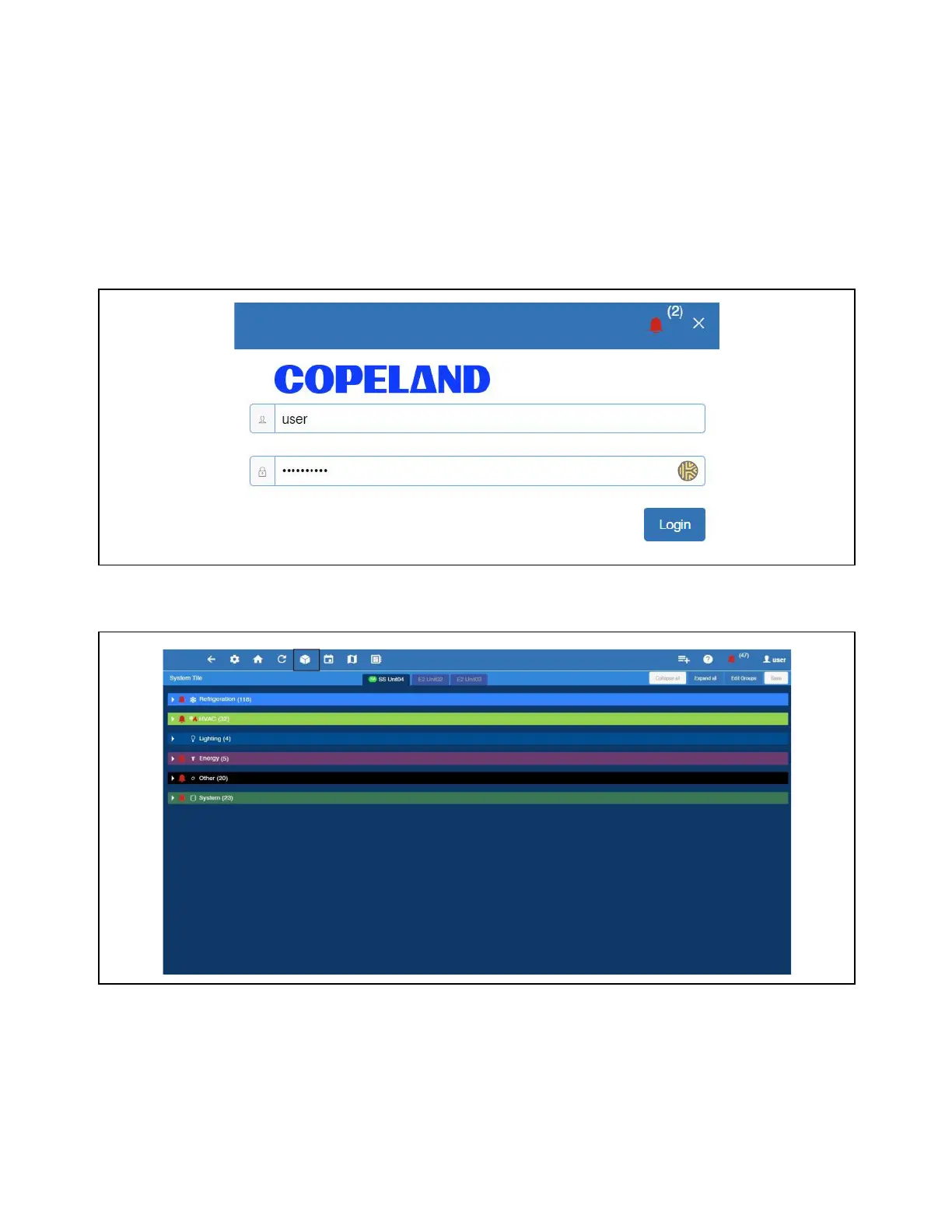
1. Log in to Supervisory Controller by selecting Login located at upper right-hand side of screen. The default
Username is user and Password is supervisor.
2. From the Home screen, select the Control Inventory icon.
Log Into the Supervisory Controller
Select Control Inventory



 To Next Page