©2025 Copeland LP.
026-1803 R13 Supervisor I&O User Guide D - 2
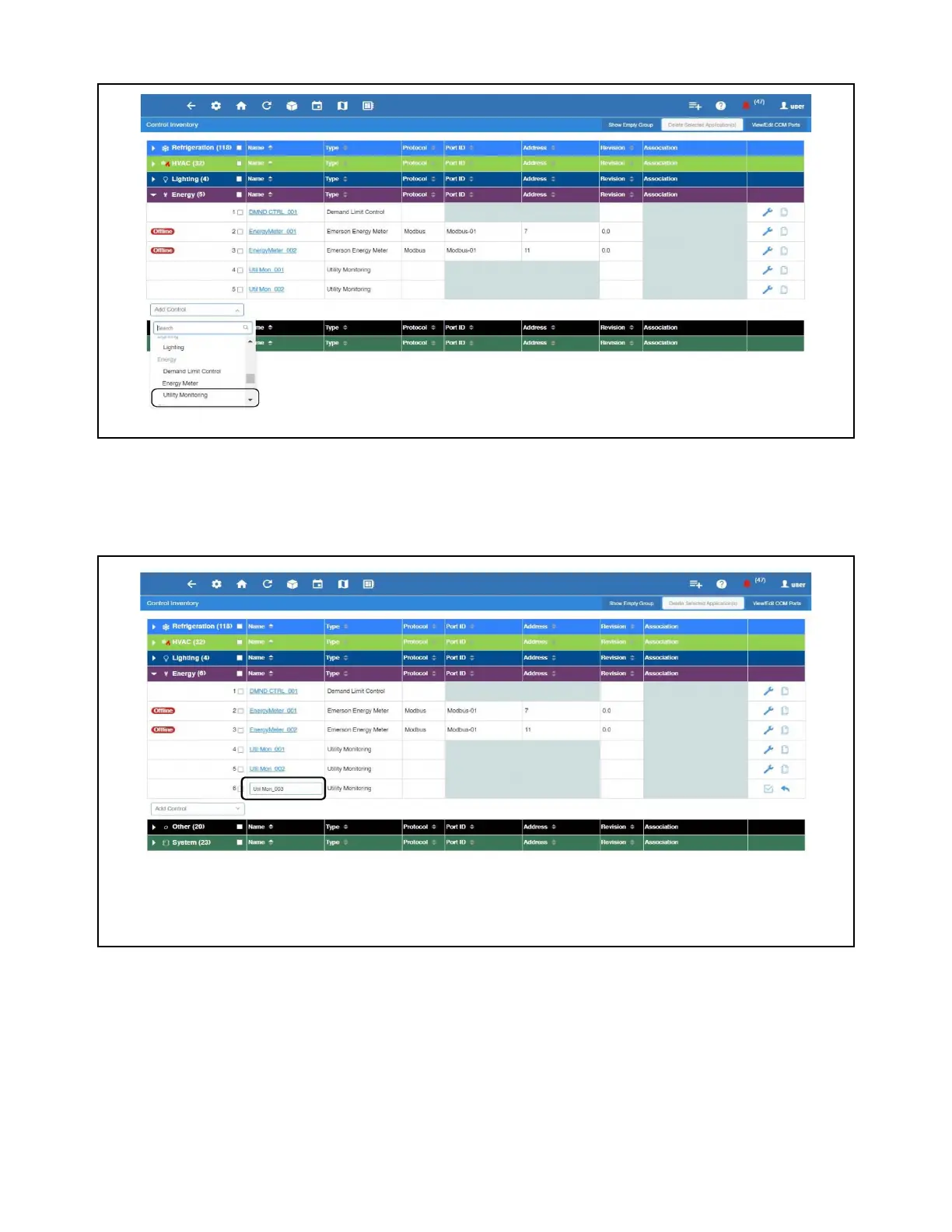
3. Select Energy, click Add Control, and then select Utility Monitoring.
4. In the Name field, enter the name of the application and then click the arrow icon to close edit mode. In this example, add
one (1) Utility Monitoring application.
Select Utility Monitoring
Utility Monitoring Application



 To Next Page