©2025 Copeland LP.
026-1803 R13 Supervisor I&O User Guide 8 - 7
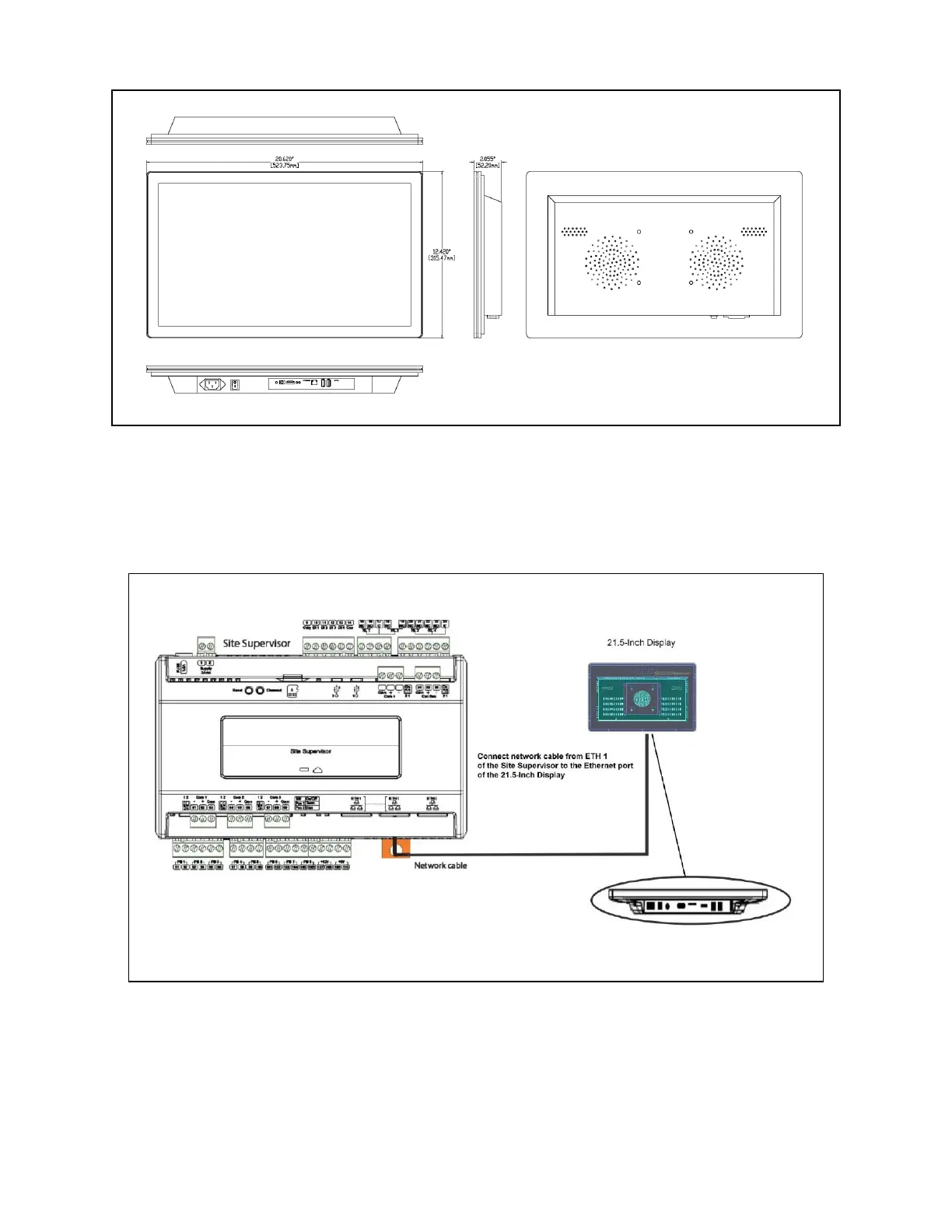
8.3.3 Mounting Dimensions
8.3.4 Direct Connect to Site Supervisor
1. Connect the power supply to the 21.5-Inch Display.
2. Connect one end of the network cable to ETH1 of the Site Supervisor and the other to the Ethernet port of the
21.5-Inch Display.
Figure 8-13 - 100mm x 100mm Wall Mount
Figure 8-14 - Direct Connect 21.5-Inch Display to Site Supervisor



 To Next Page