©2025 Copeland LP.
026-1803 R13 Supervisor I&O User Guide 4 - 6
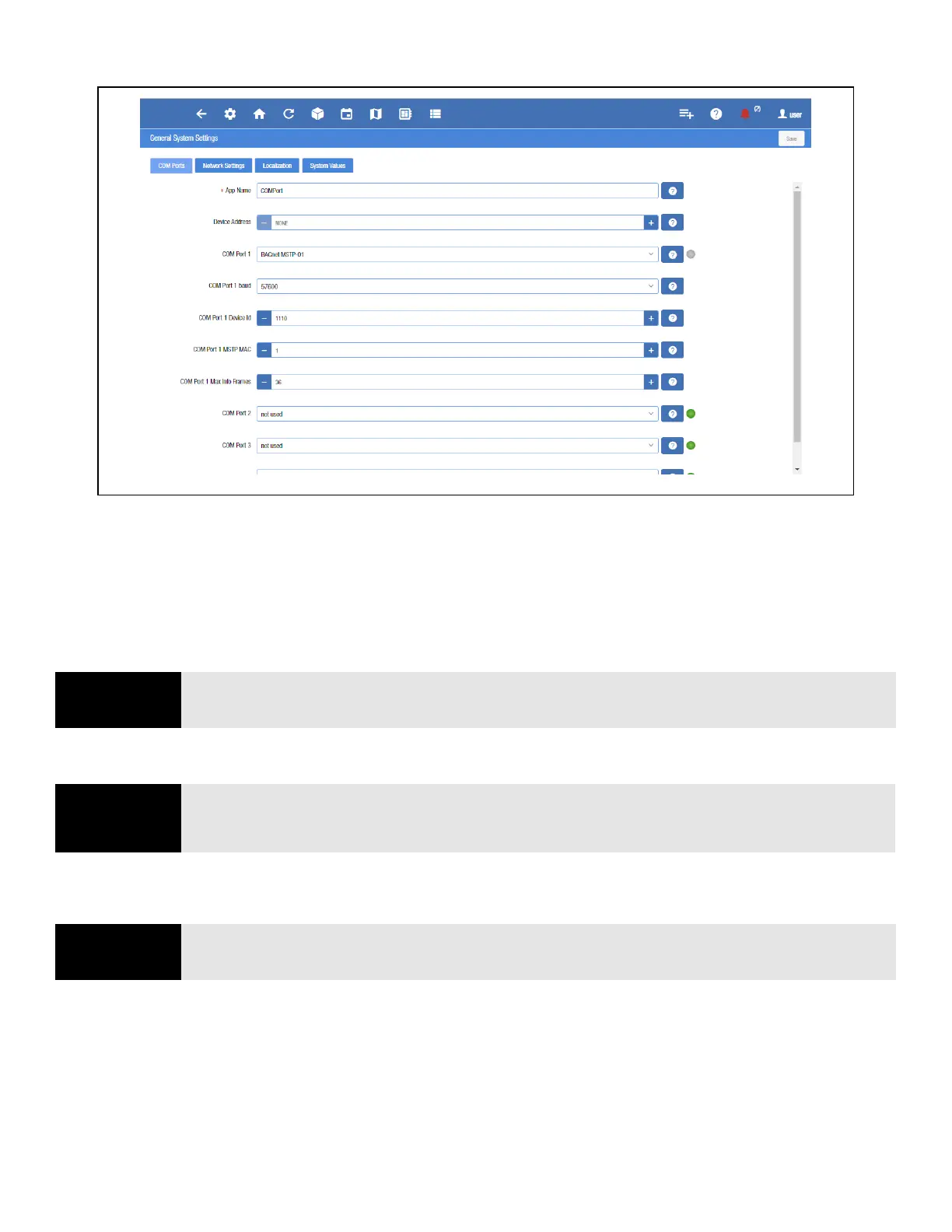
The COM Port Bandwidth Calculator is also available on the General System Settings COM Ports page.
4.5 Overview
4.5.1 Conditional Visibility
Conditional Visibility allows points to be viewed that are applicable to the defined view level (Basic or Advanced - equivalent to
“Full Options” in previous generation controllers) for certain (not all) applications.
4.5.1.1 User View Details
Some screen information and contents are editable, which when clicked can either display additional or related information or
move to another screen.
Figure 4-3 - General System Properties COM Port Settings Page
NOTE
NOTE: The mobile Supervisory Controller view does not support conditional visibility.
NOTE
NOTE: When you navigate to a specified screen, you will see the points equal to or less than your
View Level available on the Supervisory Controller’s rule. The basic user level does not see the
Advanced view level point.
NOTE
NOTE: The screen will only display applicable points according to your view level and the
Supervisory Controller’s rules.



 To Next Page