©2025 Copeland LP.
026-1803 R13 Supervisor I&O User Guide 4 - 5
4.4 COM Port Bandwidth Calculator
The COM port Bandwidth Calculator is used to determine if
more controllers are added to a port than can be supported
theoretically when controller communications are stable. The
Modbus Com Stat Report shows which port is receiving the
most data.
The COM Port Bandwidth Calculator shows the bandwidth
loading on all available Modbus COM ports. For each port,
the calculator evaluates the devices currently assigned to the
port to determine how much of the available communication
bandwidth has been consumed by the defined devices. The
result is shown as a color indicator.
Previous bandwidth calculators specified a maximum
number of devices recommended to be commissioned on a
COM port, using an external spreadsheet tool. E3 simplifies
this determination using a real-time color coding displayed
next to each COM port. The color is updated each time a new
device is added to the port.
As more and more devices are added to a communication port, the available bandwidth of that port will decrease. Eventually, if
enough devices are added, there will be no remaining bandwidth which could result in slower data transfer between the
devices and the supervisory controller.
Some Modbus devices require more communication bandwidth than others, depending on the functionality of the device. The
bandwidth calculator can determine the relative bandwidth load for any devices that support the bandwidth calculator.
As devices are added to a communication port, the calculator will indicate if the maximum load is being reached for that port.
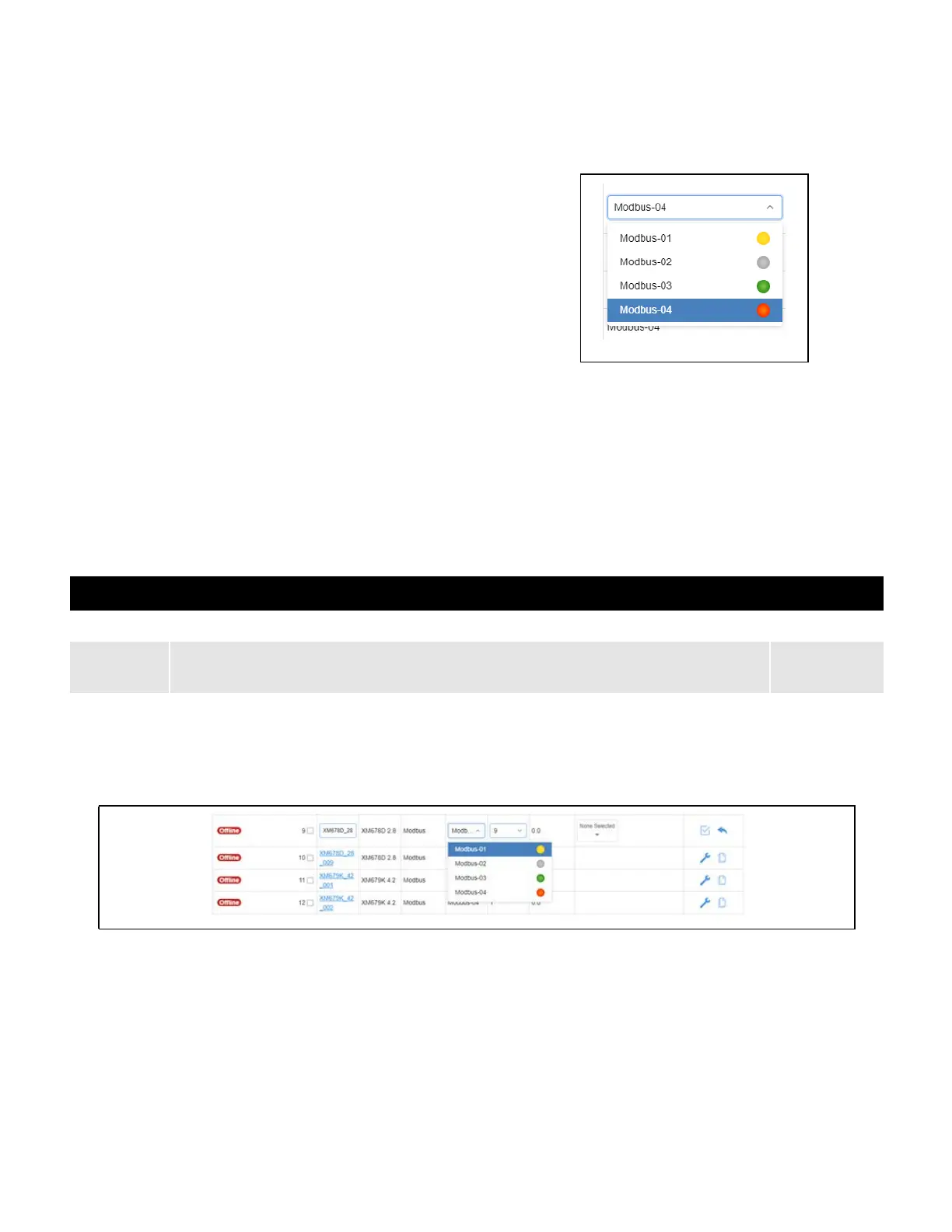
The COM port Bandwidth Calculator is now integrated into
Control Inventory page. In the drop-down list of the Port ID
column, a color indicator has been added for the bandwidth
condition:
Figure 4-1 - Com Ports 1 to 4
Condition Notes/Warning Color Code
Good An optimum number of devices is on the port and there are no bandwidth restrictions.
Green
Notice
Bandwidth usage has now reached a high limit. There will be a notification immediately during
commissioning if there is a bandwidth issue and an indication that devices may need to be shifted to another
port.
Yellow
Alert
Approaching the maximum limit of devices on the port. The number of controllers has
exceeded the available bandwidth for this route.
Red
Figure 4-2 - Control Inventory Page COM Port Calculator



 To Next Page