©2025 Copeland LP.
026-1803 R13 Supervisor I&O User Guide 6 - 4
6.3 Alarm Log and View History
The number of active alarms showing in the upper right corner of the screen next to the bell icon, reflects the number of active
alarms without including alarms that have been acknowledged “ACK” and muted “MUTE.”
The number of active alarms on the Alarm page (when the bell icon is clicked) is counting all active alarms including alarms that
have been acknowledged “ACK” and muted “MUTE.” Therefore there may be a difference between these two alarm counts.
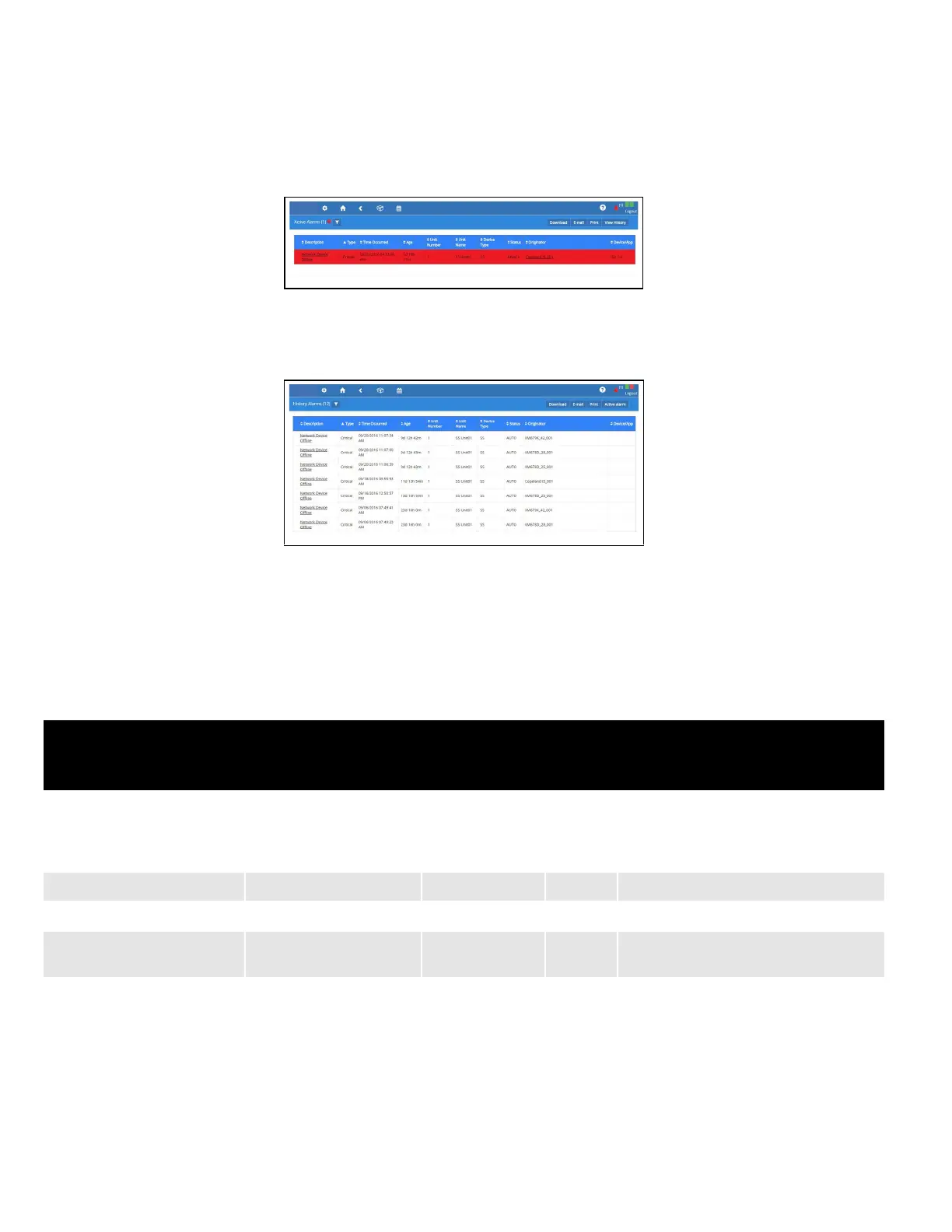
Select the Active Alarms icon to open the Alarm Log screen and view the list of active alarms in the system:
The alarm name appearing in the Description column is the default name or custom name assigned to the alarm. Click View
History to see the collection of alarms that have been resolved.
Active alarms also appear as default on the Home screen.
6.4 Temperature Differential Alarms
Once the newly requested points are correctly set, alarms are generated when the real values do not meet the TD setpoint.
Figure 6-11 - Alarm Log
Figure 6-12 - Alarm History
Table 6-1- Alarm Properties
Name
Property Details
Visibility
Value Range Default Log
Differential Temperature
Selection
Space, Zone, Mixed,
Return or None.
N/A N/A
When the point is set as Space, Zone,
Mixed or Return respectively, the Heat
Alarm Diff, Cool Alarm and Diff Alarm
properties are visible.
Heat Alarm Diff (Differential) 0~54.00DDF 18.00DDF N/A Refer to the interpretation above.
Cool Alarm Diff (Differential) 0~54.00DDF 18.00DDF N/A Refer to the interpretation above.
Differential Alarm
Notice; Critical; Non-
critical; Disable
Notice N/A Refer to the interpretation above.



 To Next Page