©2025 Copeland LP.
026-1803 R13 Supervisor I&O User Guide D - 5
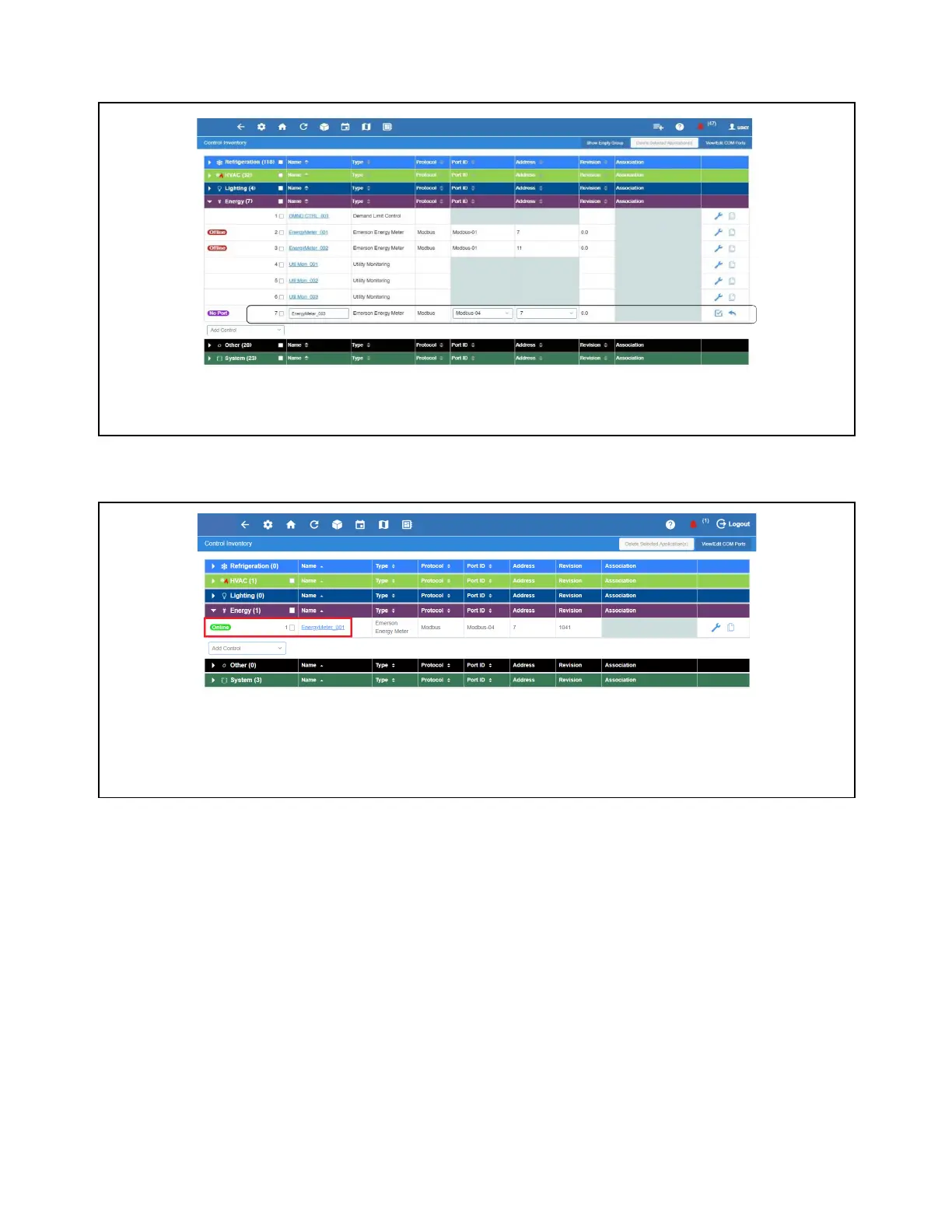
3. Enter the Name on the name field, select the Port ID and network Address of the device and then click the check icon to
commission. In this example, add one (1) Energy Meter application.
4. Verify if the device is already ONLINE.
Getting Started - Basic Setup for Utility Monitoring
Several power monitoring input types can be used:
• KW Analog
• Pulse KWH
• Energy device
Each has to be configured correctly for it to work. The following shows how to set up each type. Scroll down to the input type to
be used on the system.
Energy Meter Application
Energy Meter Application Details



 To Next Page