95
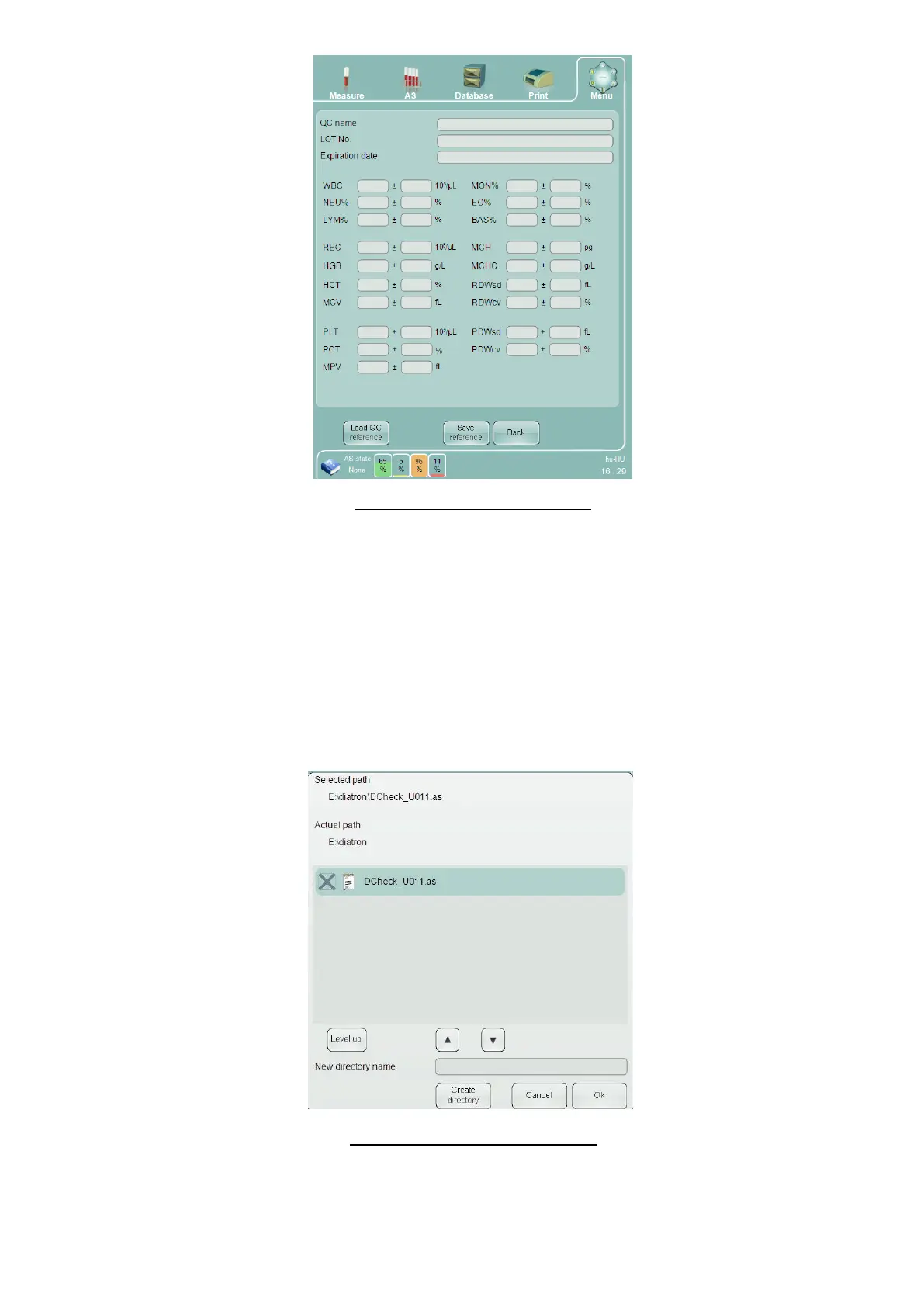
Figure 64. Set QC Reference Panel
The ‘QC name’ is the name that will be displayed for selecting the control to associate with a QC measurement.
Enter the identifying information, and the target values and tolerance ranges for any parameters that are to be
controlled with the ‘Abacus 5’ QC system. To exclude a parameter from the QC procedure, leave its target value
and tolerance range field empty. Press the ‘Save reference’ button after data entry is completed.
Tapping the ‘Load QC reference’ button will allow filling QC material data electronically – using a file provided by
the manufacturer of the analyzer. A dialog will open. Browse to the correct folder, and select the file by tapping
the checkbox in front of the filename.
The file contains information for all three levels of the control material (Low, Normal and High). All three levels
will be loaded into the system and will become selectable in the QC menu.
Figure 65. Load QC Reference Panel



 To Next Page