92
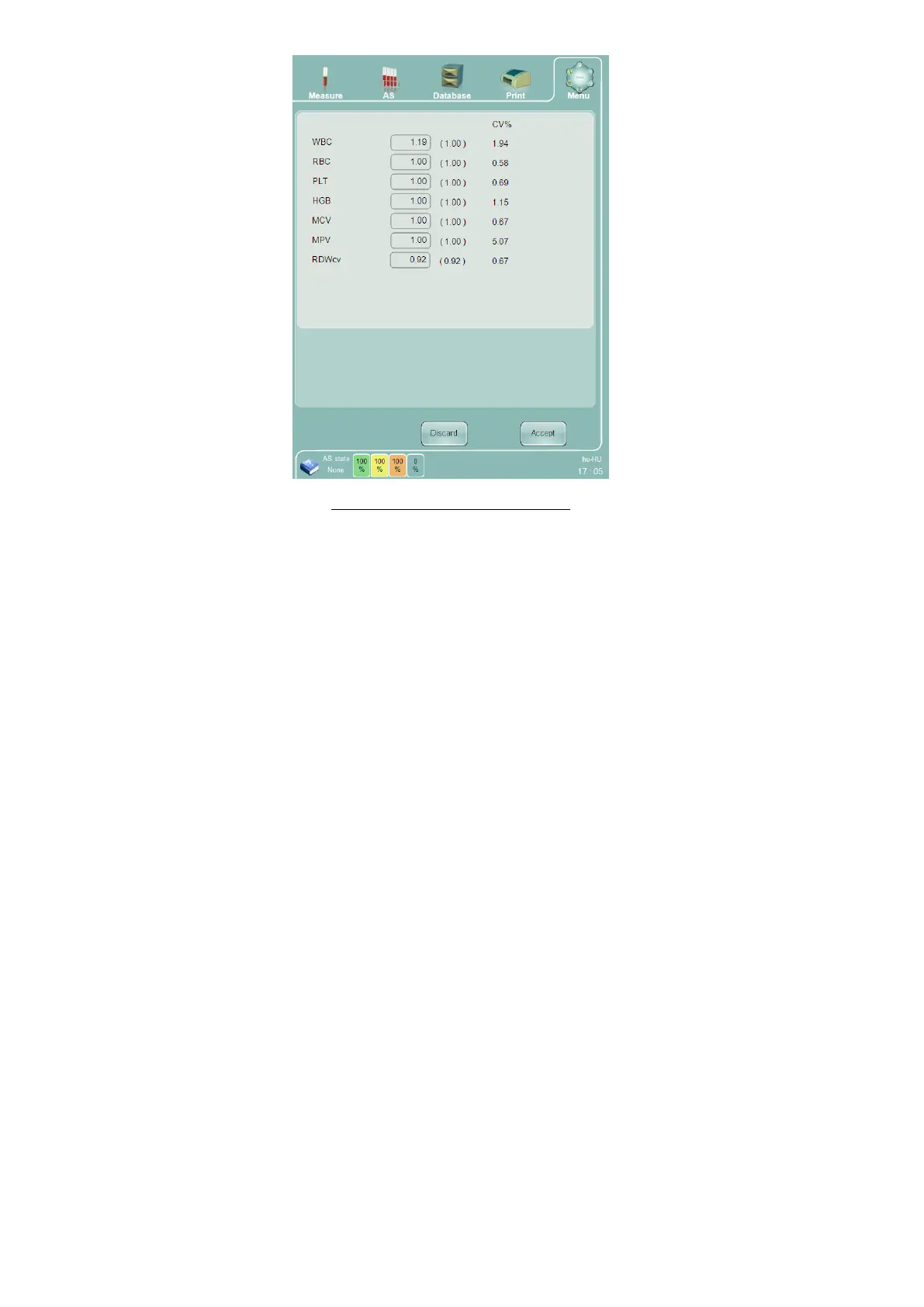
Figure 61. Calibration Factor Panel
The automatic calibration process can be skipped by selecting the ‘Manual’ calibration mode on the calibration
panel and clicking or tapping the ‘Next’ button proceeds directly to the calibration factor panel for manual entry
of calibration values. Manually entered calibration values can be accepted in the same way as calculated factors
from calibrator sample runs, and are treated by the ‘Abacus 5’ in the same way.
11.1.1 View Calibrations
The view calibrations feature is helpful for reviewing the calibration history for the analyzer. Increasing or
decreasing calibration value trends over time may indicate a problem that requires service intervention.
To view the calibration history click or tap the ‘View calibration’ function on the calibration panel. The calibration
history is presented in a table view that can be navigated in the same way as the database panel.
Any calibration can be deleted. Deleting the last calibration causes the ‘Abacus 5’ analyzer to revert to the last
accepted calibration.



 To Next Page