103
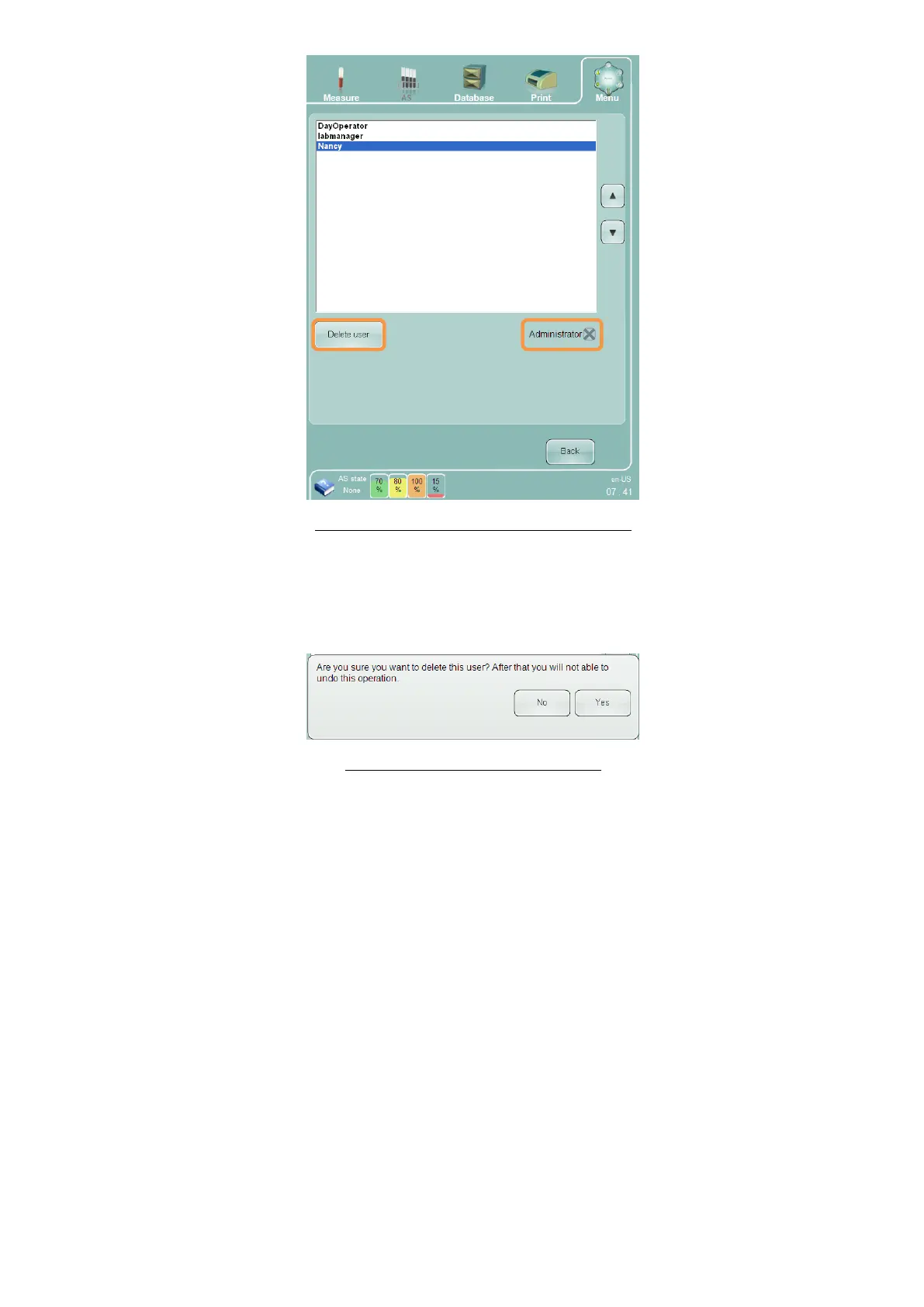
Figure 73. Settings Panel (Administrator User)
You can also change the access privileges of a user. Unchecking the ‘Administrator’ check box when an
administrator user is selected will change the user to a regular user. Similarly, checking the ‘Administrator’ check
box when a regular user is selected will change the user to an administrator user. Either way, you are asked to
confirm the change. Click or tap ‘Yes’ button to confirm or ‘No’ to cancel the change.
Figure 74. Confirm User Delete Panel



 To Next Page