108
15.5 Units
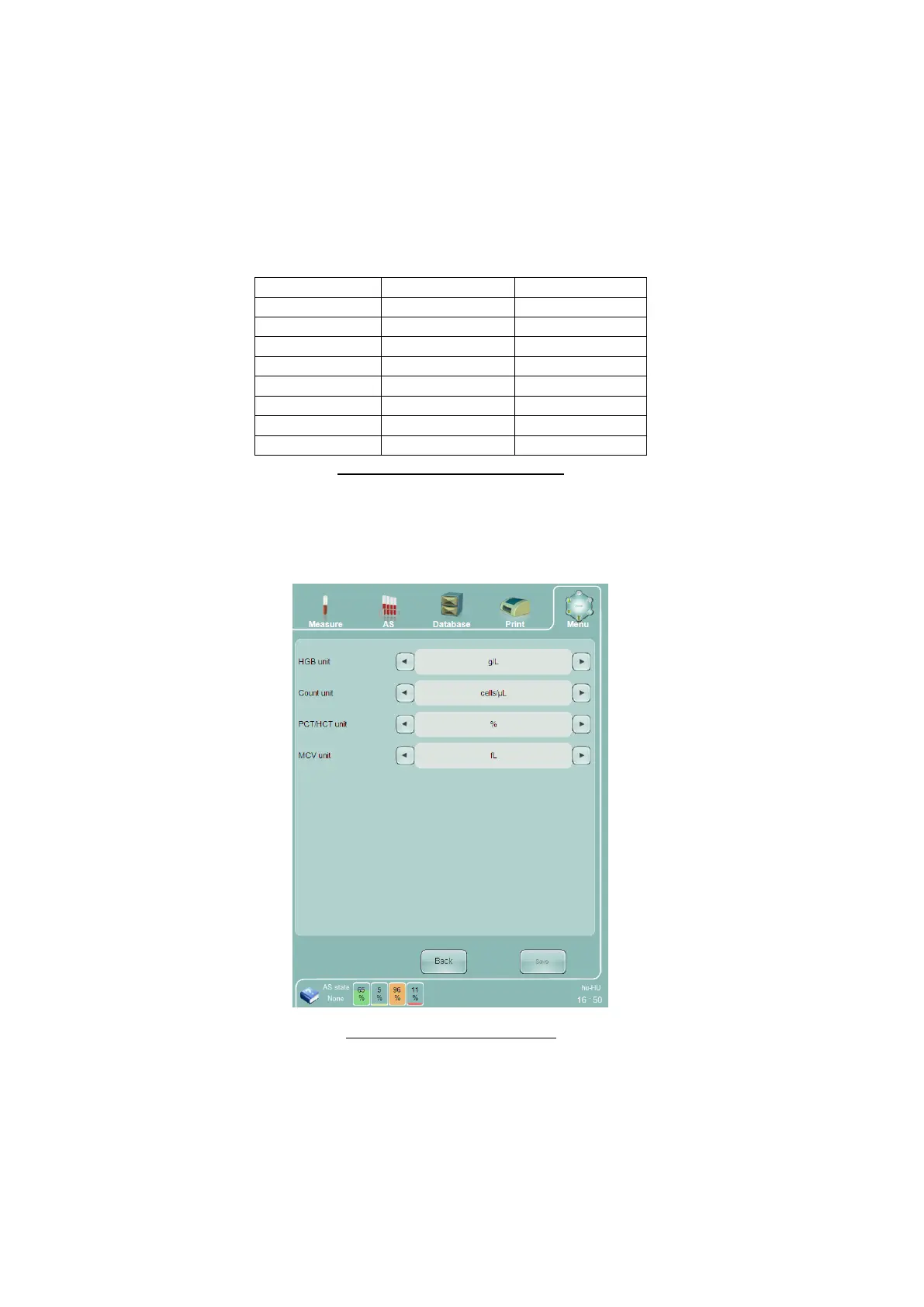
The Units panel allows the user to choose which units are displayed for certain parameters.
The following options are available on the Units panel:
HGB unit – choose g/dL or g/L to change the displayed units for the HGB and MCHC parameters.
Count unit – Choose cells/µL or cells/L to change the displayed units for the parameters in the table
below.
Table 18. Count Unit Parameters
PCT/HCT unit – Choose Abs/Percentage/ to change the displayed units for PCT/HCT.
MCV unit – Choose fL/μm
3
to change the displayed units for MCV
Figure 79. Units Settings Panel
15.6 Printer Settings
The Printer Settings panel lets you choose which installed printer to use, view the status of the printer, and
change the print behavior of the analyzer during operation.
The following options are available on the Printer Settings panel:
Printer – select an installed printer to use.



 To Next Page