90
11 Calibration
The ‘Abacus 5’ analyzer must be calibrated in order to provide correct, reliable results. Calibration should be done
at the following times:
At initial installation
After replacing any component critical to the dilution or measurement process
Any time quality control shows a systematic error or is outside predefined limits
At periodic time intervals determined by laboratory regulations
The ‘Abacus 5’ analyzer calibration process consists of running a commercial calibrator material or a human
whole blood sample with known parameter values multiple times. The known parameter values and the average
values of multiple runs are used to calculate calibration factors. The new calibration factors take effect once they
are accepted by the operator.
If you are using a human whole blood as a calibrator, the calibration target values must be measured on a
reference analyzer according to applicable regulations, standards, or laboratory procedures.
An automated calibration procedure is provided that guides the operator through the calibration process and
performs the calibration factor calculation. Calibration factors can also be modified directly without running a
calibration procedure. Only the parameters that are traceable to reference methods are calibrated: WBC, RBC,
PLT, HGB, MCV, and MPV.
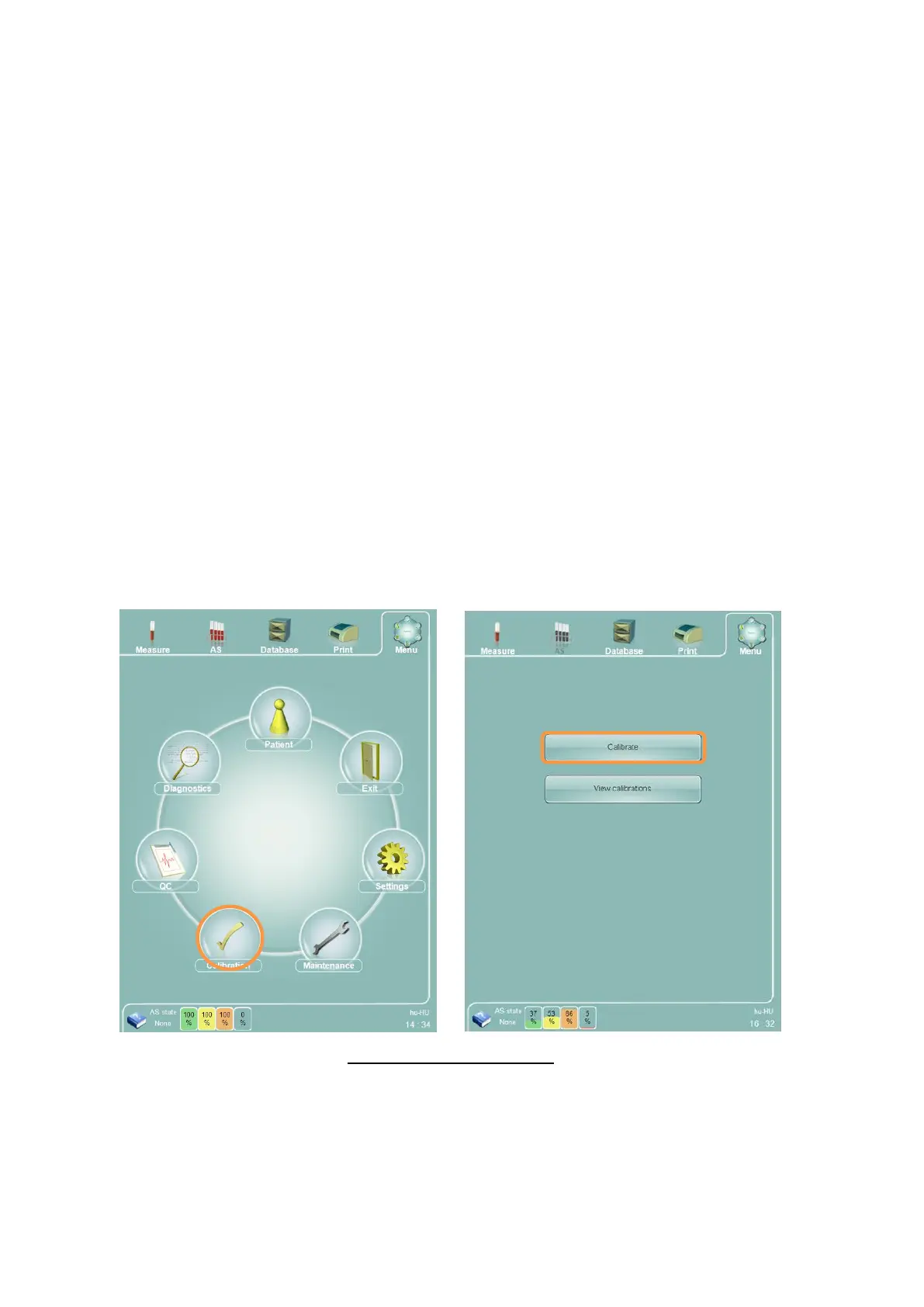
To view the calibration functions of the ‘Abacus 5’ analyzer, select the ‘Calibration’ icon on the main menu to
display the calibration panel. The Calibration panel displays an option to calibrate the ‘Abacus 5’ analyzer or to
view prior calibrations.
Figure 59. Calibration Options
11.1 Calibrating the ‘Abacus 5’
Selecting the ‘Calibrate’ option on the calibration options panel displays the calibration panel.



 To Next Page