39
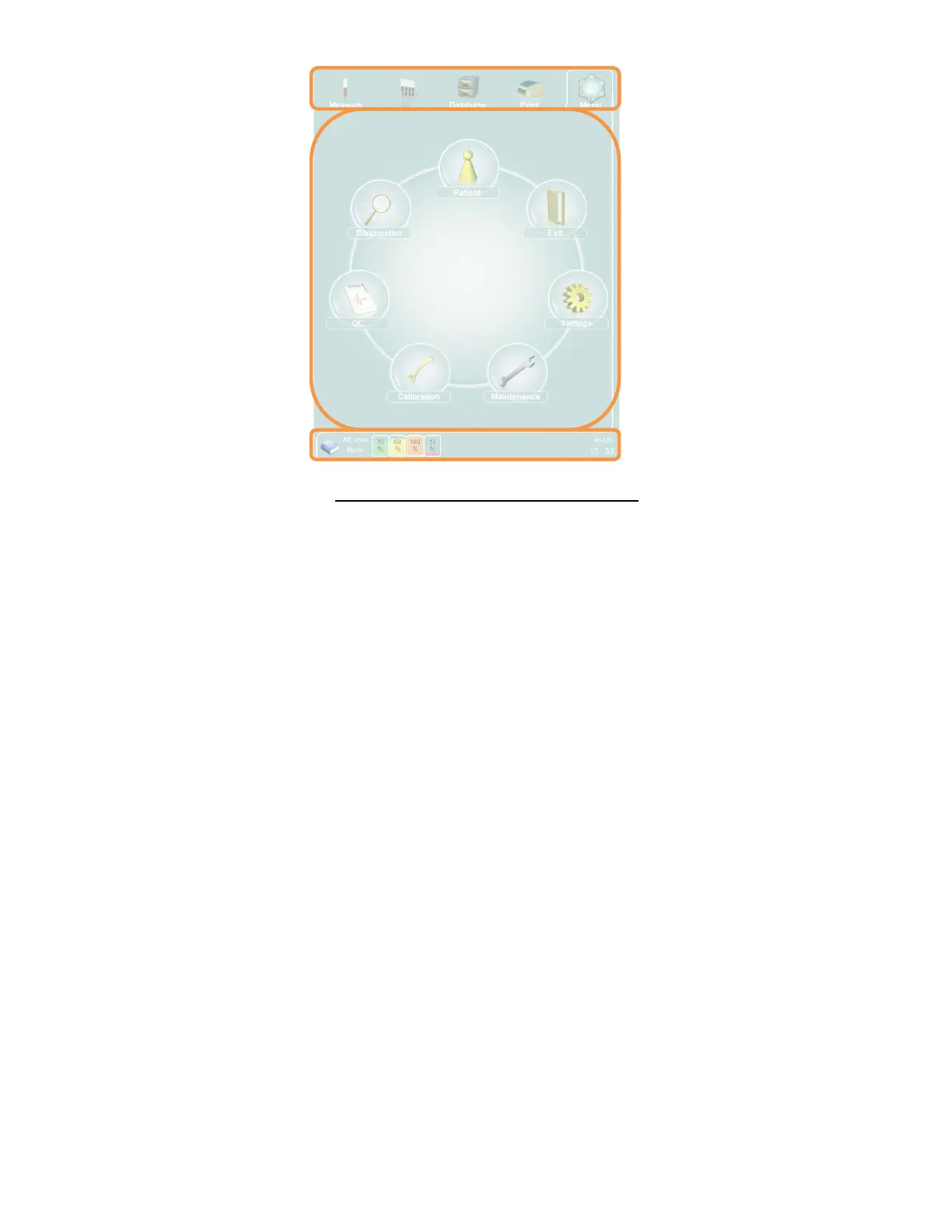
Figure 19. Graphical User Interface Sections
6.6.1 Quick Links
The upper part of the GUI is always visible during all operations and presents several quick link buttons. Selecting one
of the quick link buttons determines what is displayed in the interactive display area. The selected button is framed
on three sides for clear visual feedback. The quick link for Autosampler functions is enabled only if the optional
Autosampler is connected.
6.6.2 The Interactive Display Area
The middle section is used to display the main menu, functions, information, results, and all the panels that contain
information about the active mode.
6.6.3 The Status Display
The bottom section is called the Status display, and presents the user with the following:
The Help icon
Status of the Autosampler unit
The state of the reagent and waste containers
Error/ warning icons
Printer status
Status of the pneumatic system (standby, manual measure, rinse, clean)
Progress of the active operation
Time
Input language
Clicking or tapping on an error or warning icon navigates directly to the relevant menu where the problem can be
addressed, or provides the user with information on how to resolve the problem.



 To Next Page