62
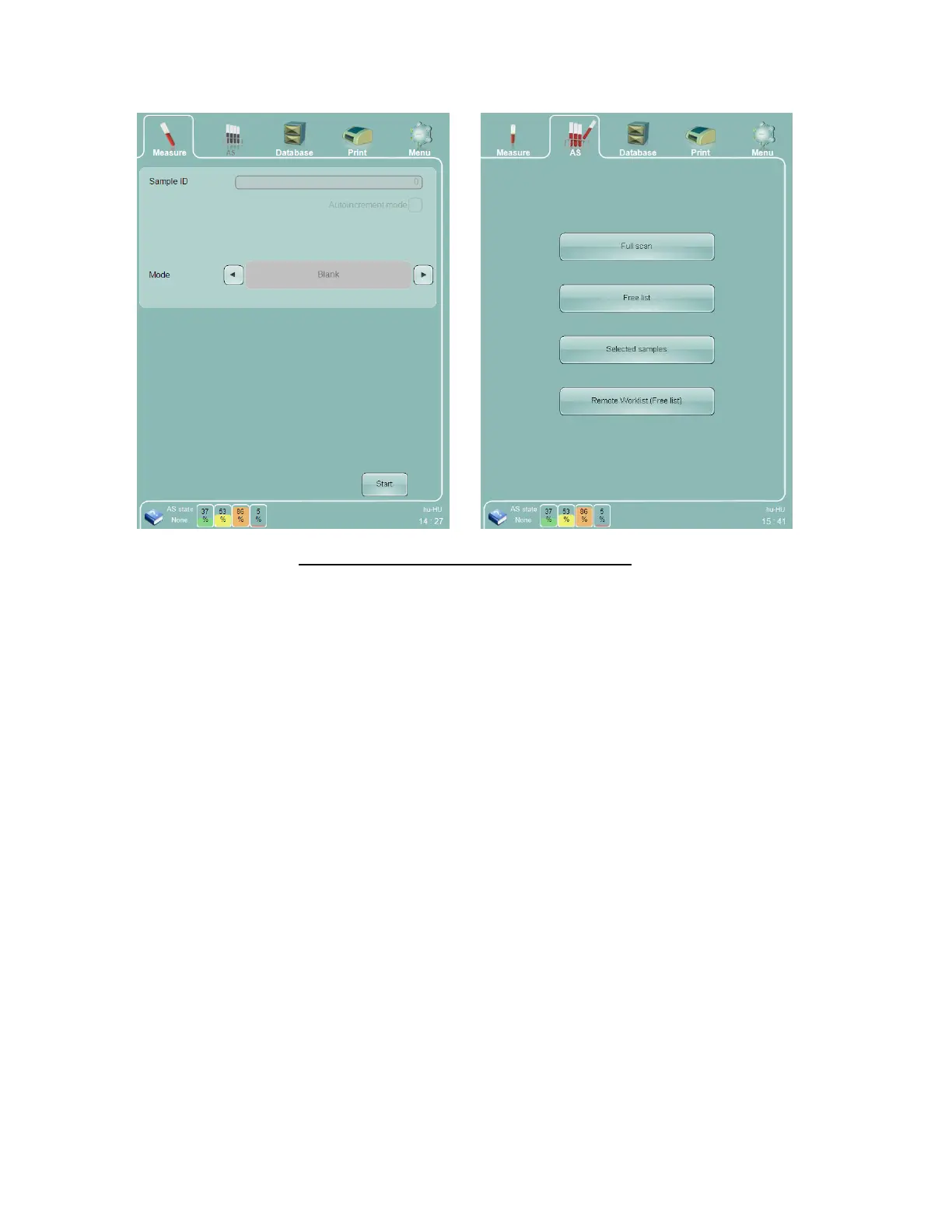
In Full Scan mode it is possible to add more samples to the batch after starting the automated measurement. As
usual, an accepted blank is necessary before starting automatic sample processing.
Figure 34. Full Scan Automatic Processing Mode
On the Full Scan mode panel you can:
Return to the AS panel to select a different type of automated measurement by using the ‘Back’ function.
Select a common measure mode for all samples in the tray.
Swap between the tray and list views by using the ‘View list’ and ‘View tray’ functions.
Start the automated measurement by clicking or tapping on the ‘Start’ button on the GUI.



 To Next Page