111
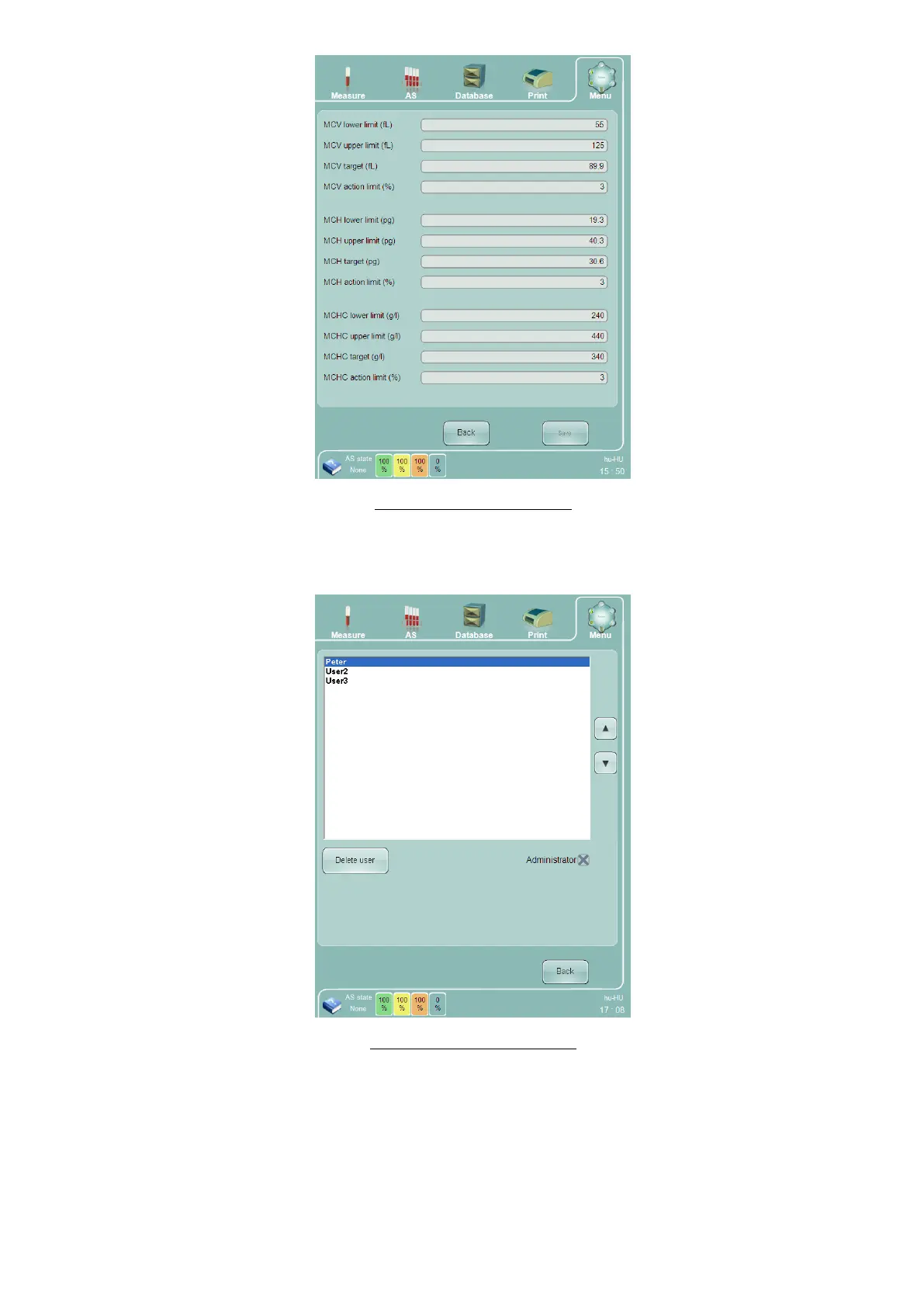
Figure 82. X-B Settings Panel
15.9 User Settings
The User Settings panel allows administrators to delete users, or assign administrator rights.
Figure 83. User Settings Panel
See section 1 for more details on creating, deleting and modifying users.
15.10 Date and Time Adjustment
Double-click or tap the time display on the bottom right side of the screen to display a time/date settings panel.
Change the time and date if needed, then click or tap the ‘OK’ button to save the new settings. Click or tap
‘Cancel’ to exit the Time/Date settings without saving.



 To Next Page