76
9.3.2 Warnings
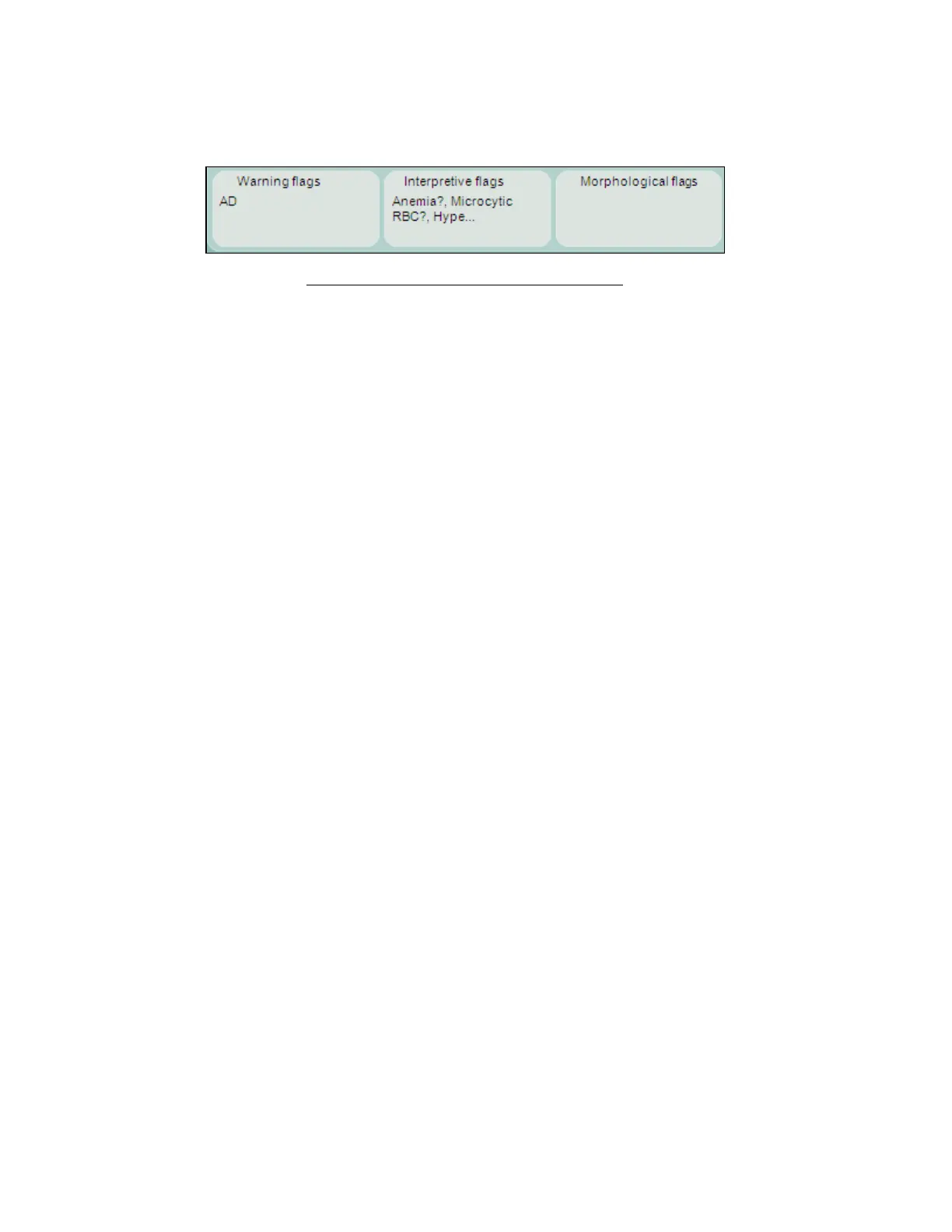
The warnings area of the result screen shows flags and messages related to the evaluation of the sample. Clicking or
tapping on the individual sections of the results screen displays a detailed warnings panel. Click or tap OK to close the
detailed warnings panel.
Figure 51. Warnings Section of Results Screen
The ‘Abacus 5’ analyzer provides Warning flags, Morphological flags, and Interpretive messages in the Warnings
panel. The following tables describe these flags and messages in detail. It also provides guidance on actions the
operator can take to correct the problem described by the flag.



 To Next Page