49
If the ‘Abacus 5’ was not in use for an extended period of time, the start up of the pneumatic system components can
take significantly longer and require more blank measurements. To prevent these problems, use the ‘prepare for
shipment’ process when the ‘Abacus 5’ analyzer will be inactive for an extended time.
7.3 Exiting the ‘Abacus 5’ Analyzer
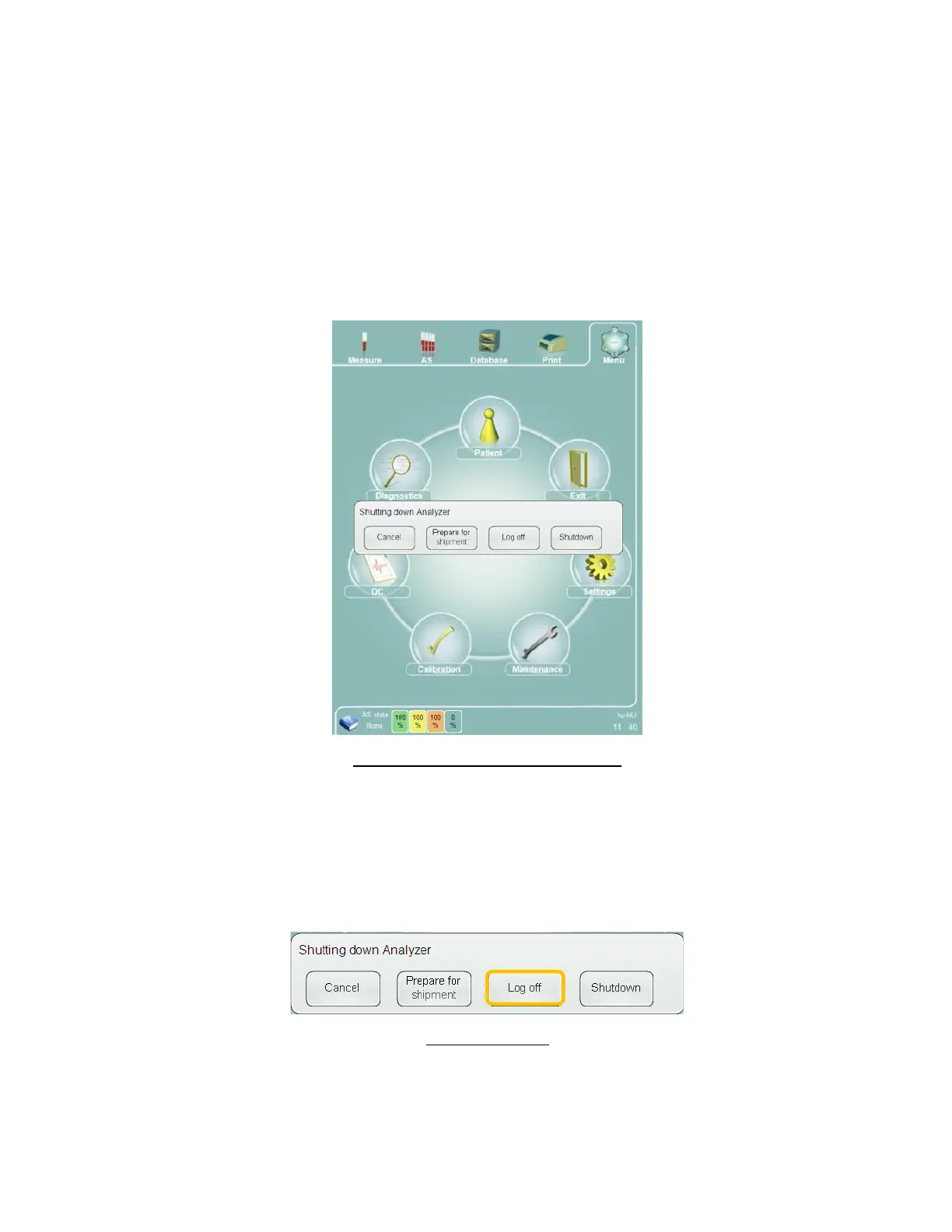
After you have completed lab operations and you are ready to exit the ‘Abacus 5’ analyzer, you can:
Log off
Shut down the ‘Abacus 5’
Power off the ‘Abacus 5’
Prepare the Abacus 5’ for shipment
Figure 23. Abacus 5 Shutdown Options
Click or tap the Exit icon on the main menu to access various exit options. Click or tap the ‘Cancel’ button to return to
normal operation.
7.3.1 Log Off
Clicking or tapping the Exit icon on the main menu brings up the ‘Shutting down Analyzer’ panel. Select ‘Log off’ to
end the active user session.
Figure 24. Log Off
After the current user is logged off the logon panel is displayed.



 To Next Page